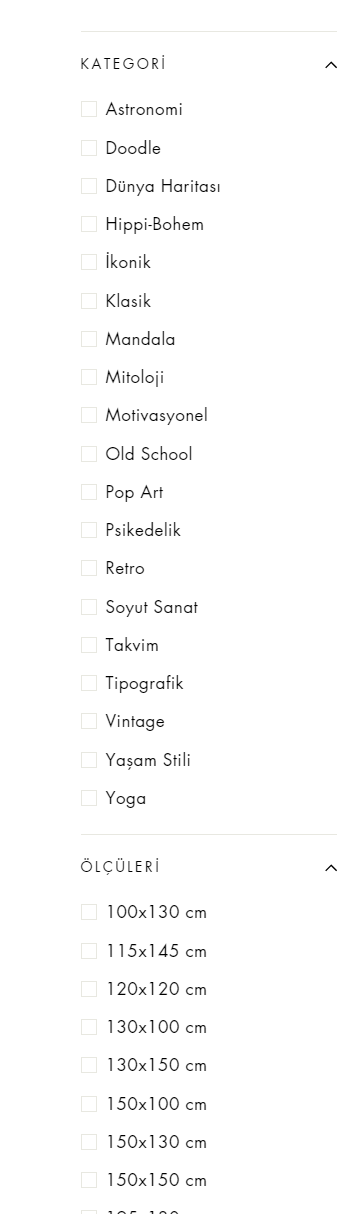
Hi guys, i am currently using debut theme and i can’t use filter as free in prestige theme. I just want add checkbox to filters on sidebar one. I want to buy after I solve this situation. Can someone help me about it?
1 Like
@KetanKumar I need your help please..
Sorry you are facing this issue, it would be my pleasure to help you.
Welcome to the Shopify community! 
Thanks for your good question.
Please share your site URL,
I will check out the issue and provide you a solution here.
@KetanKumar Hi Ketan, my website is : artronauts.co.uk but i am currently using debut as i said. If you help me to solve this situation i am going to buy prestige theme. All i need is add checkbox and category to filter side.

can you please provide your prestige theme store url
@KetanKumar
Sir, I can only preview my theme so i can not send you an url but i can give the info what you need for fixing it.
As you see in the pic there is no checkboxes of sidebar filter. If you can help me about it i am going to buy this theme.

oh i see can you please prestige theme your store preview URL so i will check and guide without checking code how can i guide you
@KetanKumar
https://artronauts.myshopify.com/admin/themes/121005211809/editor?previewPath=%2Fcollections%2Fglass-print-wall-art
is it ok now?
not it admin url i need store preview or add me staff so i will check and let you know
Sir how can I add you as staff or where can i find the store preview link?
Hello @artronauts
You can try some apps to manage the filters based on tags, collection, size option by yourself. This app supports and smoothly matches the Prestige theme layout.
Hi, @Nancy_Drake
thank you so much for your interest but the thing is I don’t want to pay for any app.
Push! Did you find a solution in the meantime? Facing the same problem…
1 Like
yes, please share store url
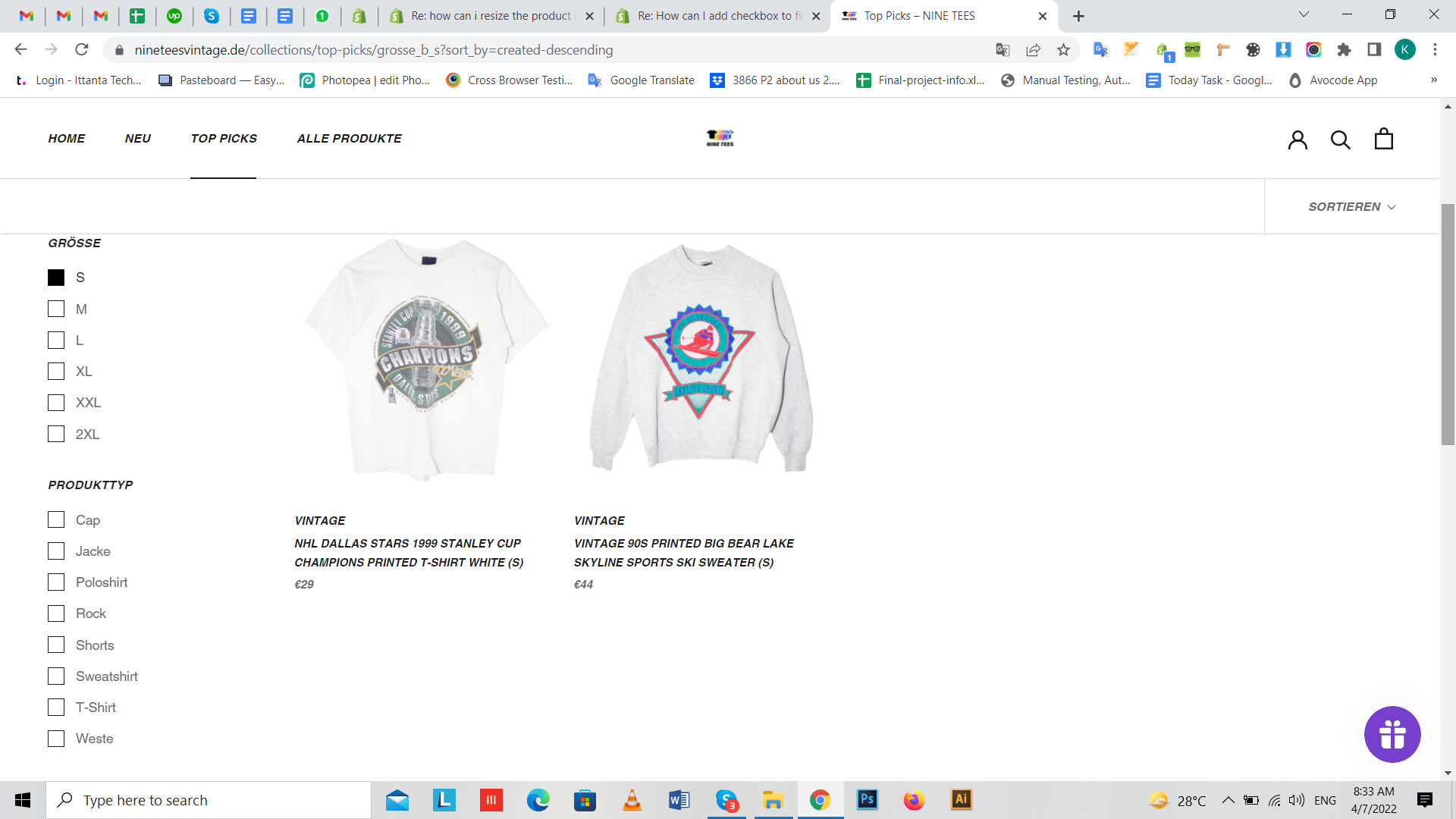
1 Like
Yes! Can you also check multiple filters? Like size S + every product type?
1 Like
yes, it work as well your theme its proper UI/UX so i will do this
1 Like