Hello everyone,
Does anyone know how to add text columns with images to DAWN theme?
I was using it in DEBUT however with the new 2.0 I am moving to DAWN now.
Thanks
Reggie
Hello everyone,
Does anyone know how to add text columns with images to DAWN theme?
I was using it in DEBUT however with the new 2.0 I am moving to DAWN now.
Thanks
Reggie
Hi @ReggieBaby ,
Layoutbase here, we’d like to suggest the following edits:
NOTE:
Best regard,
Layoutbase - Easy drag & drop page-builder
Hi @ReggieBaby ,
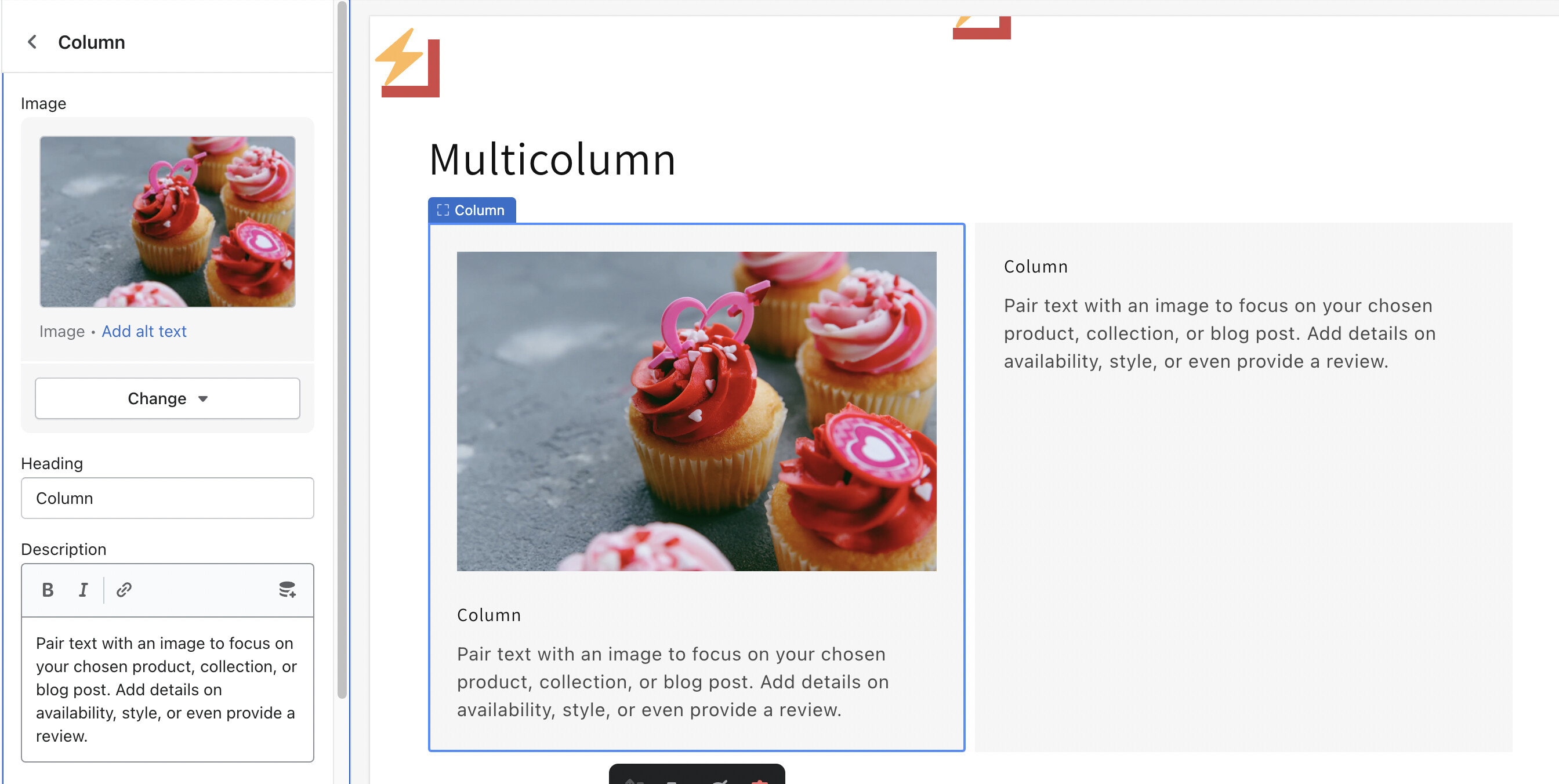
You can use Multicolumn section for it. Please follow the steps below:
Hope it helps!
Hey Litos,
This does help however columns aren’t lining up next to each other like yours, mine are lining up underneath each other.
what setting would fix that?
Reggie
Hey Layoutbase,
Thank you very much for the reply.
Reggie
Hi @ReggieBaby ,
I saw you liked my answer. If it helped you solve your issue, please mark it as a solution. Thank you and good luck.