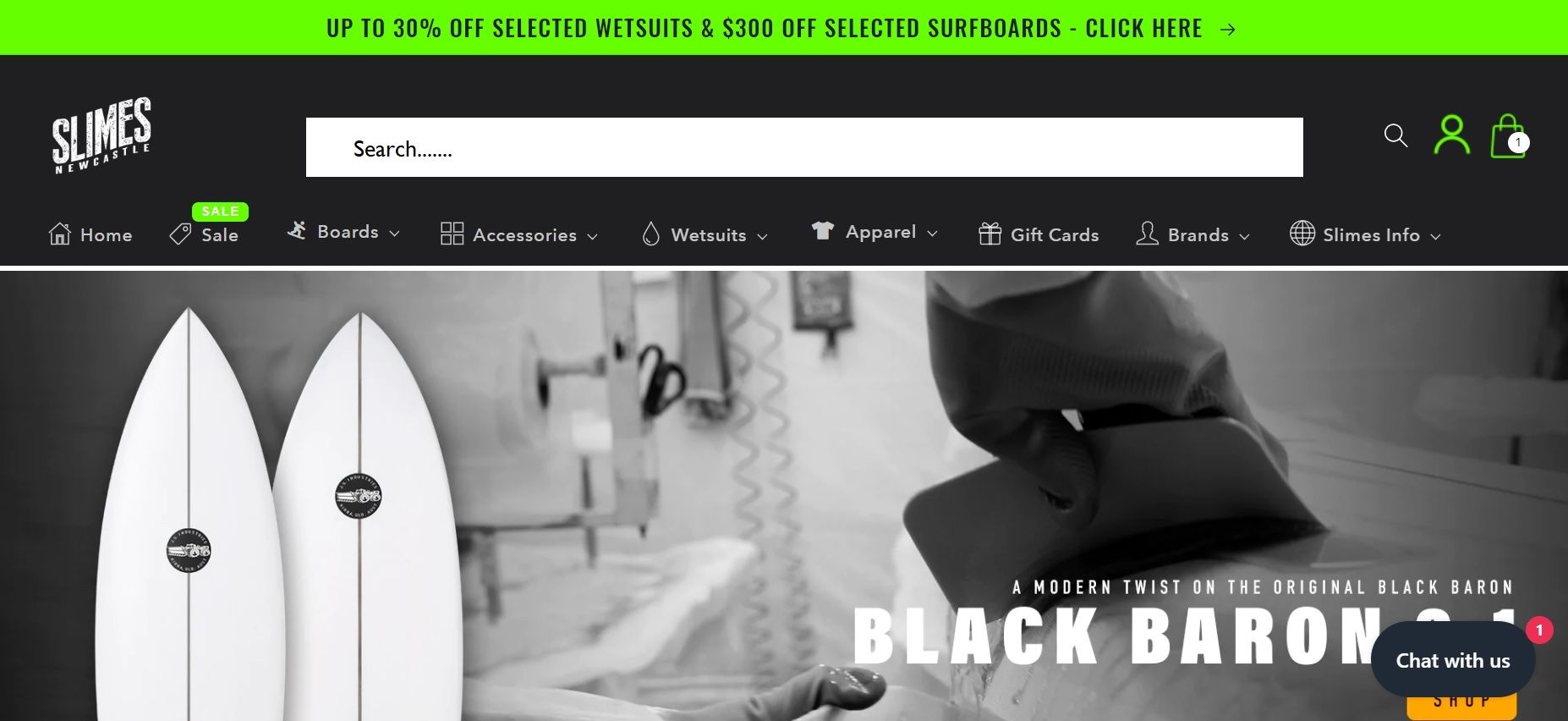
How do I change my home page search icon to a big search bar at the top? Roughly as attached
Website is https://www.slimesnewcastle.com.au/ using the Ride Theme
How do I change my home page search icon to a big search bar at the top? Roughly as attached
Website is https://www.slimesnewcastle.com.au/ using the Ride Theme
Hi @Tim1305
You can try follow this path:
Themes => edit code => asset => base.css
and add this code to bottom of the file base.css
.modal__toggle-open.icon.icon-search svg{
  width: 30px;
  height: 30px;
  color: orange;
}
That just changed the existing search icon orange but didn’t add a search bar
Thanks, Tim
Hi @Tim1305
It seems, you added custom search for your theme, I think it is not original search of your theme.
In this case you need to change a lot of in your code to make the search function show as you want.