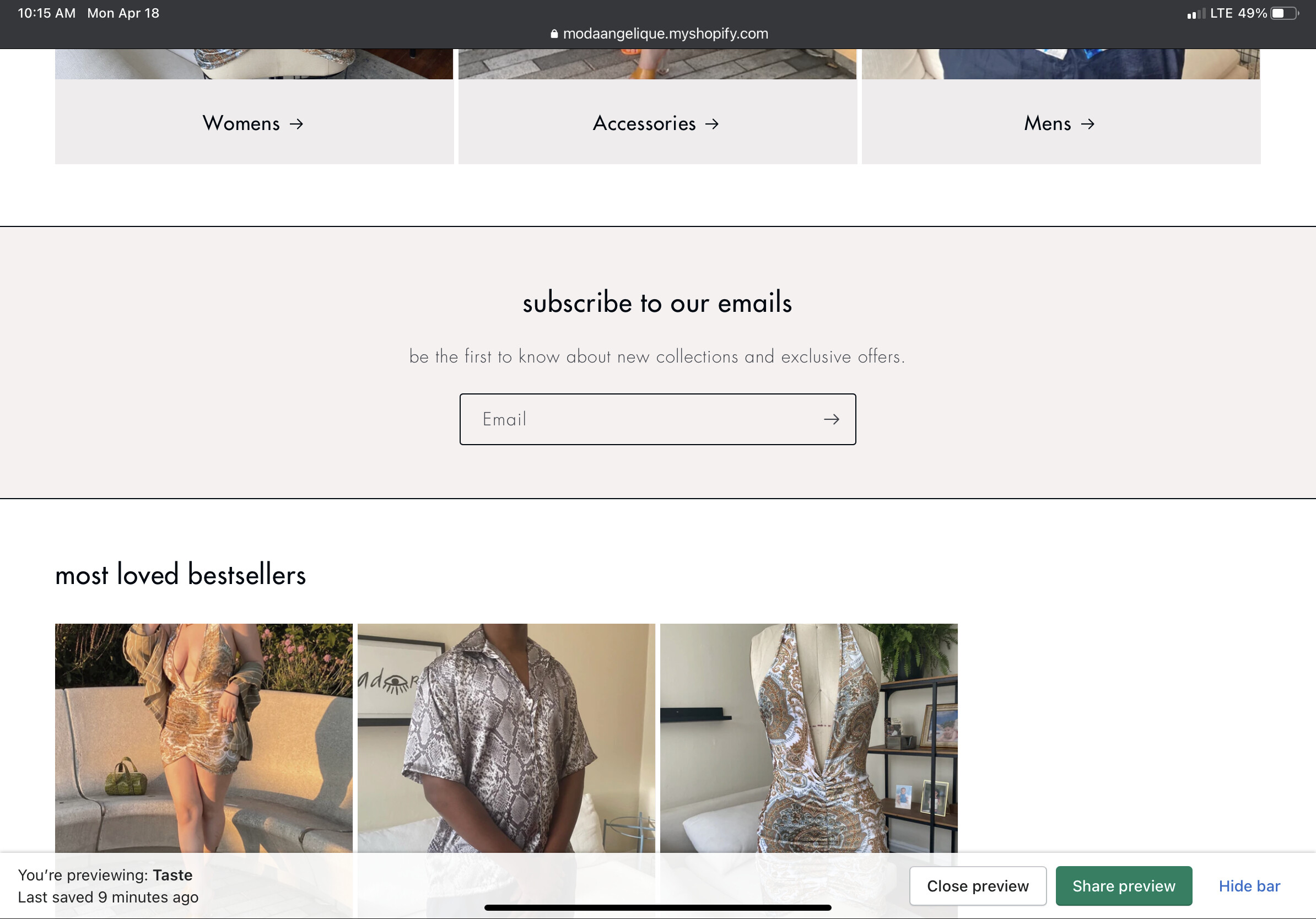
How can I center the titles of sections or blocks on my website?

Topic summary

A user seeks help centering section titles (bestsellers, collections, blog) across their Shopify website. Screenshots show the current left-aligned layout.

Proposed Solution:

  • Navigate to Online Store → Theme → Edit code
  • Open Asset → base.css
  • Add CSS code at the bottom of the file to apply justify-content: center to product grid and title wrapper elements

Status:
Another participant confirms this CSS approach works specifically for the “Craft” theme. The discussion appears resolved with a working code snippet, though implementation success may vary by theme.

Summarized with AI on November 21. AI used: claude-sonnet-4-5-20250929.

I am trying to center these titles of all the blocks on my website. The bestsellers, the collections and the blog title.

ModaAngelique.myshopify.com

lowrtu

screenshot below

1 Like

@jhaddock

oh sorry for that issue can you try this code

  1. Go to Online Store->Theme->Edit code
  2. Asset->/base.css->paste below code at the bottom of the file.
.title-wrapper-with-link, .product-grid {justify-content: center;}
1 Like

After trying everything on every thread, I can confirm this works for the “Craft” theme!