How can I change my product photo layout to horizontal in Prestige Theme?

Topic summary

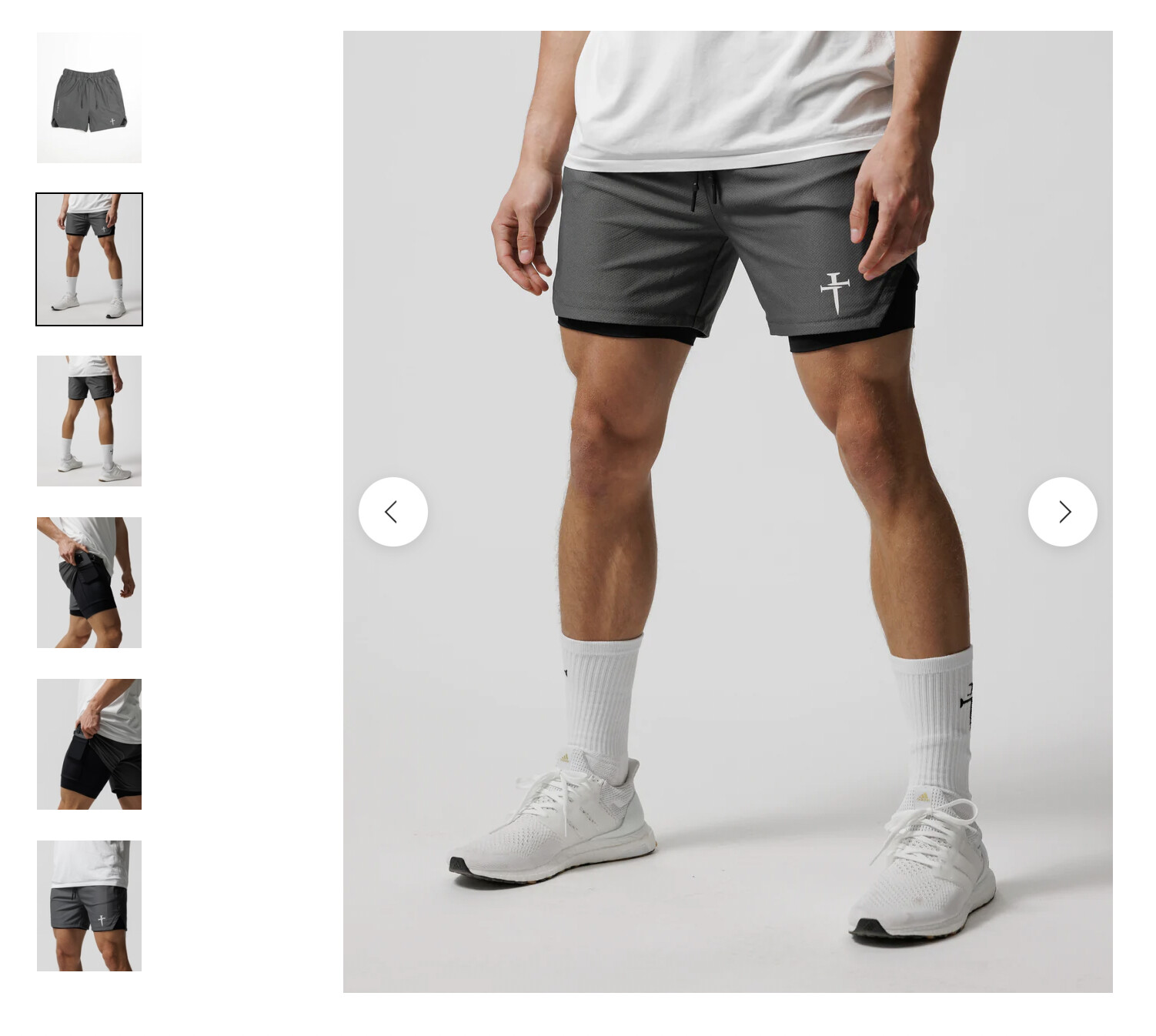
Goal: Change product image gallery on the product page from a vertical stack to a horizontal layout (as shown in the provided screenshots). Images are central to understanding the desired layout.

Latest updates:

  • A responder asked which theme is being used and suggested checking the theme’s settings for a “media layout” or similar option to switch orientation.
  • If the theme lacks a built-in setting, a code customization would be required. The responder offered developer assistance if needed.

Key points:

  • Verify whether the theme provides a configurable media/gallery layout option for horizontal display.
  • If not available, implement custom code to achieve a horizontal gallery.

Status: Unresolved/ongoing. Next steps are for the original poster to confirm the theme and check theme settings; otherwise consider custom development to modify the product media layout.

Summarized with AI on January 5. AI used: gpt-5.

Hello, I would like the product photos to look like the second screenshot attached below, thanks! It is horizontal, while my shop is vertical.

Here is a screenshot of my product photos, it goes vertical.

Here is the screenshot of what i want my shop to look like, this is horizontal:

1 Like

Please let me know!

Hello @jonathanboparai

Can you please specify which theme are you using?

did you check your theme settings ? They must be providing settings to switch media layout for product.

If they are not offering then the code needs to be setup for the desired layout. You can seek a developer help at a reasonable rate to help you with your query.

Let me know if you need any help.

Thanks