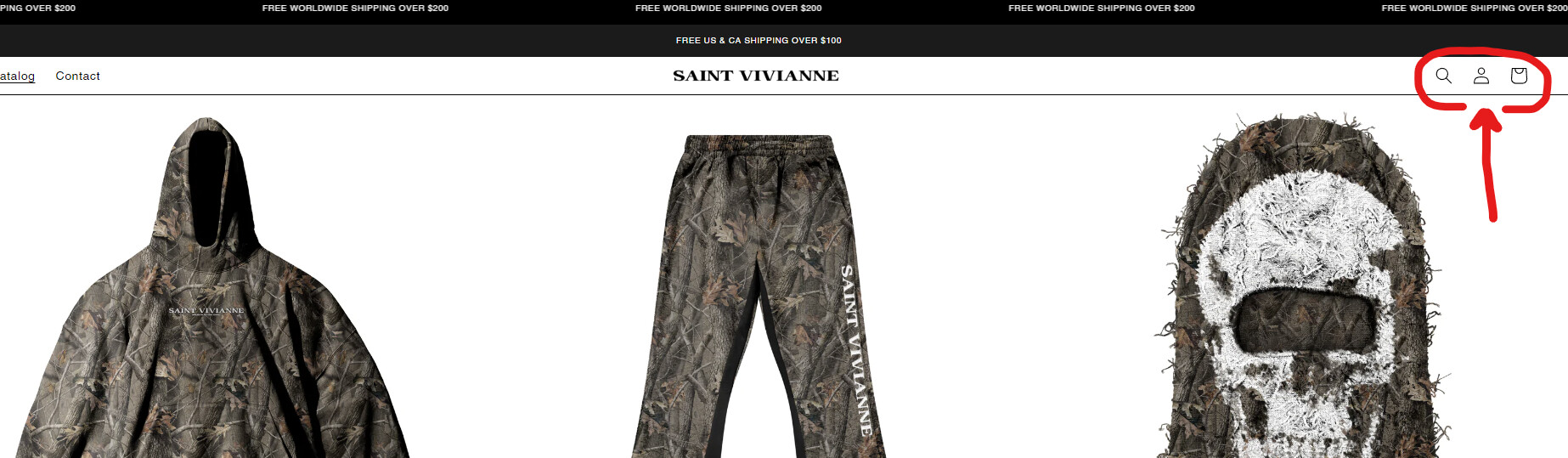
Looking to change these icons to text but I’m not sure how to!
Going for a more luxury and sleek design and I’m using the theme Dawn but I’ve customized a lot of it but this is the only thing I’m struggling at figuring out.
The website is https://saintvivianne.com
and the password is: muffau
Also, ignore the password screen! It’s a theme transfer from my other store & I haven’t changed it yet!
Hi @worshipped
You’ll need to find the code for each icon in the header.liquid file and replace them with your text. Here’s a code example for the cart to get you started:
Find and replace this code:
        {%- liquid
          if cart == empty
            render 'icon-cart-empty'
          else
            render 'icon-cart'
          endif
        -%}
        {{ 'templates.cart.cart' | t }}
        {%- if cart != empty -%}


            {%- if cart.item_count < 100 -%}
              {{ cart.item_count }}
            {%- endif -%}
            {{ 'sections.header.cart_count' | t: count: cart.item_count }}


        {%- endif -%}
With this code:
Cart ({{ cart.item_count }}
I’d also suggest making a copy of your theme first before you make any code changes, as well as just commenting out code versus deleting things all together 
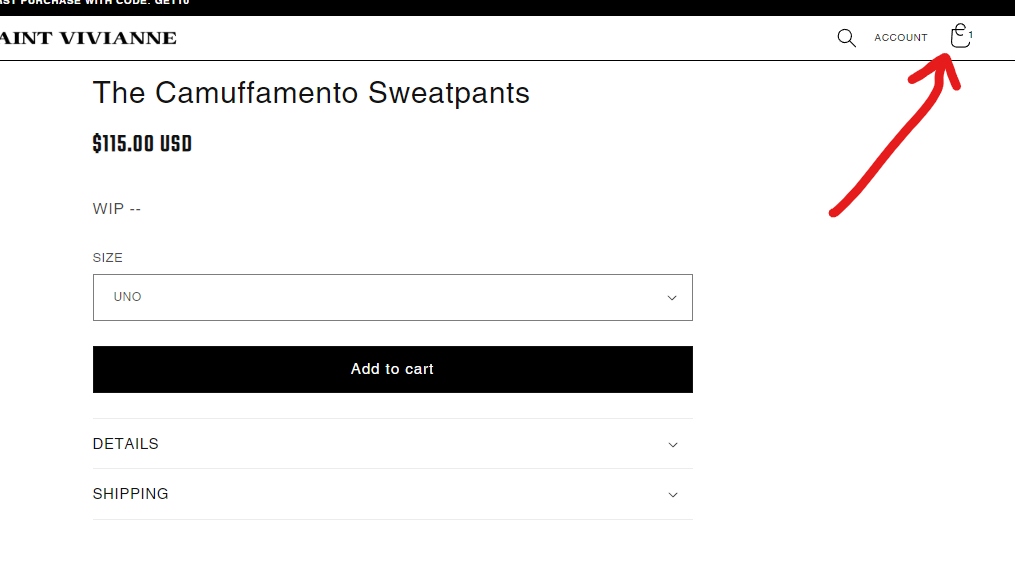
I’m now facing this issue. When I added a product in my cart, it looks like this now.
1 Like
Do you think you could help me figure out the search button as well?
I’d like to remove the icon but the code is extremely lengthy and I have zero clear what to change to make it just say “SEARCH” instead of the icon.
Same issue or problem here. Can someone assist?
Would like to have a solution like this.
Desktop version: Login, Search, Cart without Icon , even when putting some article into cart - still “CART” displayed
Mobile version: Keeping icons for Login, Search and Cart
Add this below code before in “theme.liquid”
May i ask you how did you change the Account icon to text?
Thanks.