Good day,
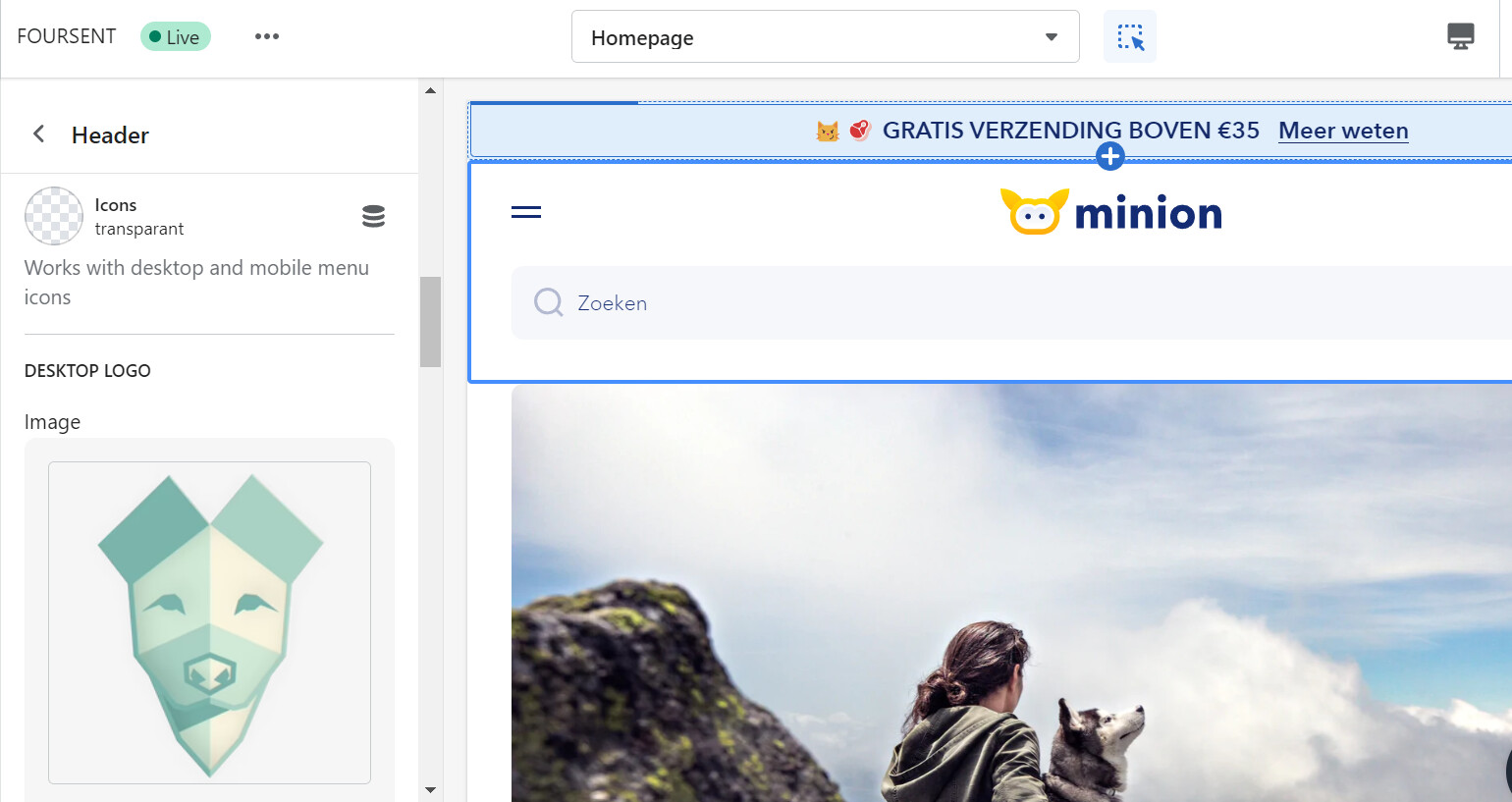
Recently I’ve purchased Minion theme. Apperently I’m not able to change the logo in the header. Could someone help me out with this? Thanks in advance.
Good day,
Recently I’ve purchased Minion theme. Apperently I’m not able to change the logo in the header. Could someone help me out with this? Thanks in advance.
Hi @Foursent
Thank you for your question.
Please share your store URL, page URL and also password (if your store has one) so we can help you.
Hello @Foursent
Please update the Minion theme to the latest version, and then try changing the logo again