Hello
I know this suppose to be easy and I’ve been trying many codes but no luck so far.
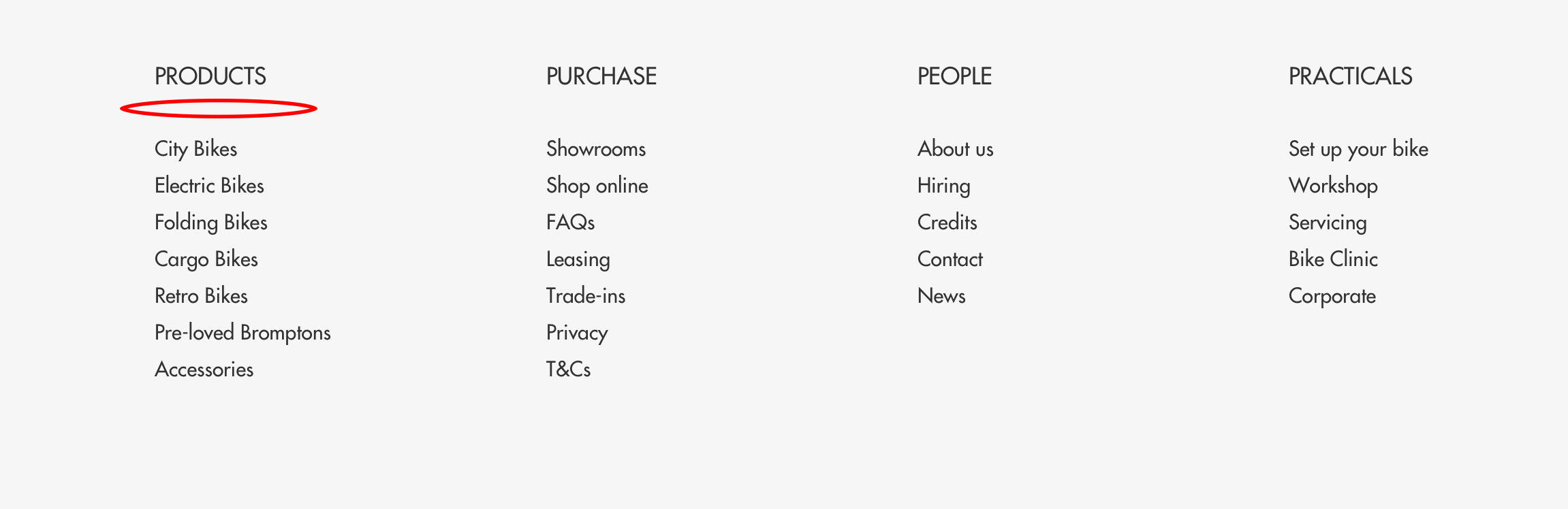
I would like to reduce the gap between the Header and menu items in footer.
My shop: https://barnes-bikes.myshopify.com
Password: rteoch
Thank you
Main issue: reducing excess spacing in the footer between the section header and its menu items.
Initial request included shop URL and a screenshot illustrating the gap; credentials were shared to view the store.
Solution provided: add a CSS rule in Shopify’s theme stylesheet (Online Store > Theme > Edit code > Assets > theme.scss.liquid). Rule targets .site-footer__item-inner.site-footer__item-inner–link_list .h4 and sets margin-bottom: 0px !important.
Outcome: original poster confirmed the change worked and the spacing was fixed.
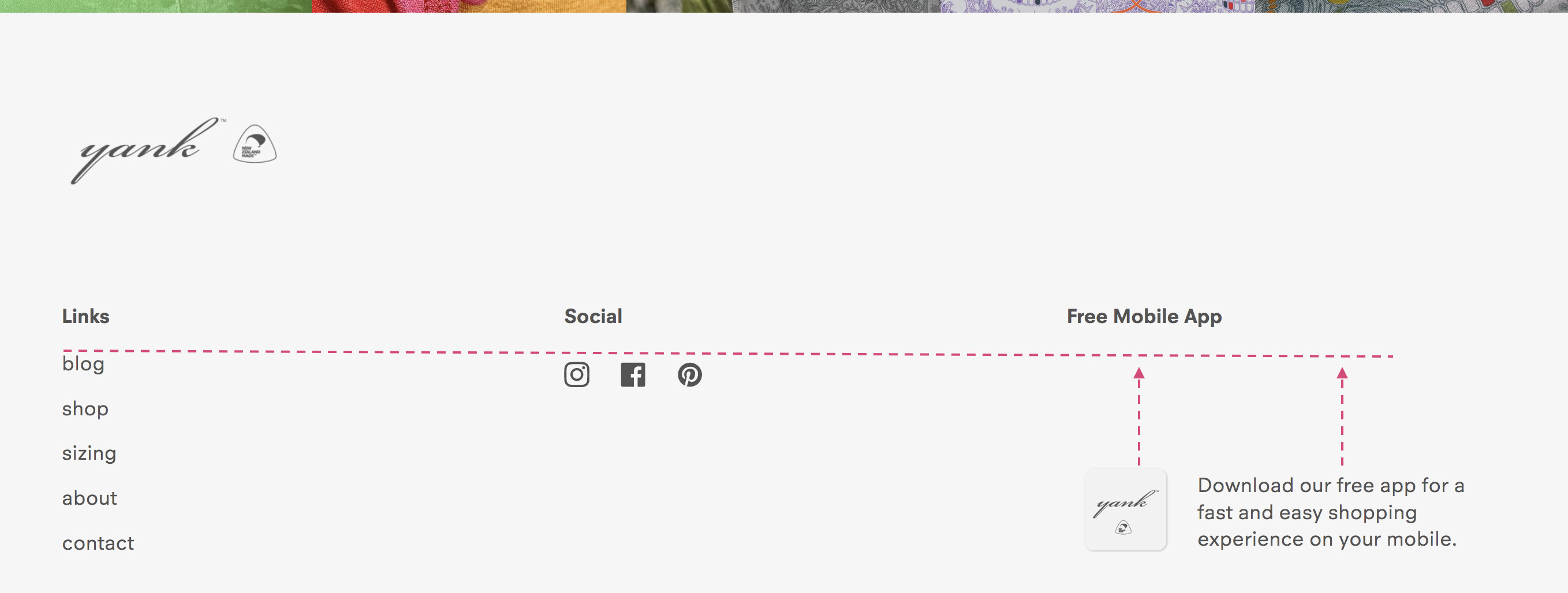
Follow-up: another participant using the Broadcast theme asked how to decrease padding below the Title of the “Page” block in the footer, unsure whether to modify footer settings or theme liquid. A screenshot was provided.
Status: the second query has no solution posted yet; discussion remains open.
Notes:
Hello
I know this suppose to be easy and I’ve been trying many codes but no luck so far.
I would like to reduce the gap between the Header and menu items in footer.
My shop: https://barnes-bikes.myshopify.com
Password: rteoch
Thank you
Hello Alex_Panek,
Add this css at the bottom of
Online Store->Theme->Edit code->Assets->theme.scss.liquid
.site-footer__item-inner.site-footer__item-inner--link_list .h4 {
margin-bottom: 0px!important;
}
Thank you so much.
It’s perfect now.