Hi Everyone,
Does anybody know how to build a code to hide the sold out variants on dawn theme?
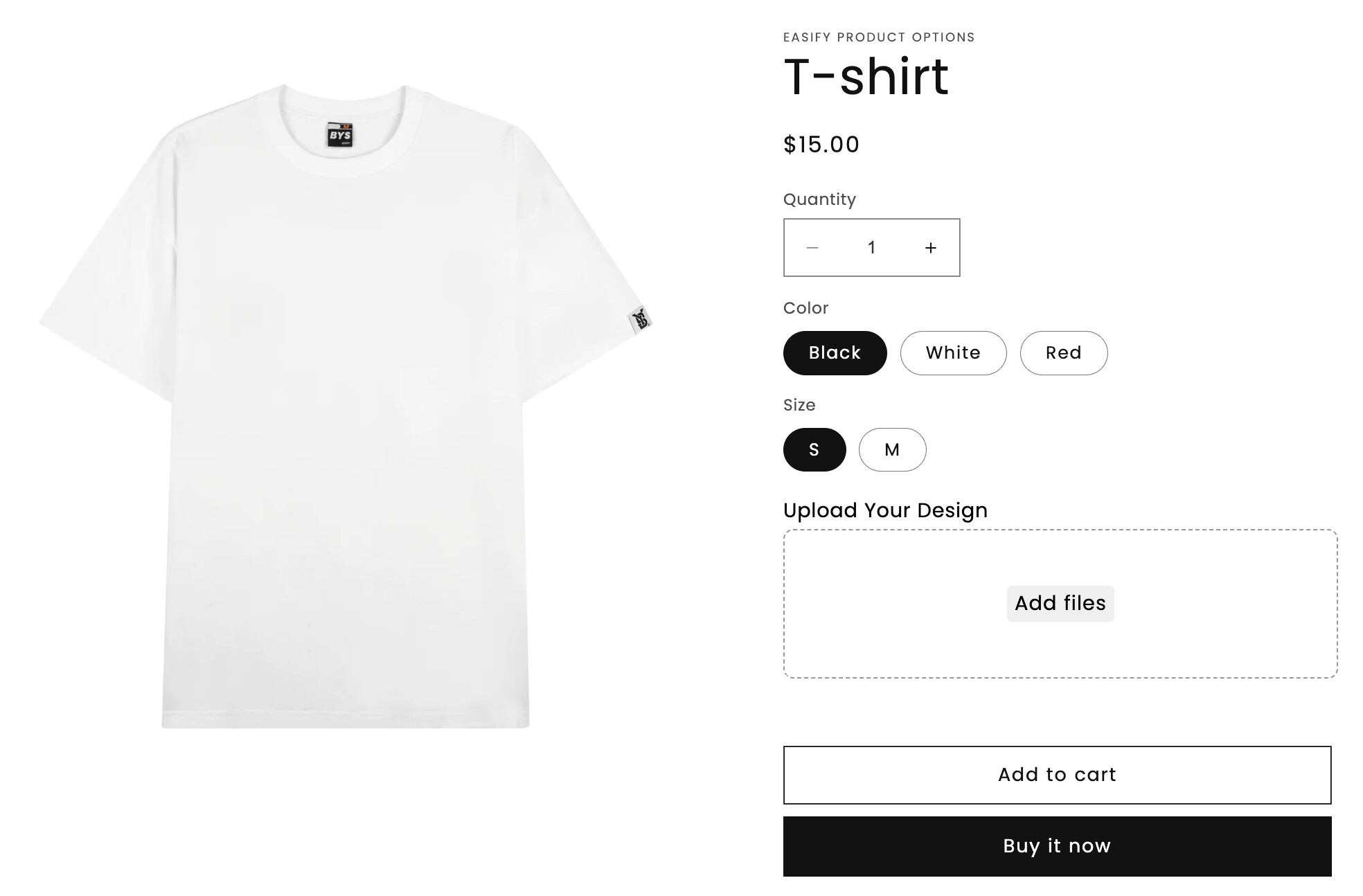
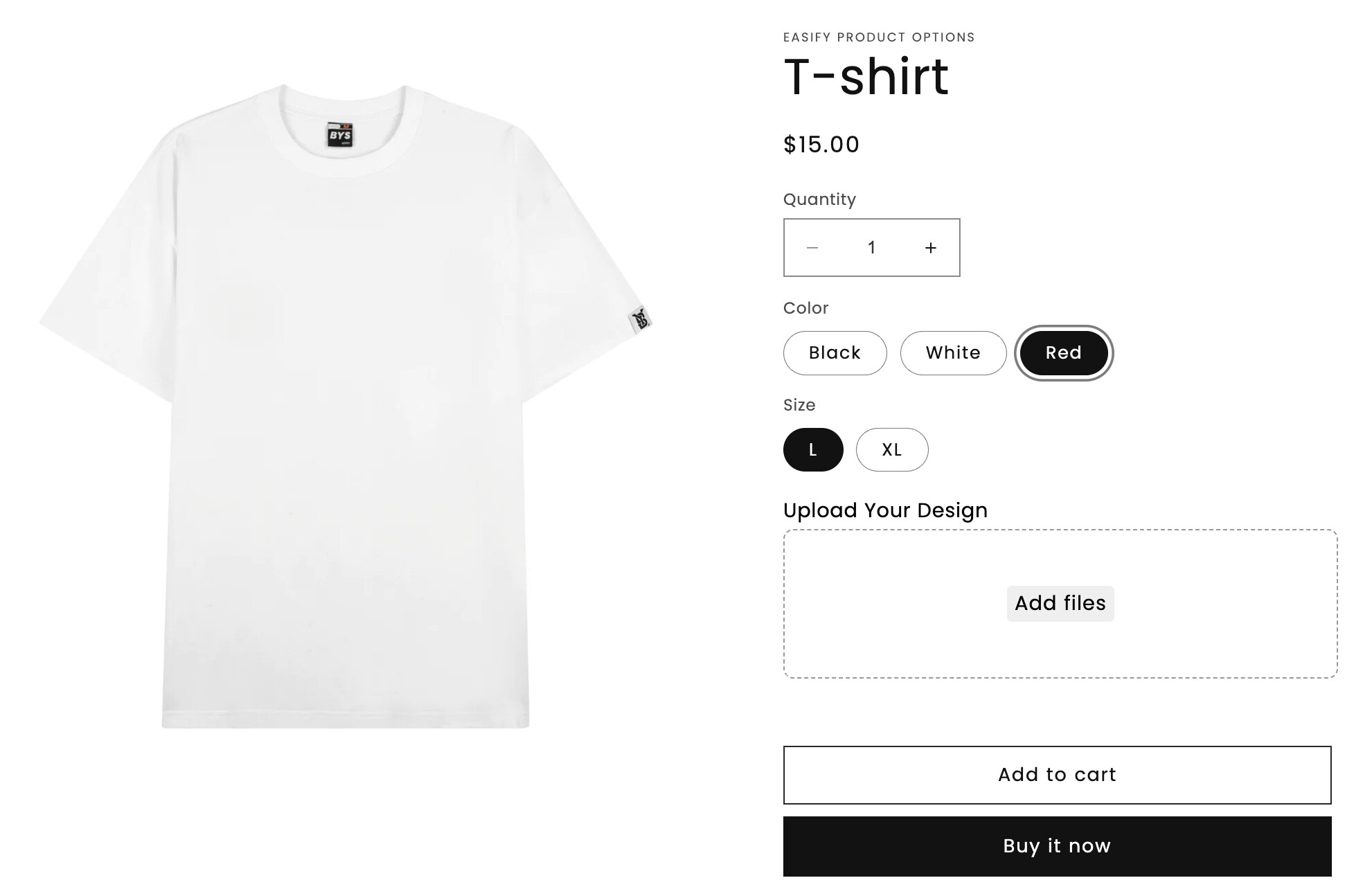
I need something like this image:

Thanks in advance,
Gui.
Goal: hide sold‑out product variants in Shopify’s Dawn theme via code or apps.
What was tried:
Latest updates/outcomes:
Alternatives offered:
Status:
Hi Everyone,
Does anybody know how to build a code to hide the sold out variants on dawn theme?
I need something like this image:
Thanks in advance,
Gui.
Could you drop your product page link to check?
Hi @Guifonte ,
To hide unavailable variants, you’ll have to modify your theme code. Navigate to your Product template, and insert the necessary custom code into the Custom liquid section:
Hi, I’ve just tried it but that did not work 
Could you please provide a screenshot? I’m currently relying on that code, and it seems to be functioning correctly. It’s worth noting that after adding the code to the custom liquid, you have to click “Save” and refresh your theme editing page to see the results.
Just to clarify, this is a demo.
I am trying to accomplish the same thing, but in the Craft 13 theme (latest version of shopify Craft theme)
I tried this code as suggested here, but without any luck.
I see that in my theme the Variant Picker type is different:
“variant_picker”: {
“type”: “variant_picker”,
“settings”: {
“picker_type”: “button”,
“swatch_shape”: “circle”
Store url is www.agreeableagony.com
This doesnt work in Dawn 13.0 unfortunately as im struggling with this issue now. Customers are able to filter for M and are presented with items that have a M variant but are out of stock and is causing major headache
Hi @Guifonte
We’ve launched an app to hide sold out variants to solve this common problem
HiVar : Hide Sold Out Variants
https://apps.shopify.com/hivar-hide-sold-out-variants
currently it supports all Online Store 2.0 themes
App is free for single-option free themes and paid if you have 2-3 options
Check it out and feel free to reach out to customer support if you have any queries
Hi @Earp
We’ve launched an app to hide sold out variants to solve this common problem
HiVar : Hide Sold Out Variants
https://apps.shopify.com/hivar-hide-sold-out-variants
currently it supports all Online Store 2.0 themes
App is free for single-option free themes and paid if you have 2-3 options
Check it out and feel free to reach out to customer support if you have any queries
I don’t know if you found a solution to this, but I use the Dawn theme, and I followed this article and it actually worked! I could’ve cried I was so happy.
https://community.shopify.com/c/shopify-design/hide-variants-that-has-0-stock/td-p/2499383
Yes this code works, i think i did cry. Now its just to find a solution for the fact of the sold out/hidden item showing as an option when filtering
Third-party apps make it easy to separate variants I own the Stamp ‑ Variants on Collection and we help merchants display variants separately on the collection page and home page. You can customize the settings per collection to show or hide specific variants, filter variants, or separate them by specific options. For example, you can create a “Gold” collection and display only gold-related variants.
https://youtu.be/Pdk4JmfJjqQ