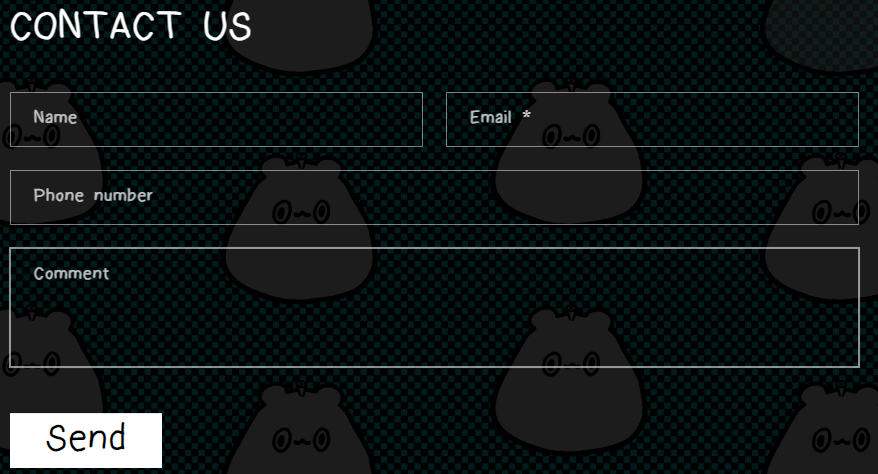
can someone tell me how to make all the text in the contact template bold? including the title. I would also want the title to be in the centre of the page.

Hi @suoshie
This is Victor from PageFly - Landing Page Builder App
You can try this code by following these steps:
Step 1: Go to Online Store->Theme->Edit code.
Step 2: Search file base.css
Step 3: Paste the below code at bottom of the file → Save
h2.title.title-wrapper–no-top-margin.h1, .field__label, .customer .field label {
font-weight: bold !important;
}
.contact__button button.button {
font-weight: bold !important;
font-size: 3.5rem !important;
}
Hope that my solution works for you.
Best regards,
Victor | PageFly
1 Like
hi it works but it made the “send” button very big, can you make it back to its normal size.
if you don’t want the “send” button to look so big you can delete this code in the code I sent above so it can display normally
