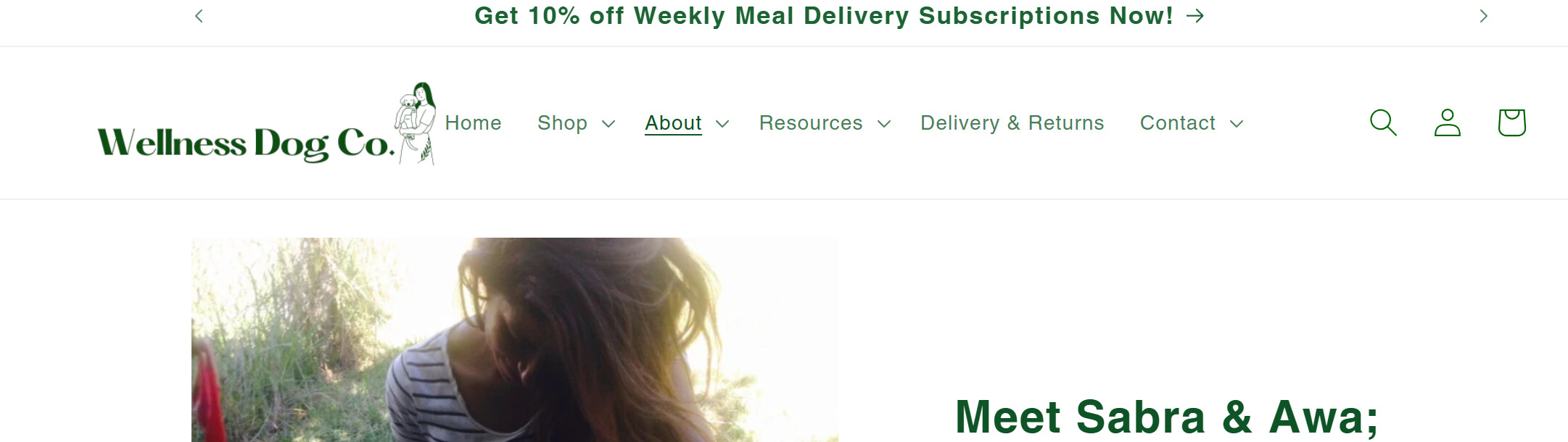
How can i make my logo larger please?

Topic summary

A Shopify store owner seeks help enlarging their logo, sharing a screenshot of the current size.

Solutions Proposed:

  • Theme Settings Approach: Navigate to Shopify admin → Online Store → Theme → Customize → Theme settings → Logo dropdown, then use the resize option and click Apply.

  • Custom CSS Code: Multiple contributors suggest adding CSS code above the </head> tag in the theme.liquid file to manually control logo dimensions. One solution targets mobile-specific logo sizing.

Current Status:

The issue remains unresolved. The store owner reports initial attempts “didn’t really get bigger,” though they express gratitude for the help. One contributor corrects a small error in previously shared code and requests the store URL (wellnessdogco.nz) to provide more targeted assistance.

The discussion includes code snippets and screenshots to illustrate both the problem and proposed solutions.

Summarized with AI on November 4. AI used: claude-sonnet-4-5-20250929.

Hi @saabbb1212 ,

You can go to your Shopify admin > Online store > Theme > Customize > Theme setting > Logo (dropdown menu) > click on the logo > Resize. Once done with this, click Apply.

1 Like

@saabbb1212 ,

Step 1: Go to Shopify Admin → Online Store ->Theme → Edit code

Step 2: Search file theme.liquid

Step 3: Insert this code above


Result:
If it helps you, please like and mark it as the solution.

Best Regards :blush:

1 Like

hi, it didnt really get bigger.thanks though

Hi. if you want your logo to get bigger on mobile you can try this code.


Please like my answer and accept it as solution if it helps you. :blush:

1 Like

Hi @saabbb1212

I can not find your store to check, could you please kindly share with me your store URl?

Best,

Daisy

1 Like

https://wellnessdogco.nz/

thanks heaps!

There is small error in the code. I advise to edit the previous code. It will make your logo look better on your store.


1 Like