Hi
Pls could u provide a solution to moving product brand name to above product image (attached example below.)
my store:
Theme: Warehouse
URL : domapp.co.uk
wanted result:
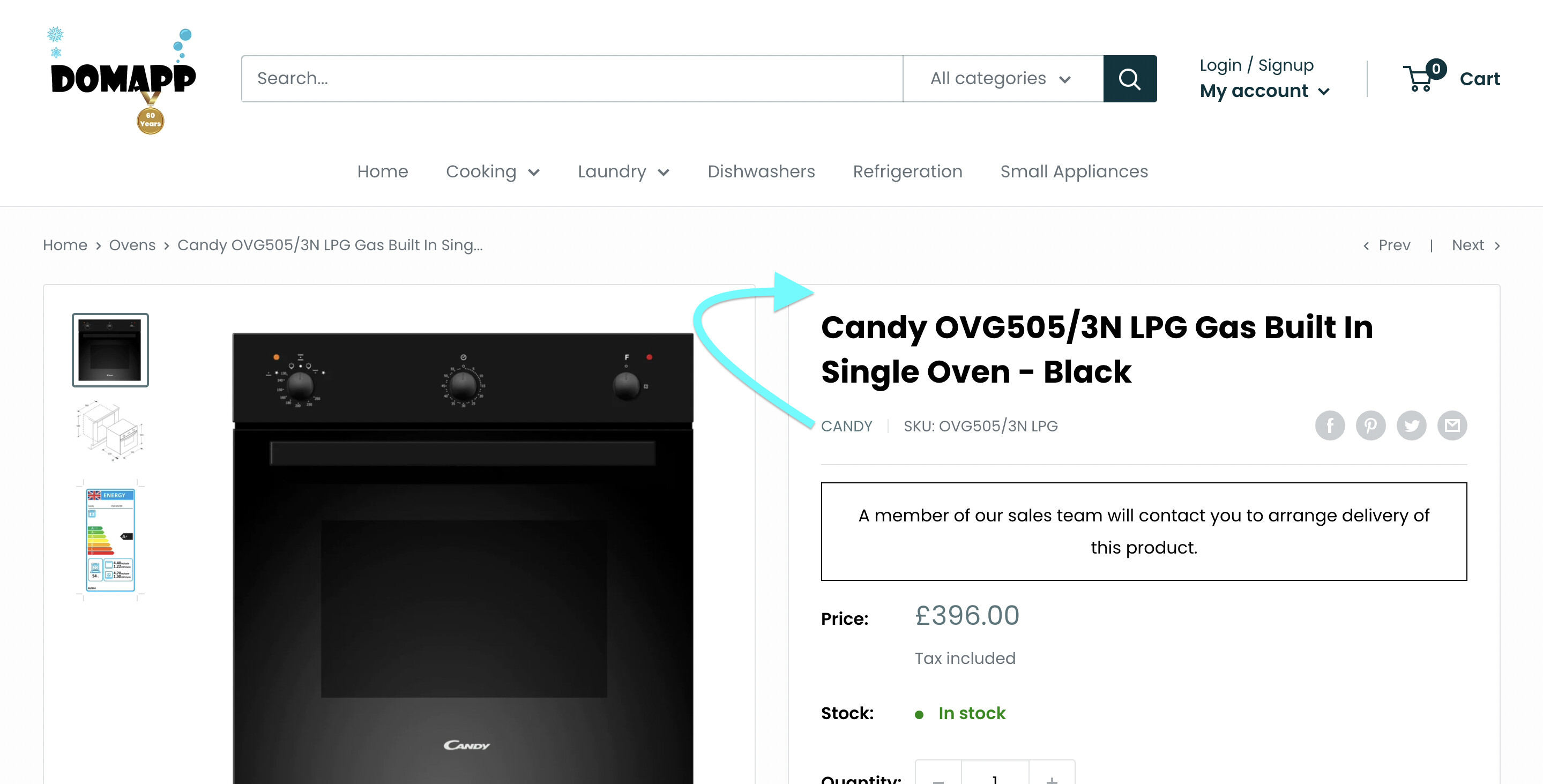
Cheers
A user seeks to reposition the product brand name above the product image on their Shopify store using the Warehouse theme.
Proposed Solution:
{%- if block.settings.show_vendor -%} and the vendor/brand display logicTechnical Details:
The solution involves relocating a Liquid template code block that handles vendor display. A screenshot was provided showing the exact placement within the code editor where the vendor block should be repositioned.
Status: The question has received a detailed technical response with visual guidance, but no confirmation yet from the original poster on whether the solution worked.
Hi
Pls could u provide a solution to moving product brand name to above product image (attached example below.)
my store:
Theme: Warehouse
URL : domapp.co.uk
wanted result:
Cheers
Hi @adam10910
Please follow these steps:
{%- if block.settings.show_vendor -%}
        {%- assign vendor_handle = product.vendor | handle -%}
        {%- assign collection_for_vendor = collections[vendor_handle] -%}

        {%- unless collection_for_vendor.empty? -%}
          {{ product.vendor }}
        {%- else -%}
          {{ product.vendor }}
        {%- endunless -%}
      {%- endif -%}
The result will be like this:
I hope that it will work for you.

