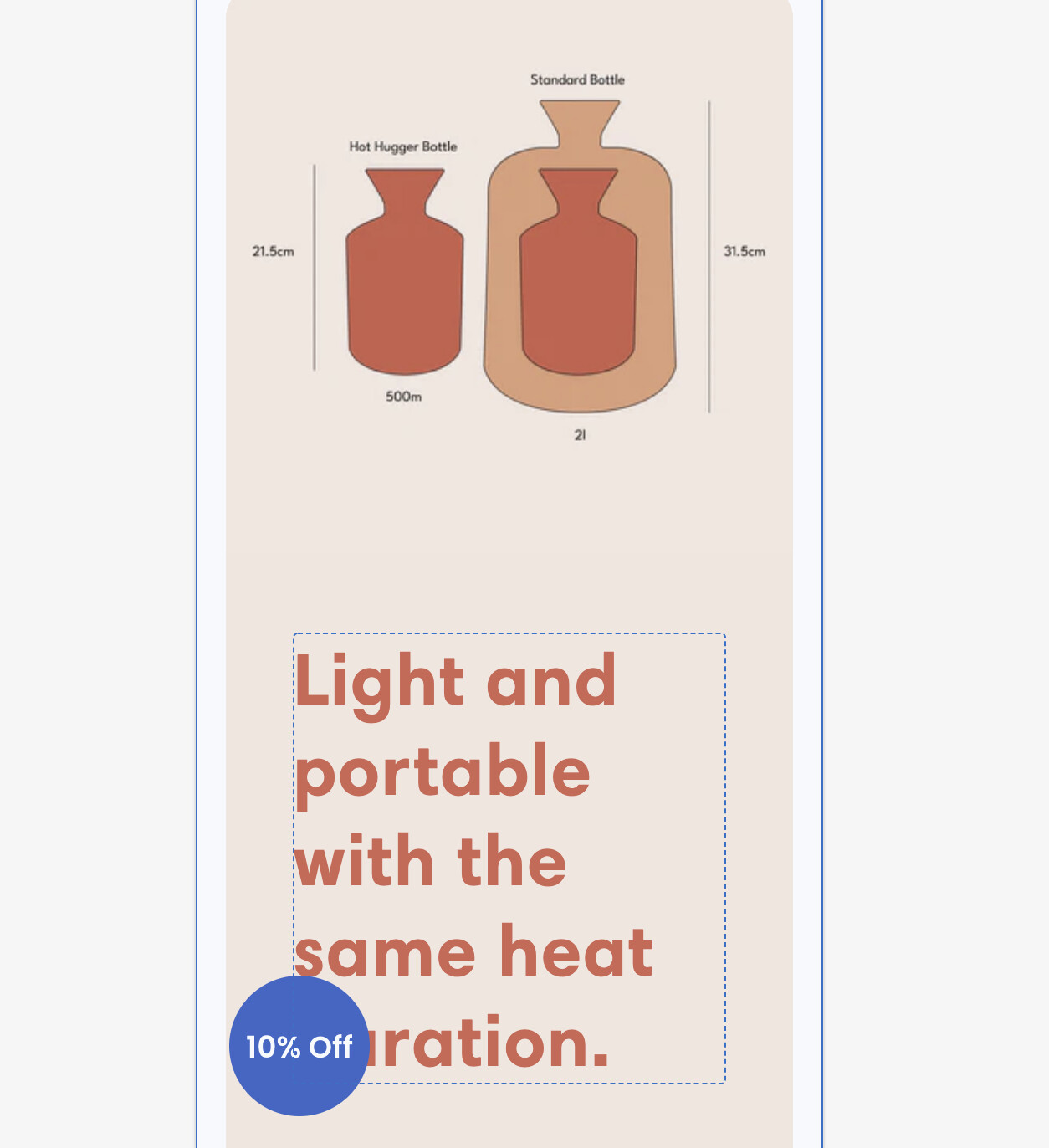
Please Can someone help decrease this gap between image and text
Refresh theme
Please Can someone help decrease this gap between image and text
Refresh theme
Hi!
Here’s a code snippet that’ll work:
{% style %}
@media (max-width: 749px){
  div#ImageWithText--template--16671679185152__14b63092-94f3-4b3d-ae71-e3ae13e9d47e {
      margin-top: -50px;
  }
}

{% endstyle %}
Insert that into your theme.liquid file (online store > themes > click ‘…’ on the theme you want, then ‘edit code’). Insert it at the bottom of the file, right before the ‘’ tag.
You can increase the space by decreasing the ‘margin-top:’ in the code (as in further negative).
Alternatively, you can also use the app Easy Edits to make the edit yourself without touching any code. You can decrease the margin and make edits for each mobile size; Make the edit and delete the app without paying for anything, and keep the edits.
Fair disclaimer, Easy Edits is an app I’ve worked on. If you need any help inserting the code or using the app, just let me know!