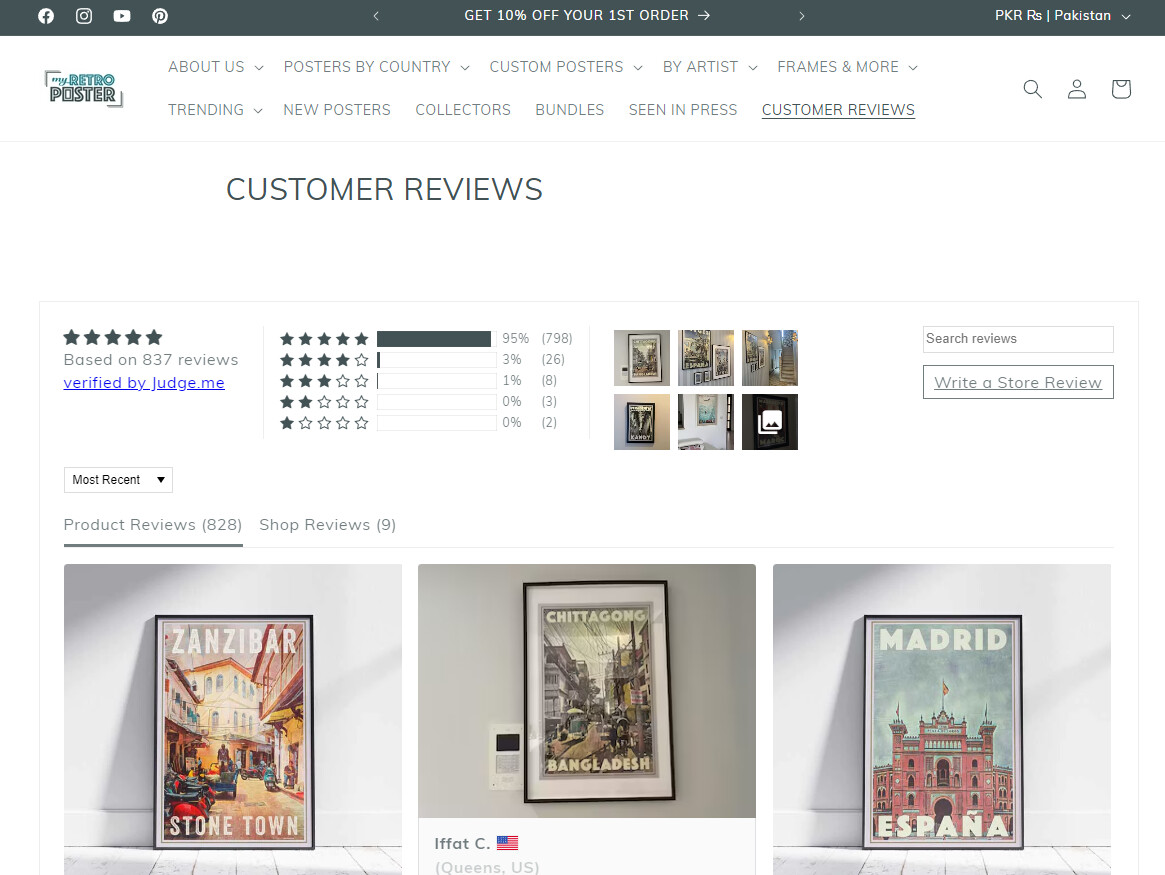
Hi there,
All the titles in Dawn theme are way too big, even with the setting at minimum in the editor.
I found how to lower the size font for the product titles, but not for the collection names or page titles.
Could someone help me?
Hi there,
All the titles in Dawn theme are way too big, even with the setting at minimum in the editor.
I found how to lower the size font for the product titles, but not for the collection names or page titles.
Could someone help me?
Can you please share store url..
Hey @Angelfab
Could you please provide your Store URL and, if applicable, the Password too? Your cooperation is greatly appreciated!
Best Regards,
Moeed
our store url is https://www.myretroposter.com
Thanks for having a look!
Hey @Angelfab
Follow these Steps:
Go to Online Store
Edit Code
Find theme.liquid file
Add the following code in the bottom of the file above tag
RESULT:
If I managed to help you then, don’t forget to Like it and Mark it as Solution!
Best Regards,
Moeed
Hi @Angelfab
try this one.
h1.main-page-title.page-title.h0.scroll-trigger.animate--fade-in,
h1.collection-hero__title {
    font-size: 3rem !important;
}
Hi,
Thanks for the offered solution. Unfortunately I had already tried it and it didn’t work for us.
Thank you so much, it worked great!