Hello, I am using the dawn theme but I do not like the header. How can I make a simple header (like the one from this website), using code. I just want the logo (image not text) on the left, search bar next to it, and then login/register on the right. Thanks for your help!

Topic summary
A user working with Shopify’s Dawn theme wants to replace the default header with a simpler custom design featuring:
- Logo image on the left
- Search bar next to it
- Login/register link on the right
They referenced a specific website layout as their desired example.
Resolution:
- Another community member offered direct assistance
- The store owner enabled collaborator access
- Collaborator code (6739) and store URL were exchanged
- Access request was sent and accepted
The discussion appears resolved with the helper now having access to implement the custom header code changes.
Hi, @Worldwidemedals
I can help you with it. So I need to access your store as a collaborator if possible.
1 Like
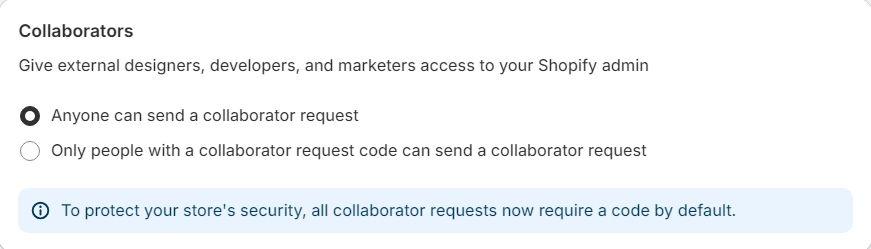
Please send me your collaborator code and store URL. You can get the collaborator code from Settings > Users and Permissions.

1 Like
Code is 6739
Url: WorldWideMedals
I have applied the access. Please accept.
1 Like
I accepted 