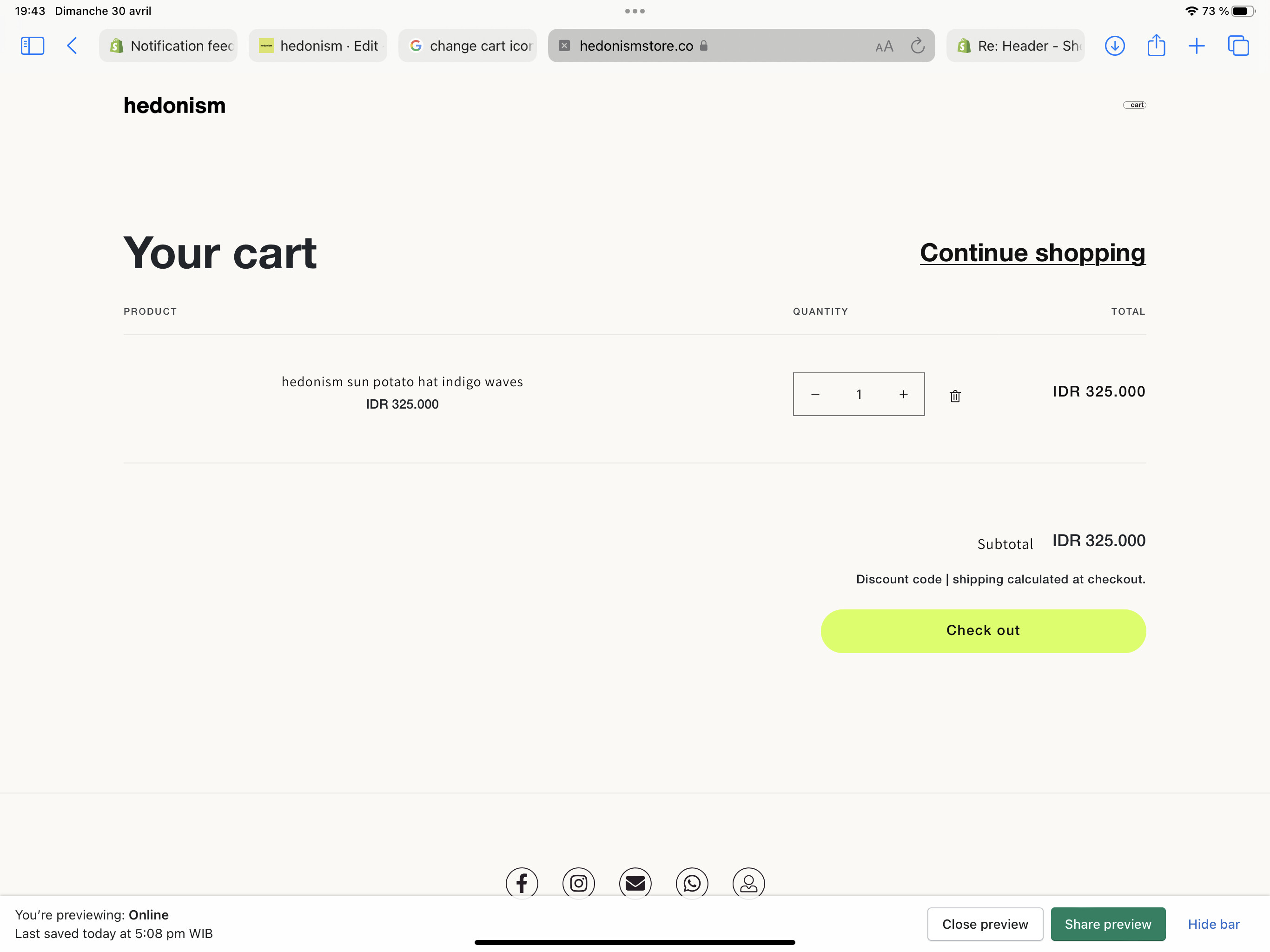
How to change the cart icon size please thanks
dawn them pass cheche
Hi Hedo,
Please share your store URL and if it is Password protected so, please share that also.
Regards
Sandeep
cheche the pass
Hi @hedo
This is Victor from PageFly - Shopify Page Builder App, I’d like to suggest this idea:
Online Store ->Theme ->Edit code
Assets ->Base.css
#cart-icon-bubble>svg {
    width: 100px !important;
}
Hope you find my answer helpful!
Best regards,
Victor | PageFly
Hi Hedo,
I am Sandeep and I am trying to help you.
here I am giving some CSS please paste this code into your base.css file.
a#cart-icon-bubble svg {
width:60px;
}
a#cart-icon-bubble span {
font-size: 14px;
position: relative;
left:-13px;
top:1px;
}
Thanks & Regards
Sandeep
@Sandeep81 thanks man works but now can’t see the count (little 1) anymore
can still help ?
Want to position it left of c from cart inside the bubble @Sandeep81
Hi,
The cart count is not hidden by the CSS code.
If it is due to CSS so, please remove the CSS and check if the count is coming or not.
Regards
Sandeep
@Sandeep81 @before i add your code I had it if I add your code it’s disappear
Just delete the code for see still no count coming back… can you help ? @Sandeep81