How can I revert product description text color after theme color change?

Topic summary

Issue: Changing the homepage image banner text to white also turned product description text white on product pages; requester wants product description text back to black.

Context and access: Store URL and password were shared for review. Images were provided to show the unintended color change and verification of a written description.

Proposed fixes:

  • Check and separate Color schemes: ensure the product page and the image banner aren’t using the same scheme. Create a new scheme for the banner with white text and revert the original scheme so product text remains black.
  • Add custom code in theme.liquid (above ) to force product description text color (exact snippet not shown in the thread). A screenshot indicates this reverted the description text to normal.

Current status/outcome: Product description text is now back to normal (black), but the “colour” and “quantity” elements are still not displaying correctly (likely still affected by the color change).

Open items: Further adjustments are needed to target the variant/option labels and quantity controls (either via the correct color scheme or additional CSS). Discussion remains open; no final resolution yet.

Summarized with AI on January 17. AI used: gpt-5.

Hello, I have recently changed the writing colour on my home page (image banner), however, this has also affected the writing colour for my product description for some reason. How can I change the writing back to black for the product description?

Image 1: I changed the writing from black to white on the image banner.

Image 2: After changing the colour, my product description is also turned white (I want it to be black).

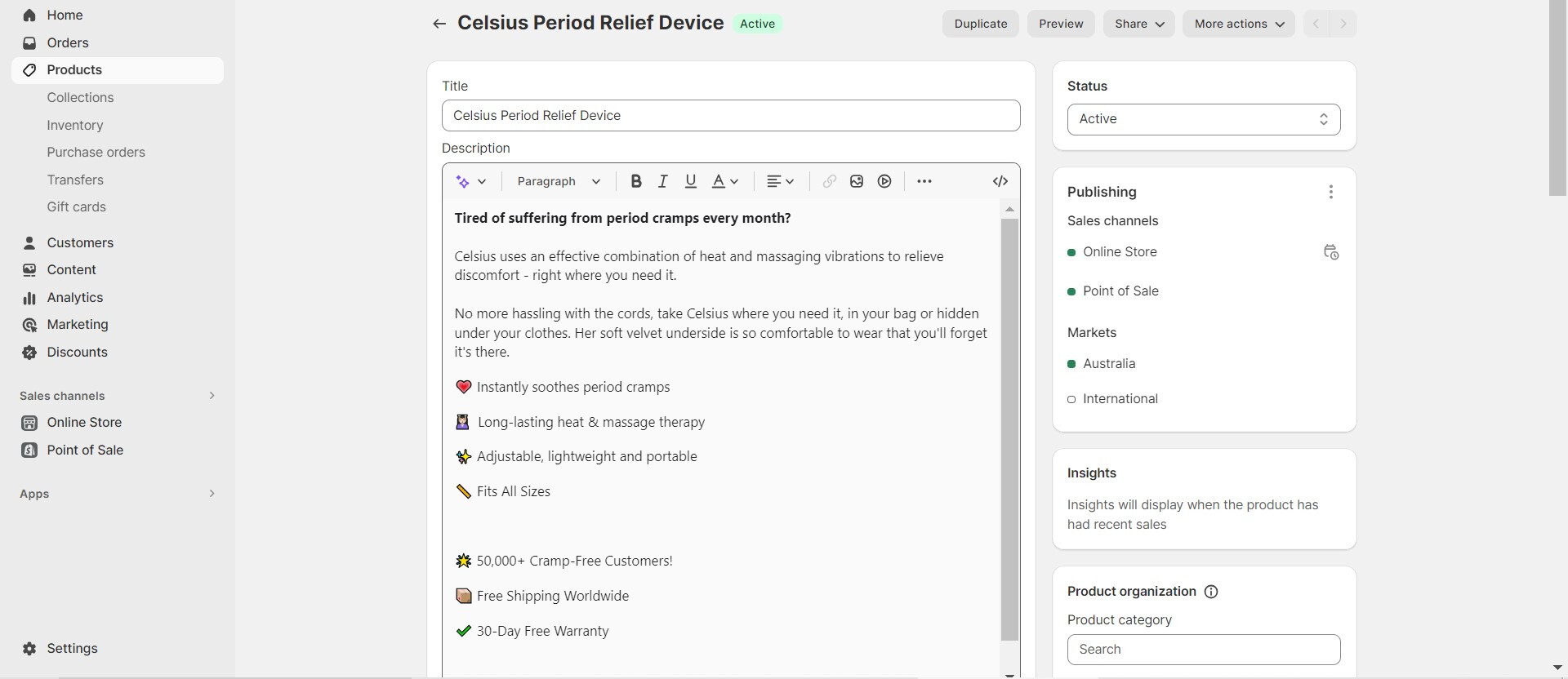
Image 3: Just to make sure, I have written a product description.

1 Like

Hello There,

Please share your store URL and password.
So that I will check and let you know the exact solution here.

Hey @SparklingWater

Could you please provide your Store URL and, if applicable, the Password too? Your cooperation is greatly appreciated!

Best Regards,
Moeed

https://www.celsius.beauty
Password: gayler

https://www.celsius.beauty
The Password: gayler

Hi @SparklingWater

Please check if you are using the same Color scheme for your product page and that Image banner with text section.

I recommend you create a new Color scheme for that section and change text color on it and revert color of previous color scheme to solve the issue

Hey @SparklingWater

Follow these Steps:

  1. Go to Online Store

  2. Edit Code

  3. Find theme.liquid file

  4. Add the following code in the bottom of the file above tag


RESULT:

If I managed to help you then, don’t forget to Like it and Mark it as Solution!

Best Regards,
Moeed

Thanks for replying, the description has become normal but the ‘colour’ and ‘quantity’ are still not working.