Hi I would like to set up mix and match discount something like buy 2 tees for $60..
I have created the product selection for that.. but all tees has different price range. so its cant be set up as percentage discount.
How do i achieve that?
A merchant wants to create a “buy 2 tees for $60” promotion where t-shirts have varying individual prices, making standard percentage discounts unsuitable.
Problem: Shopify’s native discount system doesn’t support “Buy X for $Y” fixed-price bundles on products with different price points.
Solution: Third-party apps are required to achieve this functionality.
Recommendations:
Status: The question remains open with app-based workarounds provided. Screenshots demonstrate the suggested app’s interface and bundle configuration options.
Hi I would like to set up mix and match discount something like buy 2 tees for $60..
I have created the product selection for that.. but all tees has different price range. so its cant be set up as percentage discount.
How do i achieve that?
Hi @andra0412 ,
This may not be something you can set up natively within the Shopify admin as a “Buy X for $Y” offer is not one of the default discount types you can set up within Shopify. However, there are a wide variety of discount-related apps on the Shopify App Store that you can check out. I’d recommend taking a look at some of them and they should be able to provide you with more flexibility when it comes to offering discounts and offers on your store.
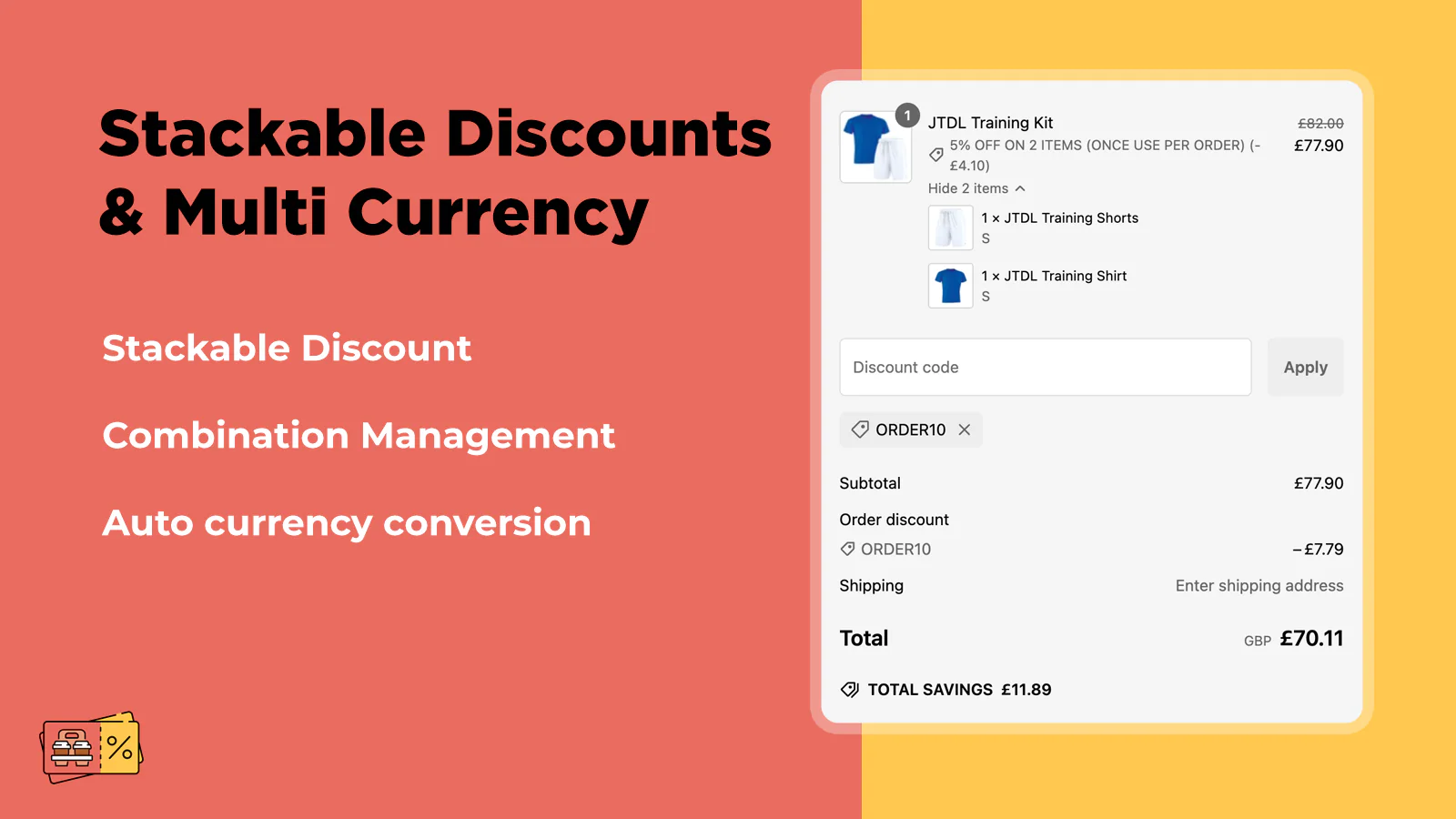
You can try our app: https://apps.shopify.com/jtdl-bundles-discounts
It offers features like Build Your Own Bundles and Quantity Breaks, allowing your customers to mix and match products to create custom sets—perfect for meal deals, beauty kits, outfit bundles, and more.
Easily create Build Your Own Bundles, “Buy Any 3 for $10” deals, Mix & Match offers, and automatic discounts.
Hello @andra0412
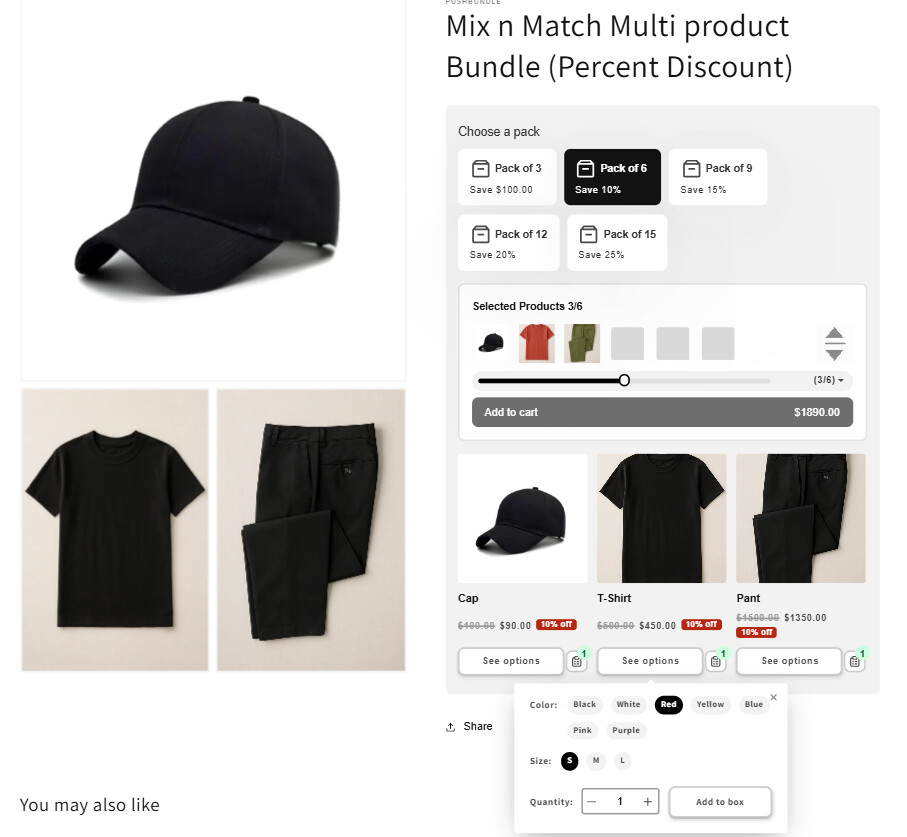
According to your requirement, if you’re open to using a third-party Shopify app, I would recommend trying Push Bundle – Build a Box.
This app provides a variety of bundle creation features suitable for different selling strategies. To achieve your goal, you can explore either the Mix & Match Bundle (Single Product) or Mix & Match Bundle (Multi-Product) option. Using these features, you can allow customers to mix and match different items while applying customized discount rules. For example, you can set a fixed bundle price, regardless of the individual product or variant prices.
For better understanding, please refer to the uploaded images showcasing examples from both bundle types. The app also offers a 14-day free trial, allowing you to explore its functionality before making a purchase decision.
Additionally, their 24/7 support team is highly experienced and responsive. If you find the app interesting, you can reach out to them — they will gladly assist you with setup and any specific requirements.
I hope this suggestion helps you find the right solution.
Thank you.
Hi
To set up a fixed price combo like “Buy 2 tees for $60,” I recommend using the Mix & Match feature in the BOGOS App.
With this feature, the widget will appear directly on the product page for easy selection.
If you prefer a dedicated landing page to guide shoppers step-by-step in building their combo, you can use the Bundle Page (Build Your Own Bundle) feature in BOGOS, which also allows you to apply a fixed price
Hi @andra0412 ![]()
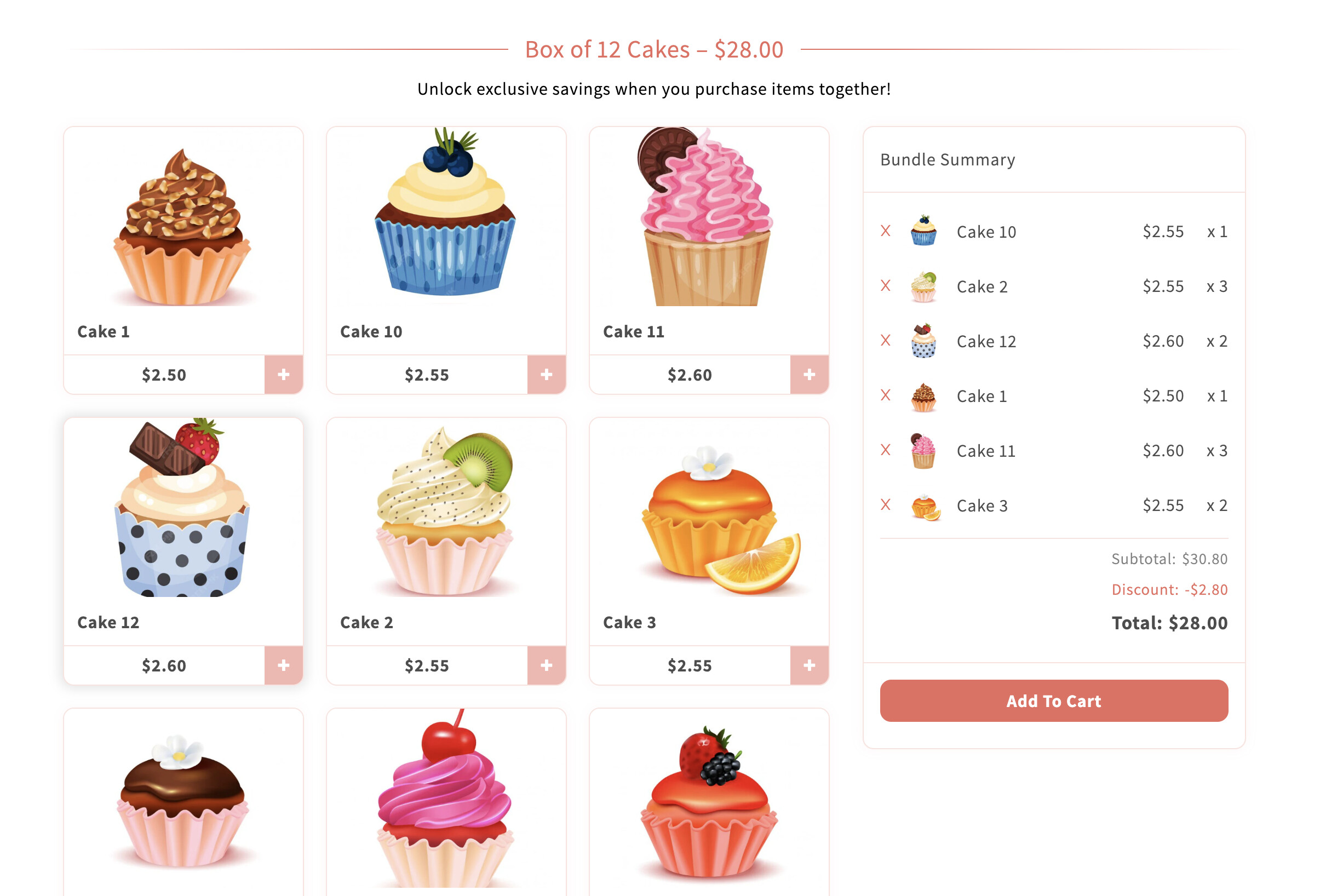
For the “mix & match” request - letting customers choose any 2 tees from a group and pay a fixed total of $60, even though each tee has a different price - Easify Box Builder app can definitely handle that.
Here’s an example I’ve created so you can see how it works:
Currently, Easify Box Builder offers 4 types of boxes, and for the “Buy 2 tees for $60” scenario you described, the most suitable option is Fixed Box Price, as this box type is specifically designed for deals where customers choose any X products and pay a fixed price.
The setup is pretty simple: create a new box in BB and choose Fixed Box Price, then go to the box pricing settings and set Required quantity = 2 and Price = $60. Next, add all the tees to the Product list so customers can mix & match any 2 styles from the list.
In the Box Content section, you can customize the heading/description (for example, “Pick any 2 tees for $60”), adjust the product display to a grid layout, and enable Box Summary so customers can always see the number of items selected and the bundled price being applied.
After publishing the box and adding it to your storefront, customers simply choose any 2 tees from the list. The system will automatically lock the bundle price at $60 and clearly display it directly on the product page (no need to wait until checkout), making the shopping experience much clearer - even when individual products have different prices.
Easify Box Builder makes setup simple with its user-friendly design and rapid configuration process - everything can be up and running in just a few minutes.![]()