Hi Team.
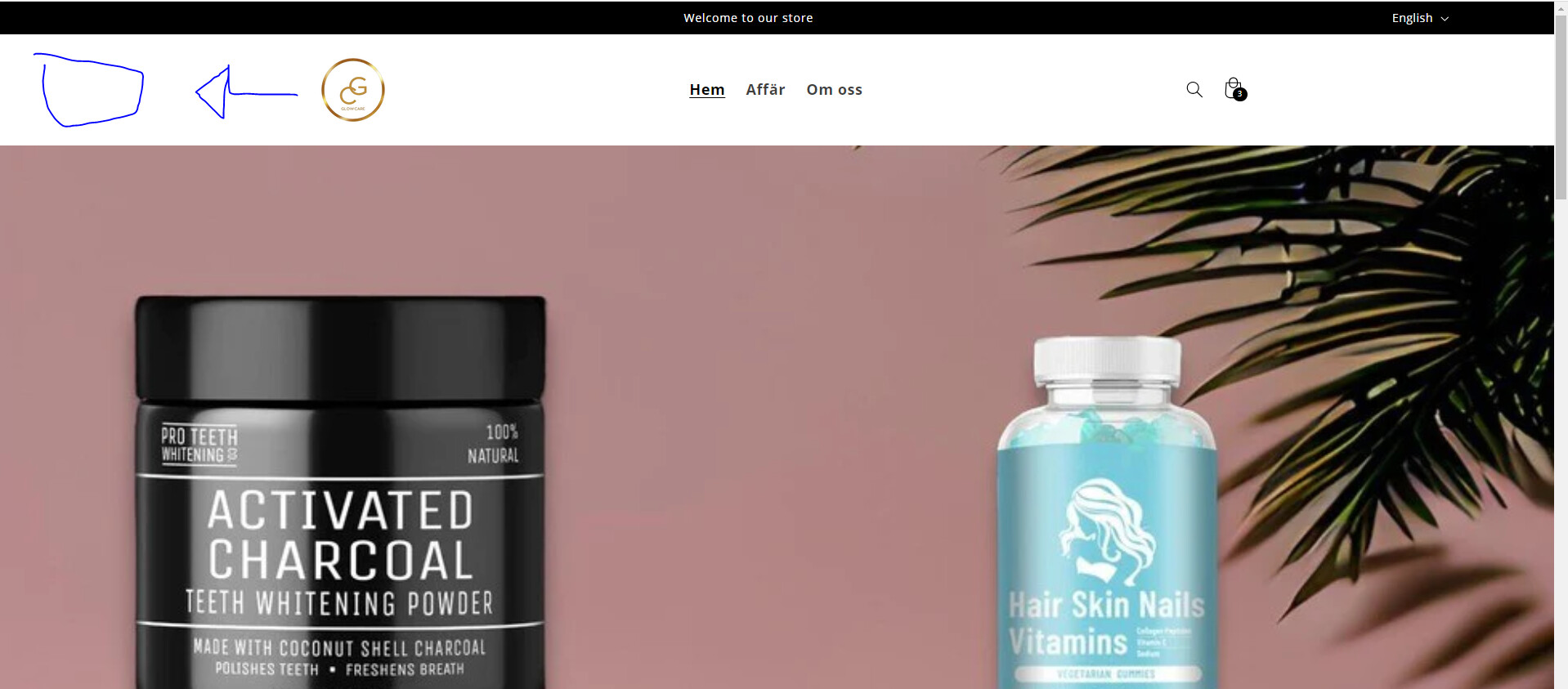
How to move the logo of my header to the left?
STORE: Glowcare.se
PS: Glowcare1991
A user seeks help moving their header logo to the left on their Shopify store (Glowcare.se) using the Studio Theme.
Solutions Proposed:
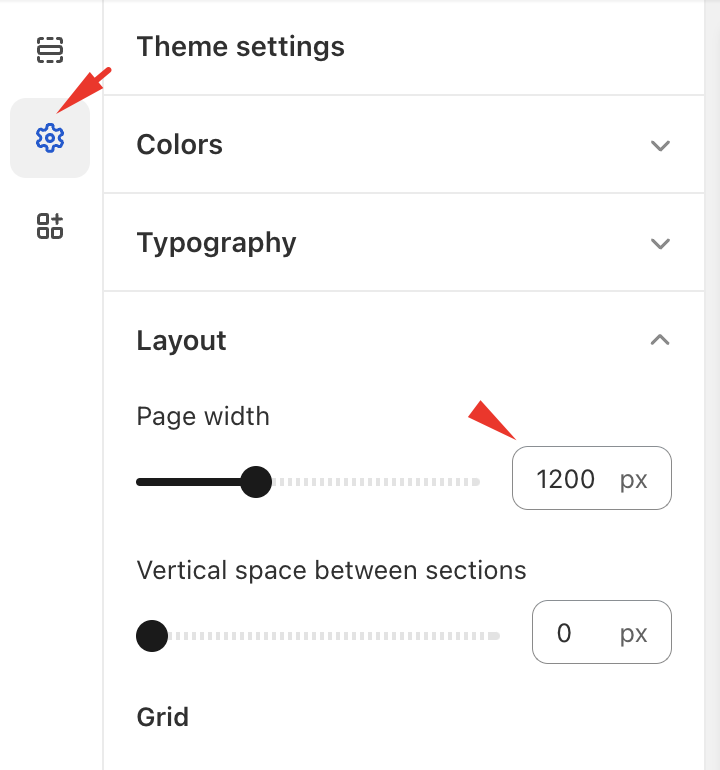
Option 1: Adjust the site width settings in the Dawn theme (note: this may not directly apply to Studio Theme)
Option 2: Add custom CSS code to either theme.liquid or base.css file:
</body> tagNote: The discussion includes image references showing the current header layout and proposed changes, which are essential for understanding the visual adjustments needed. The conversation remains open with no confirmation of whether either solution successfully resolved the issue.
Hi @GeeKyuu24
Follow these Steps:
Go to Online Store Edit Code Find theme.liquid file or base.css
Add the following code in the bottom of the file above tag
header.header.header--middle-left.header--mobile-center.page-width.header--has-menu {
    margin: 0;
    padding: 0;
}