Hello @Simon159 
Inside Shopify Admin, you can go to Edit theme code, open file base.css and add this code at the bottom
#shopify-section-template--21742106902833__9cdfc365-2e6d-46f2-bdd3-6985f26773b7 .title-wrapper {
    text-align: center;
}
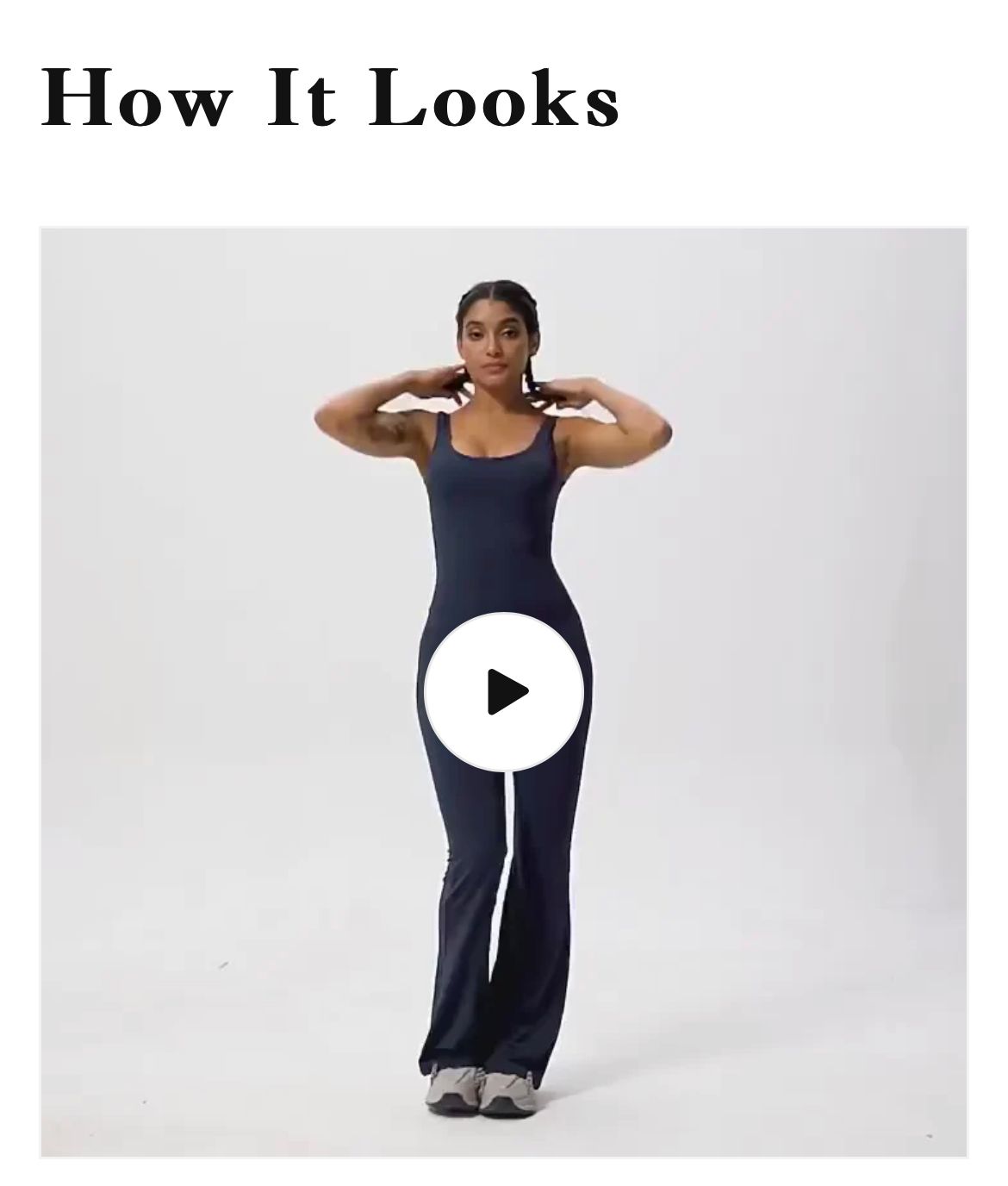
The result

Hope that helps!
Go to your Online store > Themes > Edit code > open base.css file, add this code at the bottom of your file.
.video-section .title-wrapper--no-top-margin > .title {
text-align: center;
}
1 Like
It worked buy only for desktop. This has been an issue recently, whenever I edit code for my shopify store it only works for desktop instead of mobile.


You added code into a code that makes it work on desktop only. Move it below the last } at the bottom to make it work for both devices.
Thank you so much! Could you see help me with something else? I made another post earlier today thats titled, “How Do I Place A Video Above The Description On My Product Page?”