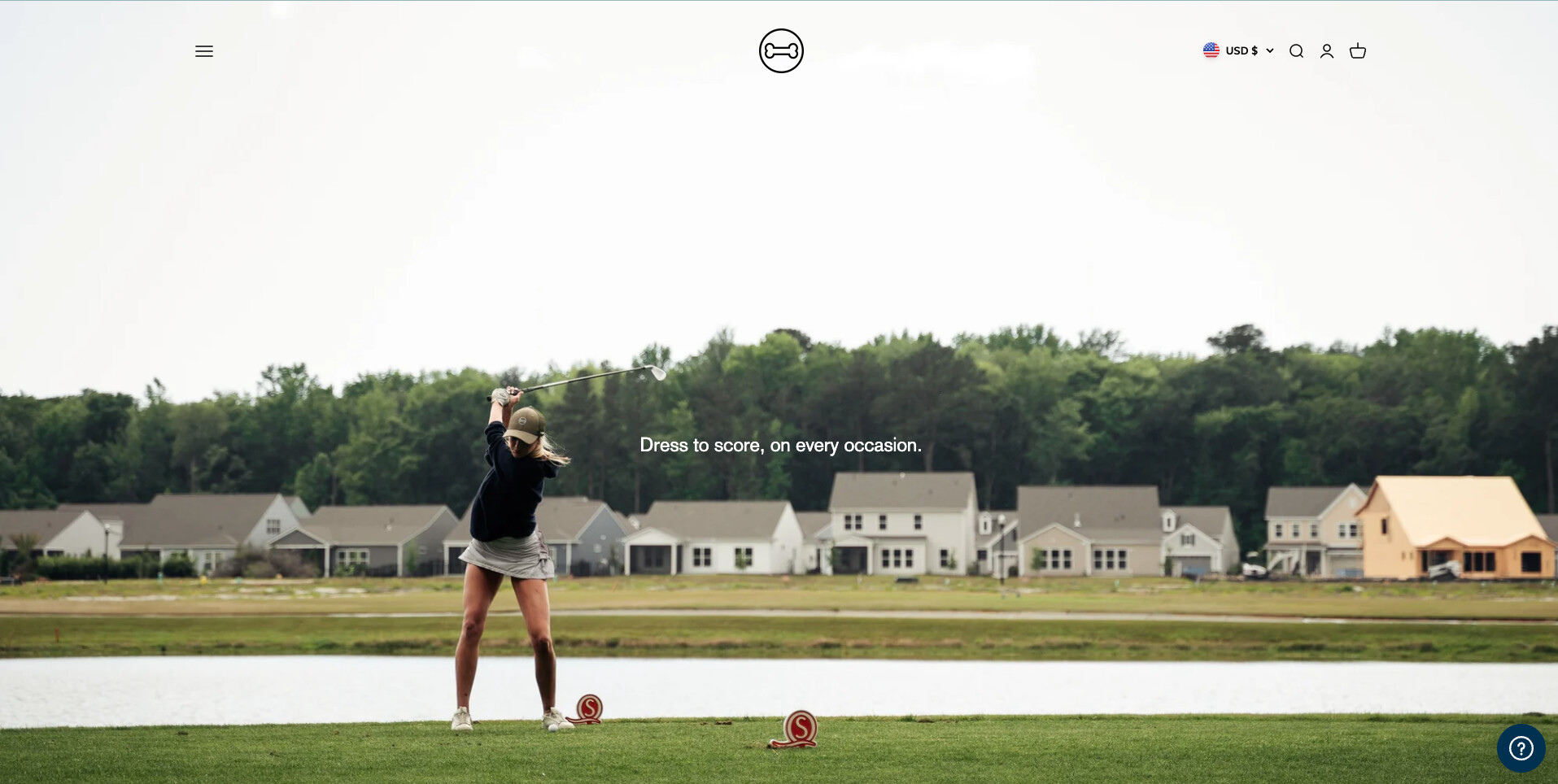
Hello!
I need help to make my header full width. I am using the Impact theme. See attached image below. Thank you!
Hello!
I need help to make my header full width. I am using the Impact theme. See attached image below. Thank you!
Hello @Dogleg
Could you please provide your store URL and, if it is password protected, please share the password so I can review it and provide a solution.
Hi @Dogleg
You can try this code by following these steps:
Go to Online store => themes => actions => edit code and add this code on file theme.liquid before tag
Hope this answer helps.
Best regards,
Victor | PageFly
I worked!! Is there anyway to make the menu and the search and cart at the absolute corner of the page. Right now its full width but its not at the absolute top, if you know what i mean. See attached image.
Hello @Dogleg
You can try this code: it will be helpful to you
Go to the Online Store->Theme->Edit code->Assets->theme.css>Add this code at the bottom.
.header__wrapper {
    padding: var(--header-padding-block) max(var(--container-gutter), 40% - var(--container-max-width) / 2);
}
Do you want it like this:
Hmm that did not change anything unfortunately
You can try this code to make header on top
Thank you so much Victor!
Do you also know how to remove the logo in the middle, as well as the “website name” that appears efter the logo is removed?
Hey @Dogleg
Add this code to hide your logo
Thank you so much!!
Another question, do you know how to make a menu at the bottom of the landing page? See attached image