Topic summary
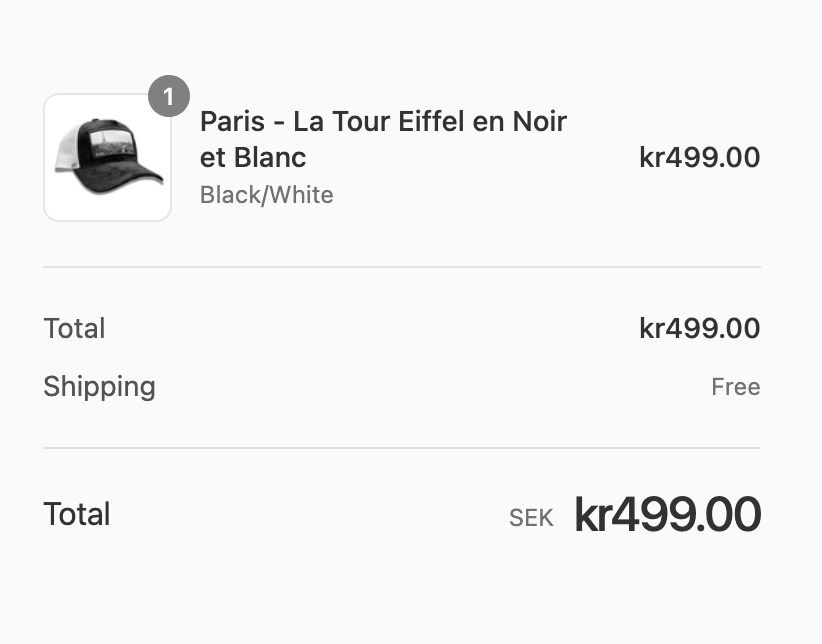
A user wants to reposition the currency symbol “kr” to appear after numbers instead of before them.
Solution provided:
- Navigate to Shopify admin → Settings → Store details → Store currency
- Adjust the currency format settings there
A screenshot was shared showing the relevant Shopify admin interface where this currency formatting can be configured. This appears to be a straightforward settings adjustment within Shopify’s built-in store configuration options.