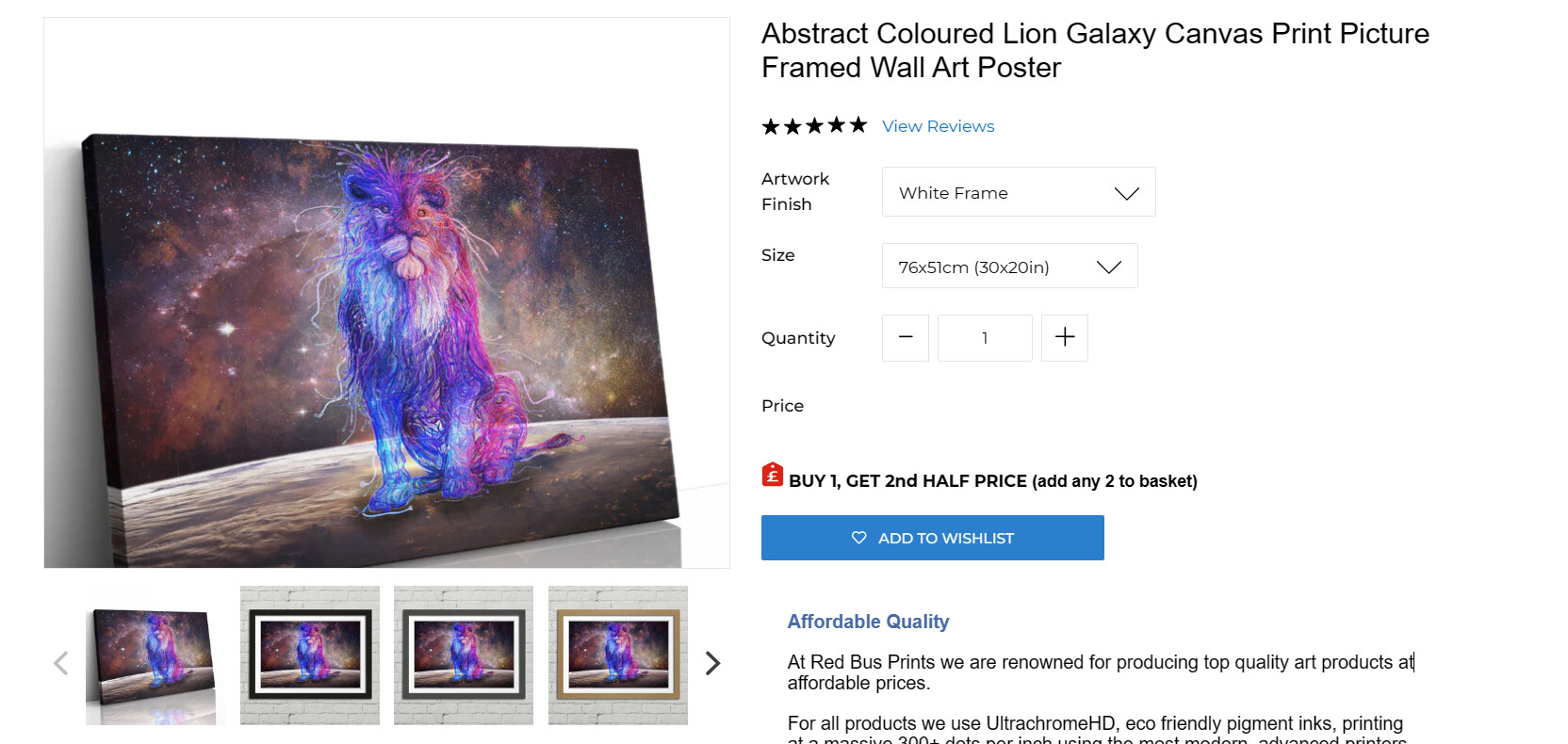
Hi there
I have 2 variants: artwork type, and size.
Not all artwork types are available in all sizes - for example, framed prints are only available in 5 sizes, and paper prints are only available in 4 (different) sizes, yet when “framed prints” is selected, then you go to size and all the sizes for all the variants are listed (total 16) even though for framed prints there are only 5 you can choose.
https://redbusprints.com/products/abstract-coloured-lion-galaxy-background-framed-canvas-wall-art-picture-print?variant=43647762825387
Is there any way to fix this?
Thanks
Hi @smallpenguin ,
Please follow the below steps:
-
Go to the admin dashboard
-
Go to products and select the product you want to edit
-
Go to the variants as in screenshot and delete the variants which is not used. As variant is combination of different option, you can delete from the dashboard.
If you require further help to optimize your store, please don’t hesitate to reach out. If you find this information useful, a Like would be greatly appreciated. And if this solves the problem, please Mark it as Solution!
Best Regards,
Sandeep Pangeni
Hi, thanks but i did that - but please see the link, that is how it appears afterwards. I need the greyed out / unavailable one to not be visible.
Thanks
Hi @smallpenguin ,
Follow these Steps:
- Go to Online Store
- Edit Code
- Find theme.liquid file
- Add the following code just above tag
div#shopify-section-product-template button.btn.hero__btn.btn3.btn--secondary-accent {
    display: none;
}
Result:
If you require further help to optimize your store, please don’t hesitate to reach out. If you find this information useful, a Like would be greatly appreciated. And if this solves the problem, please Mark it as Solution!
Best Regards,
Sandeep
hi, unfortunately that didnt work. What it needs to look like is:
gallery wrapped canvas → 7 size (60x40 to 12x8)
all frames → 5 sizes (A0+ to A4+)
paper print → 5 sizes (A0 to A4)
I need all the other sizes to disappear.
Thanks