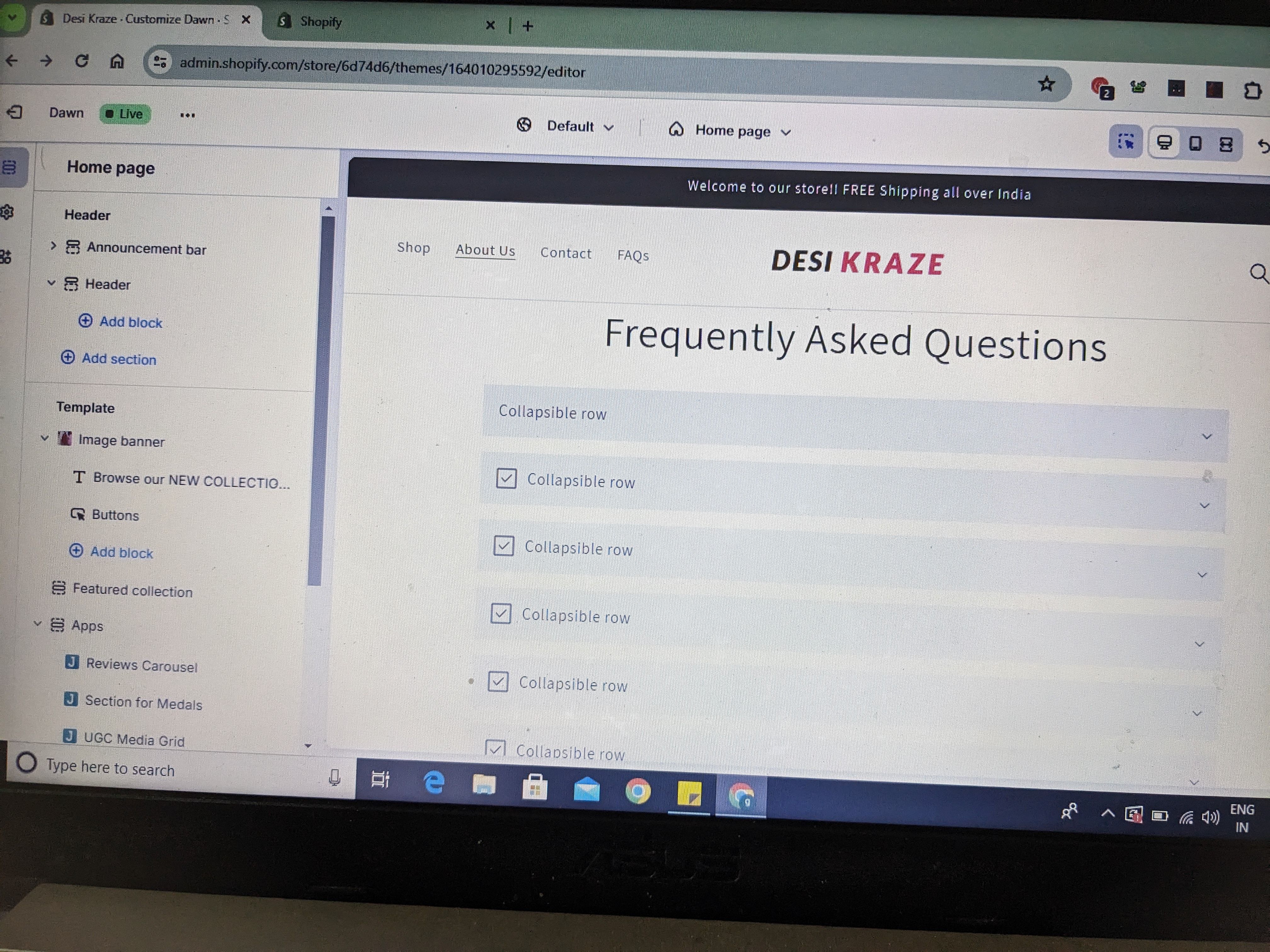
how should i remove the collapsible row from about us pagein dawn theme

Topic summary

Request to remove a collapsible row on the About Us page in the Shopify Dawn theme. An image was attached showing the specific section.

Suggested fix (via theme editor):

  • Use the top-center page selector to switch from Home to Pages, then select the relevant page template.
  • Scroll to find the collapsible row section and hide or remove it.

No alternative solutions or code changes were discussed. No confirmation that the steps resolved the issue, so the outcome remains unverified and the thread appears open.

Summarized with AI on January 6. AI used: gpt-5.


how should i remove this collapsible row from my about us page ?

click on the home page in the top center of the page then scroll down to pages select the template and scroll down to the section you want to hide and remove it .