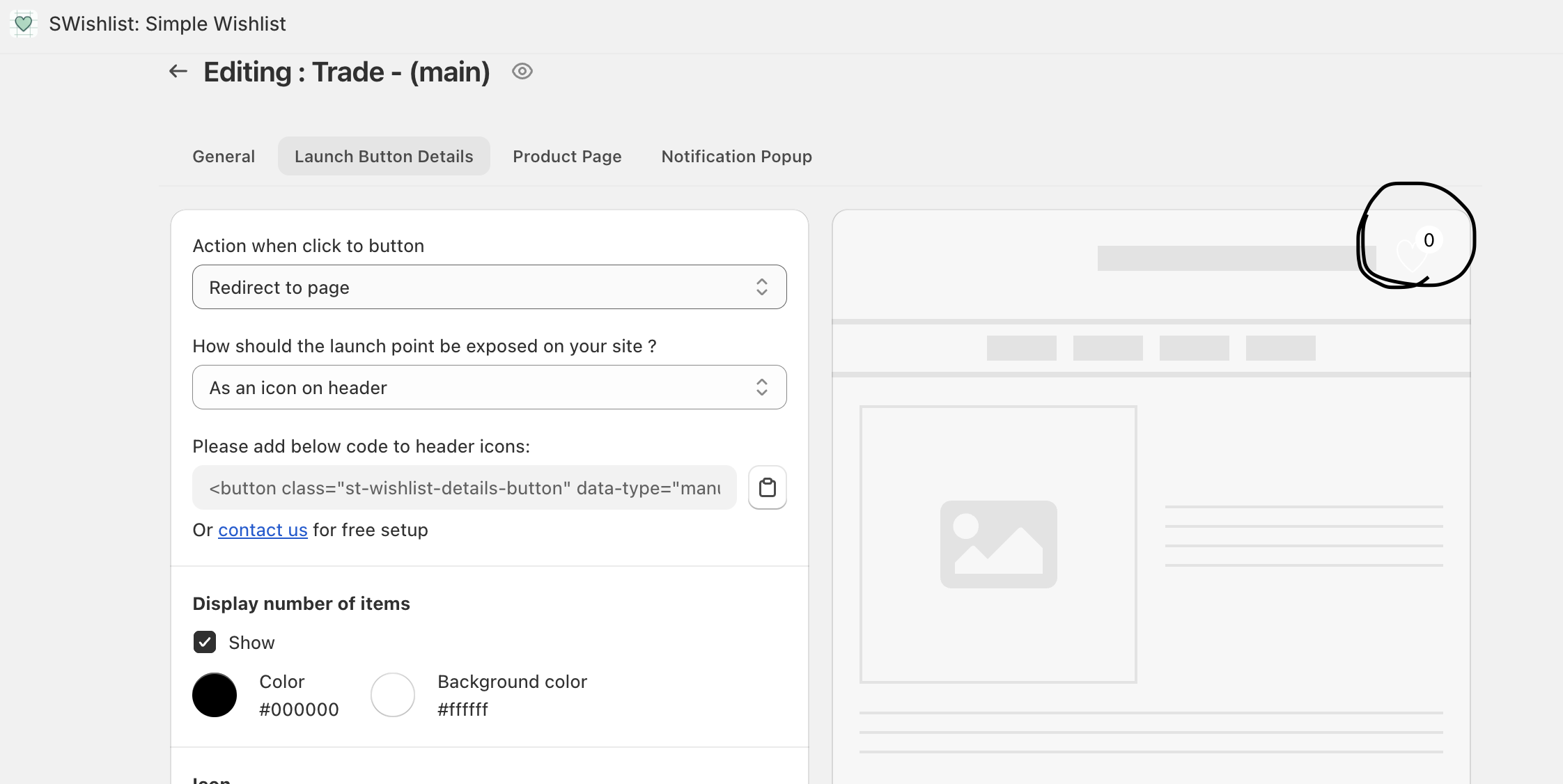
Hi guys. I had a wishlist icon just after a search icon. It disappeared for some reason. How can I return it?
Thank you! It is set in the app, but does not work out any more. My website: 108creations.com
Hi guys. I had a wishlist icon just after a search icon. It disappeared for some reason. How can I return it?
Thank you! It is set in the app, but does not work out any more. My website: 108creations.com
Hello @margo141
You can contact support for the SWishlist: Simple Wishlist app, or you can send me store access, and I’ll check and update it for you.
Thank you, I have a developer actually, but he does not work on weekends)) SWishlist customer service is not responsive at all (((
Hello @margo141
Was it working previously ?
Yes, it was. I did not notice when the icon disappeared.
Oh no, I did not. Thank you, I will check it out.
header liquid?
Hello @margo141
Yes, you can add the code to the header.liquid file and find where the search icon and account icon are coming from, then add the code there.
Thank you, will check it out.
Hello @margo141
You’re very welcome! I’m thrilled to hear that you’re pleased with the outcome. Don’t hesitate to reach out if you need further assistance.
like and accepting the All solution. Thank you!
Thank you! I’ve figured out where to place the code! I’ve found the code in the app. It worked out!
Yep! thank you!
Hi @margo141
You’re welcome! I’m glad you found where to place the code and that it’s working now. Let me know if you need any further assistance!
Can you please help on how to install this in minimog-5-3-0, Minimog - OS 2.0 version 5.3.0? Also using Pagefly app.