How to add clikable slider arrows to featured products slider in dawn theme on desktop only

Topic summary

A user seeks to add clickable navigation arrows to a featured products slider in the Dawn theme, specifically for desktop view only. Currently, the slider requires two-finger scrolling (trackpad gesture), which isn’t available on all laptops.

Current situation:

  • Products slider exists on homepage
  • Navigation relies on trackpad gestures
  • Mobile functionality is satisfactory

Desired outcome:

  • Add visible arrow buttons for desktop navigation
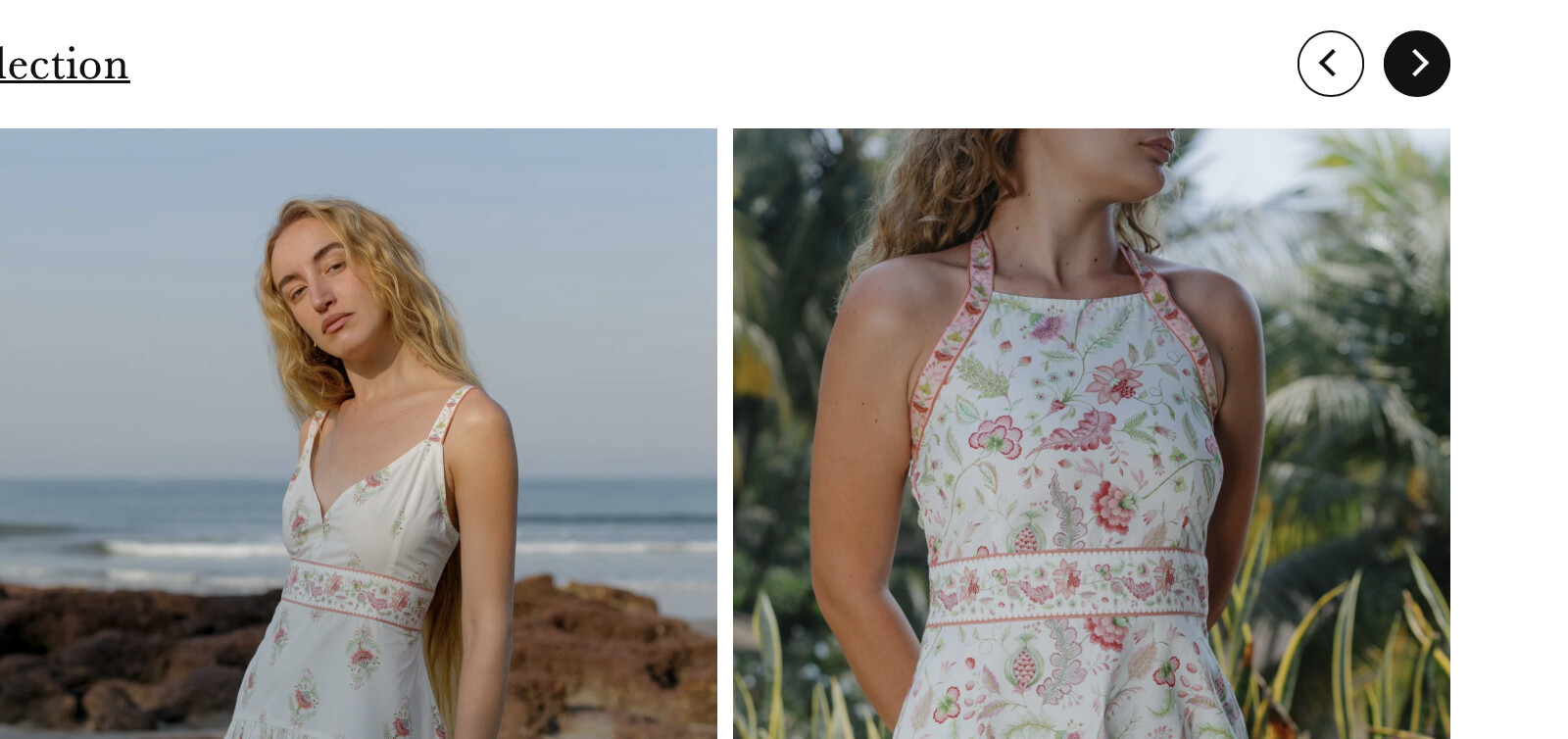
  • Reference image shows arrows positioned in top-right corner

Proposed solution:

  • Dawn theme reportedly includes default navigation arrow options
  • Can be enabled via collection block settings in the theme customizer
  • Custom CSS may be needed to reposition arrows to the top-right location as shown in the reference image

Status: Initial guidance provided; implementation details pending.

Summarized with AI on October 28. AI used: claude-sonnet-4-5-20250929.

Hi all! I have this products slider on my home page of Dawn theme, which you can slide to view more products using two fingers on Mac (some windows laptops have this two finger feature too) But there are a lot of laptops which dont have that two finger sliding option, I am wondering how we can also add arrows, to shift products. I want this only for desktop and not on mobile view.

This is the sldier I have -

Would be nice to get something like this -
1 Like

I believe this is something you get by default in the dawn theme, you just have to choose to show navigation arrows from the drop-down list in collection block from the customizer.

You might need a bit of css to add the navigation links in the top right though.