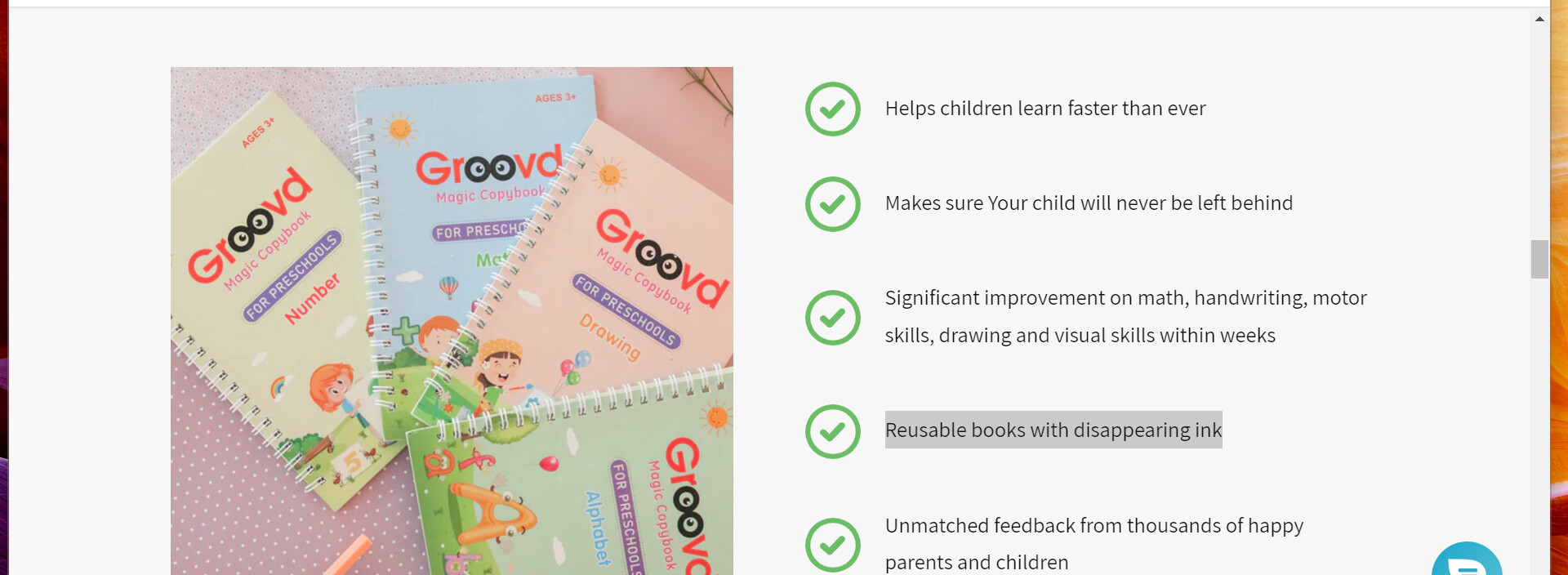
how to add image with bulletlist to product page? Like in this picture.
1 Like
Hi @Novaye4537
If the section isn’t available in your theme, it will require a custom coding and a developer. Let us know if you’re interested. Thanks!
Hi @Novaye4537
Please add the block Image with text and then comeback here, share with me your store URL so I can edit it for you
Best,
Daisy
Hi @Novaye4537
Yes, I do need a password  Please share with me. Also, please add the block Image with text also
Best,
Daisy
I sent you my login details on private message.
Hi @Novaye4537
I can’t login your store like that, it will related to your policy I just need the password here

Do you need the Same password that restricts access to visitors? I have disabled the setting so there is no password right now. Do i need to enable the setting to send you the password?
Hi there @Novaye4537
You just need to go to Online store > Preference > Store password and you will see the password of your store
Best,
Daisy