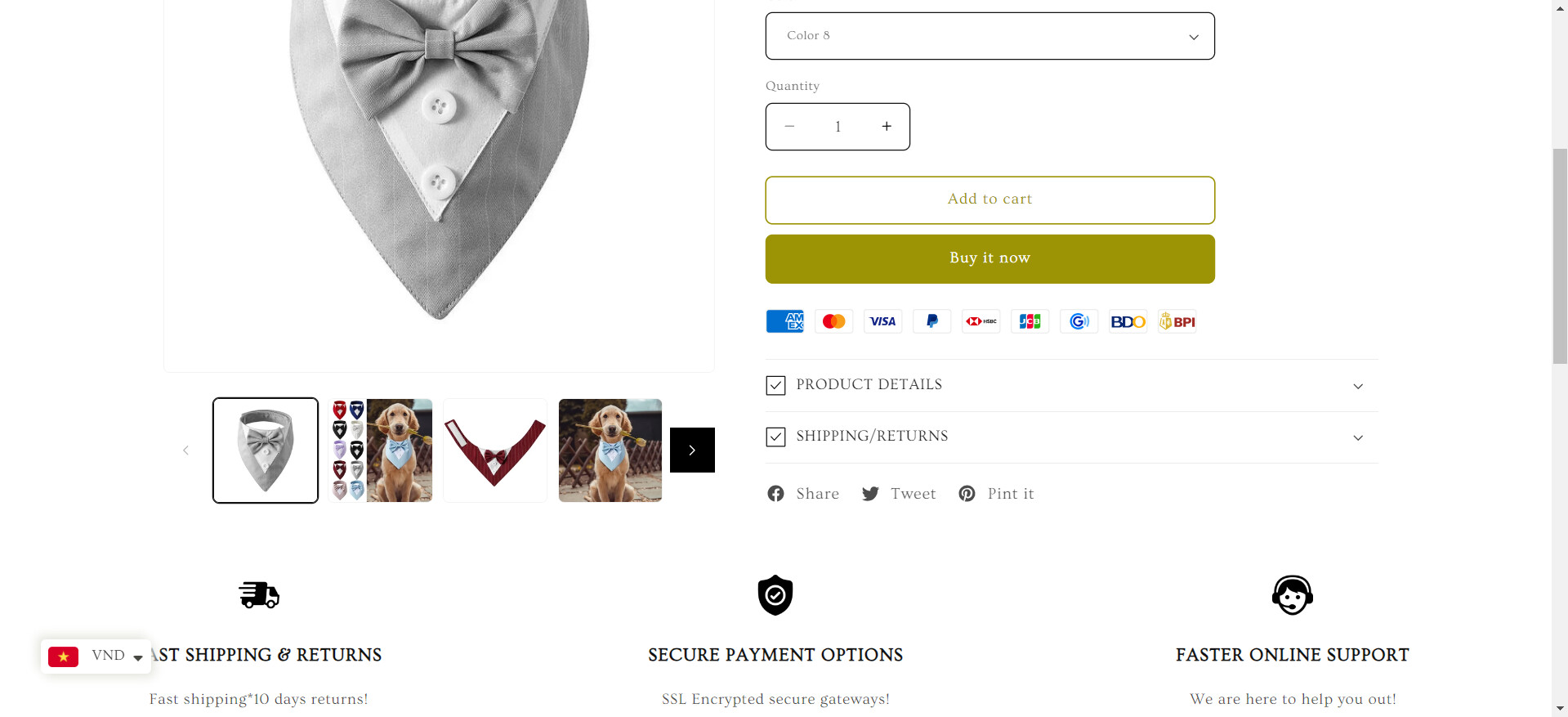
Hello Everyone!
Store: https://puppies-paws-shop.myshopify.com
Desktop Mode
Mobile Mode
Also I would like to remove it
1 Like
Hi @dreamtechzone_5
Yes, it is indeed possible to add a slider to the featured collection on both desktop and mobile modes using the Shopify Dawn theme. If you need assistance with the implementation or further guidance, feel free to ask.
1 Like
Really, How can I add it? send me the code. Thank you very much.
Hi @dreamtechzone_5 ,
You can try this code by following these steps:
Step 1: Go to Shopify Admin → Online Store ->Theme → Edit code
Step 2: Search file base.css, theme.css or styles.css
Step 3: Insert the below code at the bottom of the file → Save
.slider-buttons {
    position: absolute;
    display: flex;
    align-items: center;
    justify-content: space-between !important;
    top: 50%;
    width: 85%;
    left: 11%;
    transform: translateY(-50%) !important;
}

button.slider-button svg path {
    fill: #ffff !important;
}

.slider-button {
    background-color: #27496d !important;
    border-radius: 25px;
}

.slider-counter.caption {
    display: none !important;
}

@media (max-width: 600px) {
   .slider-buttons {
      width: 88% !important;
      left: 2% !important;
   }
}
Here is result:
For mobile:
Hope this can help you,
1 Like
Sliders are showing up everywhere
Hi @dreamtechzone_5 , Pls try again with this code:
.collection  .slider-buttons {
    position: absolute;
    display: flex;
    align-items: center;
    justify-content: space-between !important;
    top: 50%;
    width: 85%;
    left: 11%;
    transform: translateY(-50%) !important;
}

.collection button.slider-button svg path {
    fill: #ffff !important;
}

.collection .slider-button {
    background-color: #27496d !important;
    border-radius: 25px;
}

.collection .slider-counter.caption {
    display: none !important;
}

@media (max-width: 600px) {
   .collection  .slider-buttons {
      width: 88% !important;
      left: 2% !important;
   }
}
Hope this work !!!
1 Like
Wow, Really you are great. It Worked. Thank you very much. I appreciate.
Hi @dreamtechzone_5 ,
You can try this code by following these steps:
Step 1: Go to Shopify Admin → Online Store ->Theme → Edit code
Step 2: Search file base.css, theme.css or styles.css
Step 3: Insert the below code at the bottom of the file → Save
cart-remove-button a:hover svg path,
button.slider-button:hover svg path
{
   fill: #ffff !important;
}
Here is result:
Hope this can help you,
1 Like
I have pasted the code. But hovering here doesn’t show the icon to increase the quantity. This icon is not showing anywhere.
Hi @dreamtechzone_5 , Pls insert this code to your file css:
button.quantity__button:hover {
    color: black !important;
}
Hope this can help you,
If our suggestions are useful, please let us know by giving it a like or marking it as a solution. Thank you
1 Like
It Worked. Thank you very much.
1 Like
MRamzan
October 10, 2024, 12:49am
12
Add Collection slider in any page of your shopify store:https://youtu.be/btkve_UkTXI
You can add a custom featured collection slider without using any App: