I’m trying to add space between this two elements in the product page but I can’t figure out how to do it! Someone could help me?

1 Like
Hi @MariaMcGraw ,
Go to Assets > base.css and paste this at the bottom of the file:
@media screen and (min-width: 750px) {
  .product__info-wrapper {
         margin-top: 30px !important;
  }
}
you can also change the px to your liking.
Hope it helps!
Hi @MariaMcGraw
Can you kindly share your store link (with the password, if any) with us? We will check it and suggest you a solution.
Sorry you are facing this issue, it would be my pleasure to help you.
Welcome to the Shopify community! 
Thanks for your good question.
Please share your site URL,
I will check out the issue and provide you a solution here.
Hello @MariaMcGraw
It’s GemPages support team and glad to support you today.
To provide you with the most precise solution in this case, could you please share the home page link?
Here’s the link:
https://shopmarymagdalene.myshopify.com/
Pass: deawiy
Where can I find that line of the code? “Product__info-wrapper grid__item”
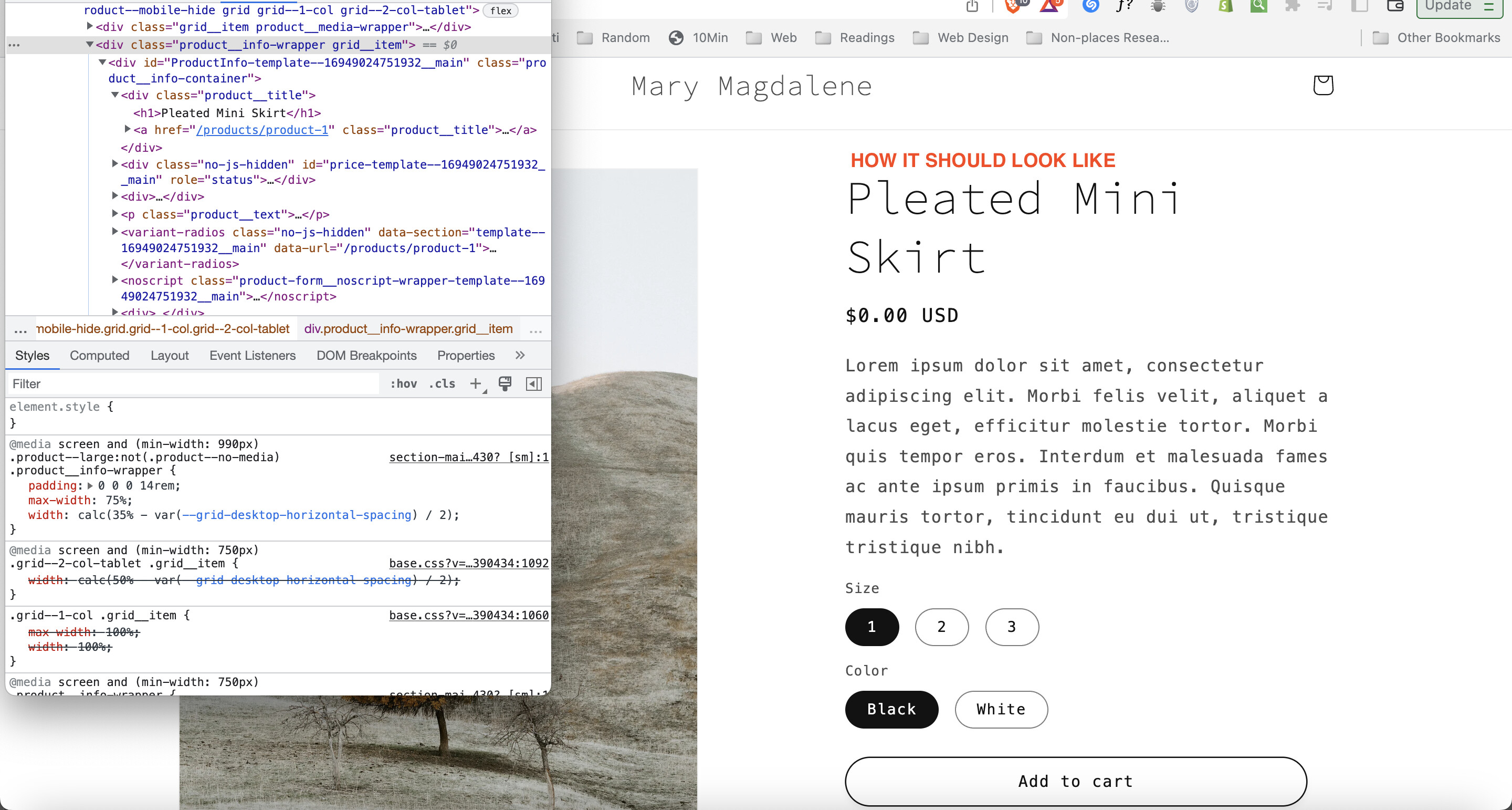
Hello @MariaMcGraw
It’s GemPages support team and glad to support you today.
I would like to give you a solution to support you:
- Go to Online Store → Theme → Edit code:

-
Open your theme.liquid theme file
-
Paste the below code before :
Result:

Hope my solution can work and support you!
Kind & Best regards!
GemPages Support Team.
Hi @MariaMcGraw ,
Did you solve it?