Hello,
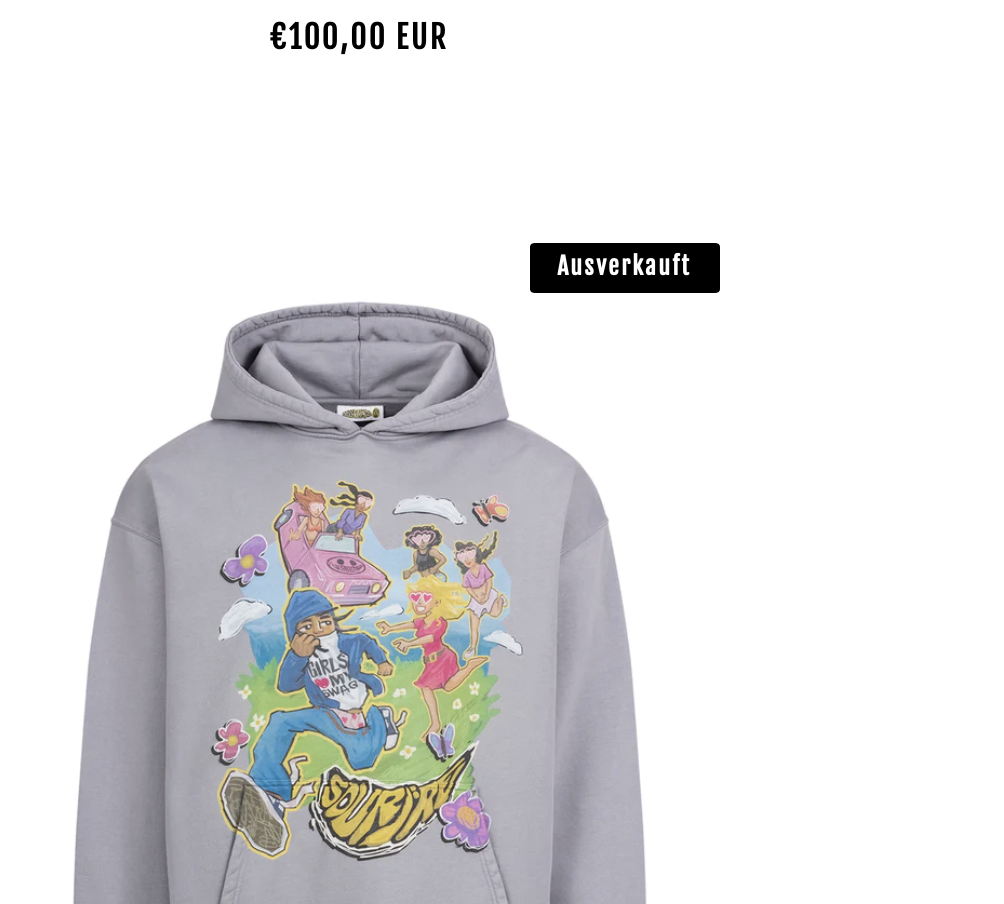
I want to change the sale badge from the first photo to the one in the second photo, how do I do that?
Hello,
I want to change the sale badge from the first photo to the one in the second photo, how do I do that?
Im working with the Brooklyn theme.
I want to change this Badge (https://aliudclothing.com/collections/black-friday?page=1) to this one (https://aliudclothing.com/collections/black-friday?page=1 products on the bottom)
Do you need any more information?
Hi @KimGottwald
Try this one.
.grid-product__sold-out, .grid-product__on-sale { border-radius: 0px; }

.grid-product__sold-out p, .grid-product__on-sale p {
    padding: 8px !important;
I hope it help.
Please don’t forget to Like and Mark Solution to the post that helped you. Thanks!
I only find the base.css and when I past the code there sadly it dosent work.
Oh okay, but I cant see the base.css in your file. Its theme.css.
Im only able to find theme.scss
I was able to change it by converting the code.
.grid-product__sold-out {
border-radius: 0px;
}
.grid-product__on-sale {
border-radius: 0px;
}
I there any possibility to make the rectangle wider and less high and also to move it to the right side.
Thank you for the first code!
Yeah sure, did you already paste it out?
Try this one for rectangular.
Same Instruction.
.grid-product__sold-out p, .grid-product__on-sale p {
    padding: 8px 15px !important;
And Save. You can put all togethere the radius just put comma on it. So it wont get more space.
Result:
You can also adjust more.
I hope it help.
Please don’t forget to Like and Mark Solution to the post that helped you. Thanks!