Runion
February 15, 2024, 10:47am
1
Hi all
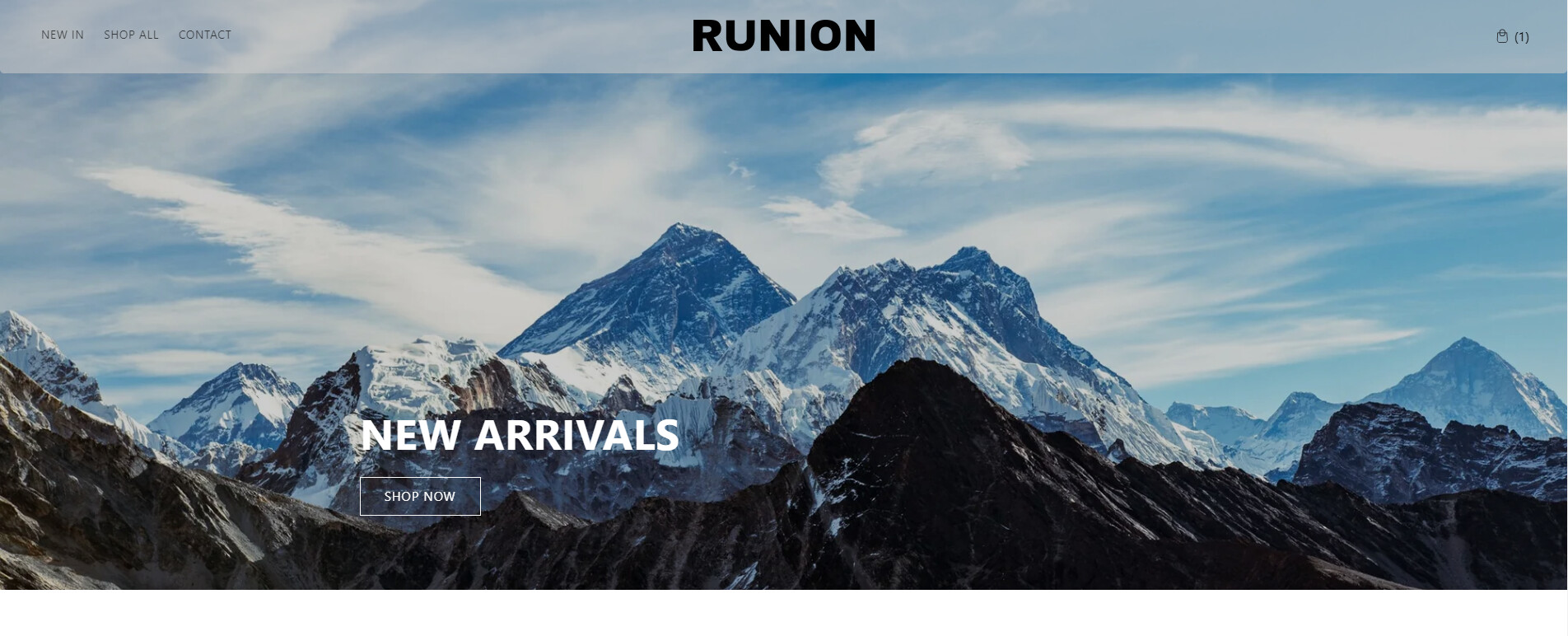
I am currently looking to make the Cart icon in Dawn theme into text matching my header with () after it.
So i would for example be “Cart (0)”, when it’s a empty cart and “Cart(1)” when 1 item is added ect.
Let me know if you need my store url or anything else.
Thanks in advance.
Hey @Runion Please share your site URL.
Runion
February 15, 2024, 1:10pm
3
@Runion It says password is wrong!
Hey @Runion Please make changes to the below files.
Search for header.liquid file. open the file and replace https://prnt.sc/7qjqTrKtUWq9 code with the below code.
        {%- liquid
          if cart == empty
            render 'icon-cart'
          else
            render 'icon-cart'
          endif
        -%}
        {{ 'templates.cart.cart' | t }}


            {%- if cart.item_count < 100 -%}
              ( {{ cart.item_count }} )
            {%- endif -%}
            {{ 'sections.header.cart_count' | t: count: cart.item_count }}
Now add css to the base.css file.
.cart-count-bubble {
    position: static;
    height: auto;
    width: auto;
    color: #000;
    background: transparent;
    font-size: inherit;
    text-decoration: none;
    text-underline-offset: 0px;
}
.header__icon.header__icon--cart{
  text-decoration: none;
}
.header__icon--cart .icon {
    height: 4.4rem;
    width: 4.8rem;
    padding-top: 3px !important;
    padding: 0;
}
It will look like this.
Thanks
Runion
February 16, 2024, 8:29am
7
Sorry for not being clear.
I also wanted the actual word “Cart” instead of the icon. Can you help with that as well?
TIA!
Hey did you get help with? I want to have bag (1) or bag (2)
How would i do this with my store? i have shopify dawn theme I tried the code above it didn’t work for me. Store is www.takeoverapparel.com and password is takeover