How to: clickable home hero banner and change image for mobile

Topic summary

A user asks how to make a hero banner fully clickable (not just the button) and display different images for mobile versus desktop views, inspired by the Journalfy website.

Solutions Provided:

  • Dual Image Banner Approach: Create two separate image banner sections—one for desktop, one for mobile—and use CSS media queries to hide each appropriately:

    • Hide desktop banner on mobile: @media (max-width: 767px) { .banner { display: none; } }
    • Hide mobile banner on desktop: @media (min-width: 768px) { .banner { display: none; } }
  • Making Banner Clickable: Follow a tutorial on making the entire image banner clickable (link provided to buymeacoffee.com guide)

  • Video Tutorial: A YouTube video link was shared demonstrating how to achieve the same effect

The discussion remains open with multiple approaches offered but no confirmation from the original poster on implementation.

Summarized with AI on November 7. AI used: claude-sonnet-4-5-20250929.

I’m bit of a newbie when it comes to developing on Shopify, however, I was hoping someone would be able to assist.

I came across this website that sells travel journals, Journalfy (https://journalfy.co/) and noticed that their hero banner is clickable. So it looks like you can just press the ‘shop now’ button, but the whole image is clickable. I really love how they’ve done this as it means the button doesn’t get in the way of the hero image as the screen resizes. I also noticed that for mobile view, it’s a different image used.

Wondering if anyone knows how they did this? If the store sees this comment I’d love to hear back! It’s a beautiful website BTW, so well done.

Thanks in advance.
Hi @Surewhynotstore

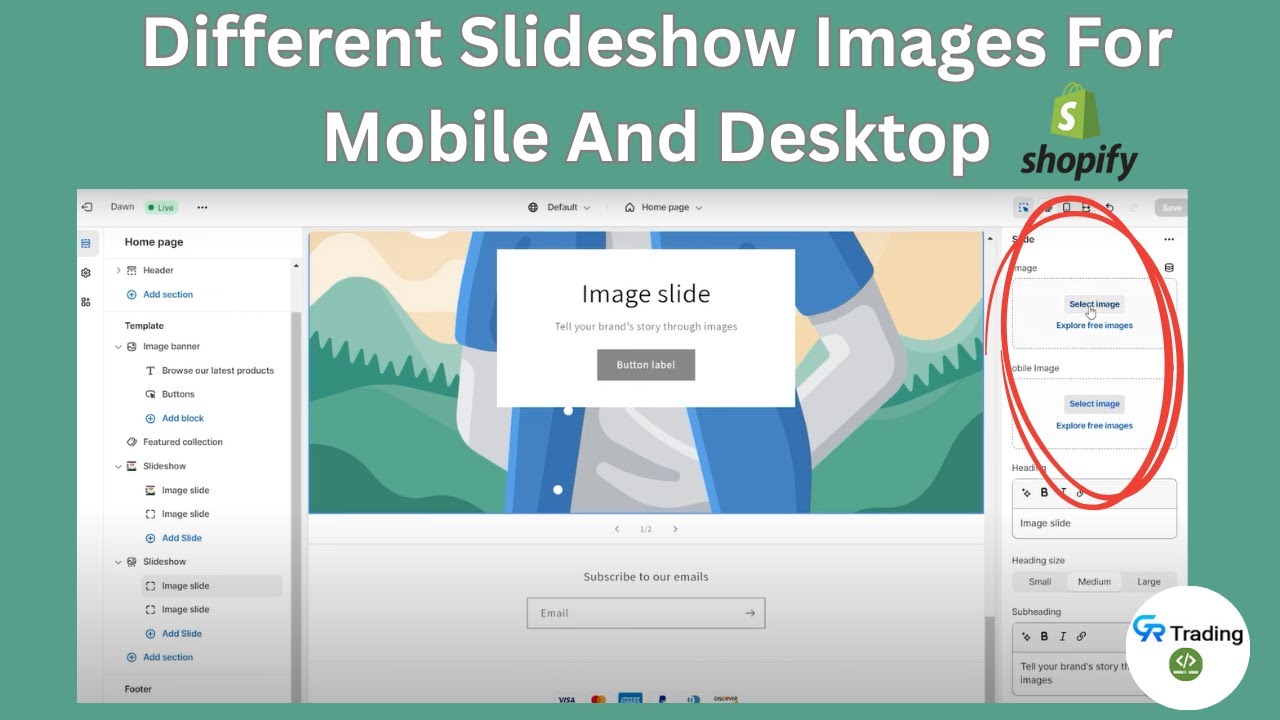
You can create 2 Image banner sections, one for mobile, and one for desktop, then add code following this

Add this code to Custom CSS of the desktop image banner section to hide it on mobile

@media (max-width: 767px) {
.banner { display: none; }
}

Add this code to Custom CSS of the mobile image banner section to hide it on the desktop

@media (min-width: 768px) {
.banner { display: none; }
}

Related to making image clickable, you can follow this post

https://buymeacoffee.com/dandong910/how-make-image-banner-clickable-shopify-dawn-theme

Hi @Surewhynotstore ,

Please refer the below video to achieve the same