Hello, My theme name is Craft. I wanted to create on custom field to get text into my cart. Can anyone help me to pass this value to order page?
Hello @Sahariar191
Glad to help you in this, I hope your code looks something like this.
<input required class="required" id="your-name" type="text" name="properties[Your name]">
To pass the value to cart or checkout name=“properties[Your name]” this is important, Your Text can to replaced With anything like Custom text, Engraving, Personalise, etc
Secondly you code should be inside the or {% form %} tag.
To take a close look let me know your store url and I will have a look.
Thanks
Hi @Sahariar191 ,
Here’s a simple solution for your custom text field needs, and you won’t even need custom code. You can achieve this by using the Free version of the Easify Product Options app. This app allows you to create custom text fields using either the Text Box option type for short fields or the Text Area option type for longer fields. You can then add these custom text fields to any product on your site  .
.
Here’s a quick demonstration of how to use the app:
- Create a new option set:
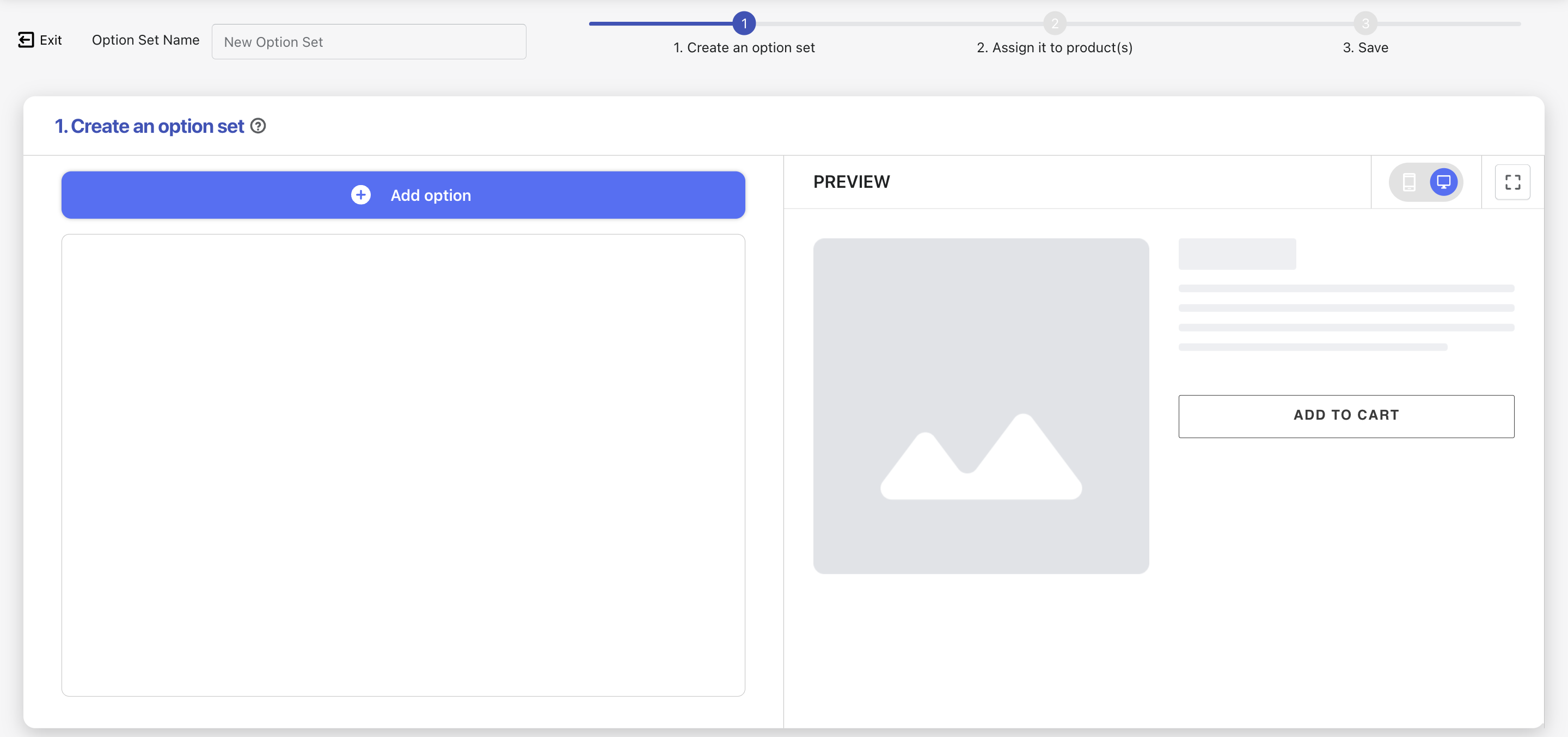
- Add a text field using either the Text Box or Text Area option type.
Text Box:
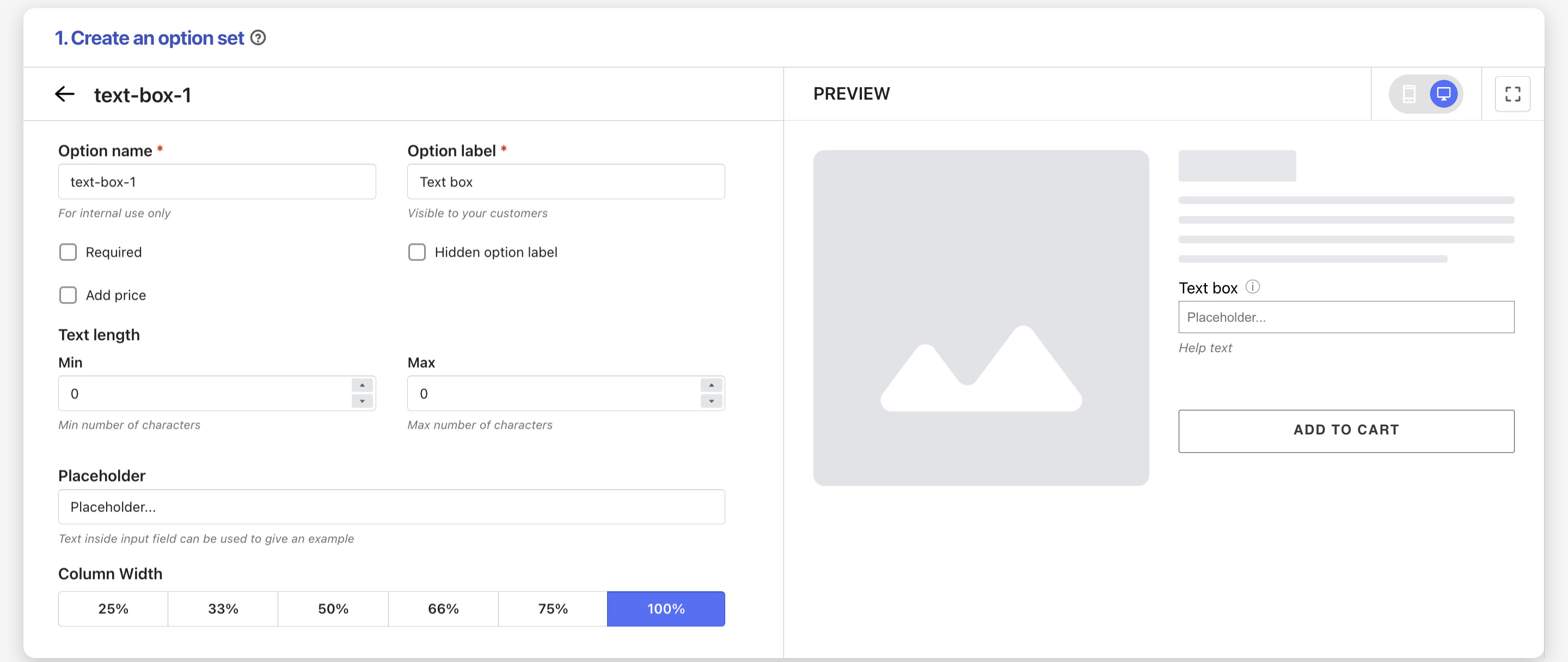
Text Area:

- Select the products to which you want to add the option set:

As you can see, setting up your text field with the Easify Product Options app is easy and quick. Give it a try  !
!
Hi,
You can easily add any fields to your cart page, product page, or even contact form using our Enhanced Shopify UI Element generator. It works well with any Shopify 2.0 Free themes. The UI element generator is free and no app needed.
Please check our video tutorial below.
