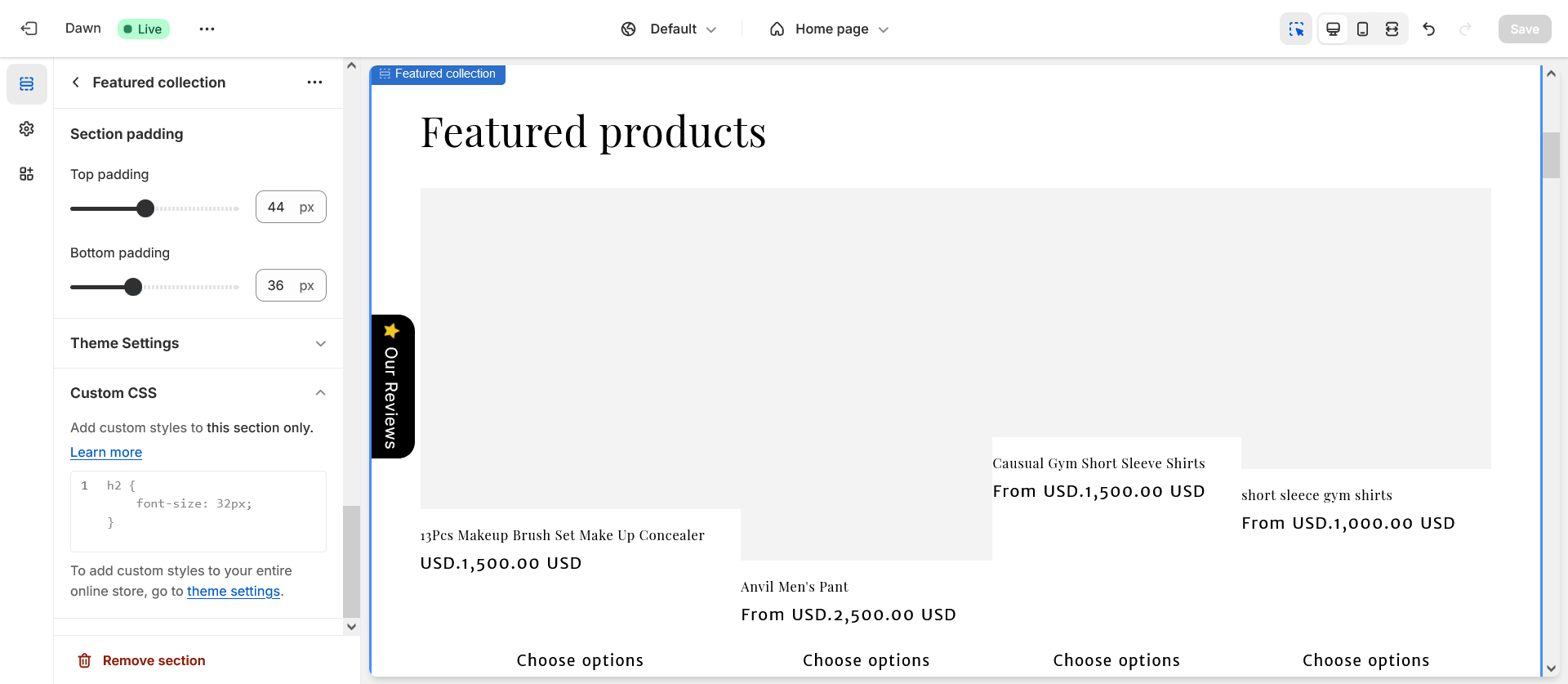
A user seeks to increase product card size in a featured collection on mobile view for their Shopify store (using the Craft theme).
Initial Problem:
Product cards appear too small on mobile devices
User provided screenshots showing current state versus desired larger card size
Proposed Solutions:
First response suggested custom CSS targeting the slider component with width: 44% !important for screens under 768px, noting that smaller cards are intentional for slider UX on mobile
This solution did not work initially
Working Solution:
Another user recommended adding code to the theme.liquid file after the <head> markup section
This approach successfully resolved the sizing issue
New Issue:
After implementing the fix, product page images became “mashed up” or distorted
The discussion remains open with this secondary problem unresolved
The thread demonstrates a common customization challenge where fixing one display issue can create unintended consequences elsewhere in the theme.
Summarized with AI on November 12.
AI used: claude-sonnet-4-5-20250929.
hi its mostly done in case of slider because when a customer open the site on mobile it will show that these are sliders so you can swipe to check other products but if you still want to use it