How to left align header, collection banner, and page content (spotlight theme)

Topic summary

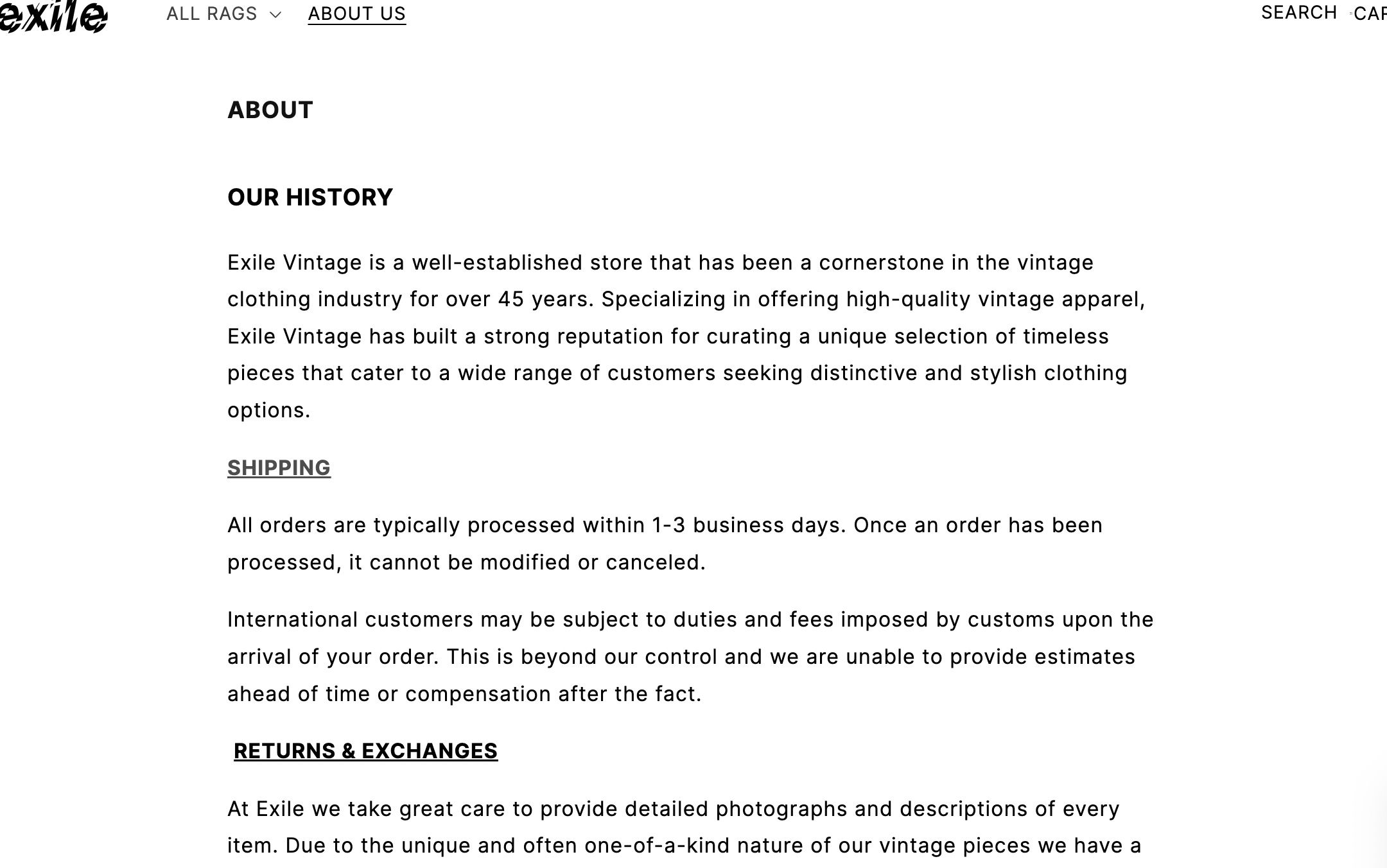
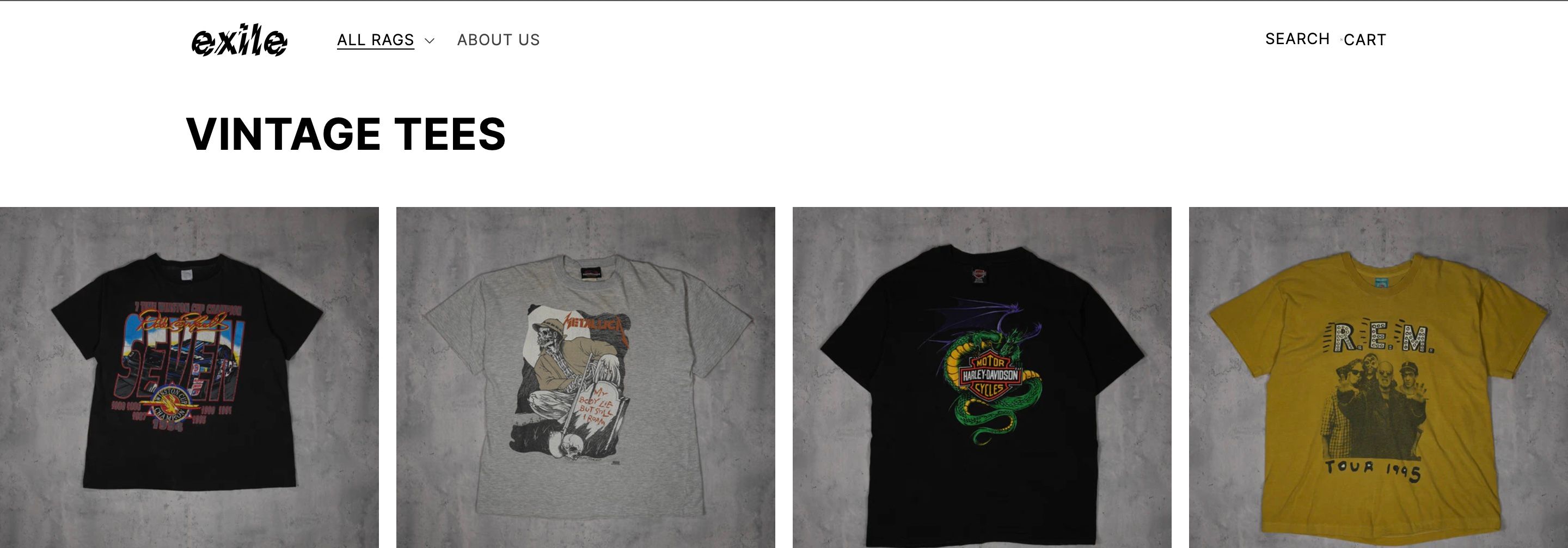
Need to left-align elements in the Shopify Spotlight theme: move the header and collection banners further left, and shift the About Us page content from centered to match the same left margin as the header/banner.

Key elements:

  • Header: site top area (logo/navigation) needing tighter left alignment.
  • Collection banner: the image/title area on collection pages to align further left.
  • Page content: About Us text currently centered; should align to the header/banner margin.

Attachments: Two screenshots are central to visualizing the current alignment and desired change.

Recent updates:

  • Responders requested the store URL and, if applicable, the password to test and provide accurate guidance.
  • No code snippets or solutions have been offered yet.

Action items:

  • Provide the store URL and password for review.
  • Likely adjustments will involve theme settings or CSS (padding/margins) once access is available.

Status: Ongoing; resolution pending access to the site for diagnosis and specific instructions.

Summarized with AI on December 23. AI used: gpt-5.

Hello,

I am using the spotlight theme and I need some help figuring out how to making these adjustments.

I want to left align headers, collection banners, and page content like the text on my about us page. The header and banners are already left of center, but I want to move them further to the left. The about us page content is centered and I want to push it left to the same margins as the header and banner.

I hope I am explaining that correctly.

Thank you in advance.
Hi @Littlejed ,

Can you share your website link for testing purposes and guide you properly.??

Hi @Littlejed ,

Could you kindly provide us with your store URL and, if applicable, the password, so that our team can offer you the necessary support?