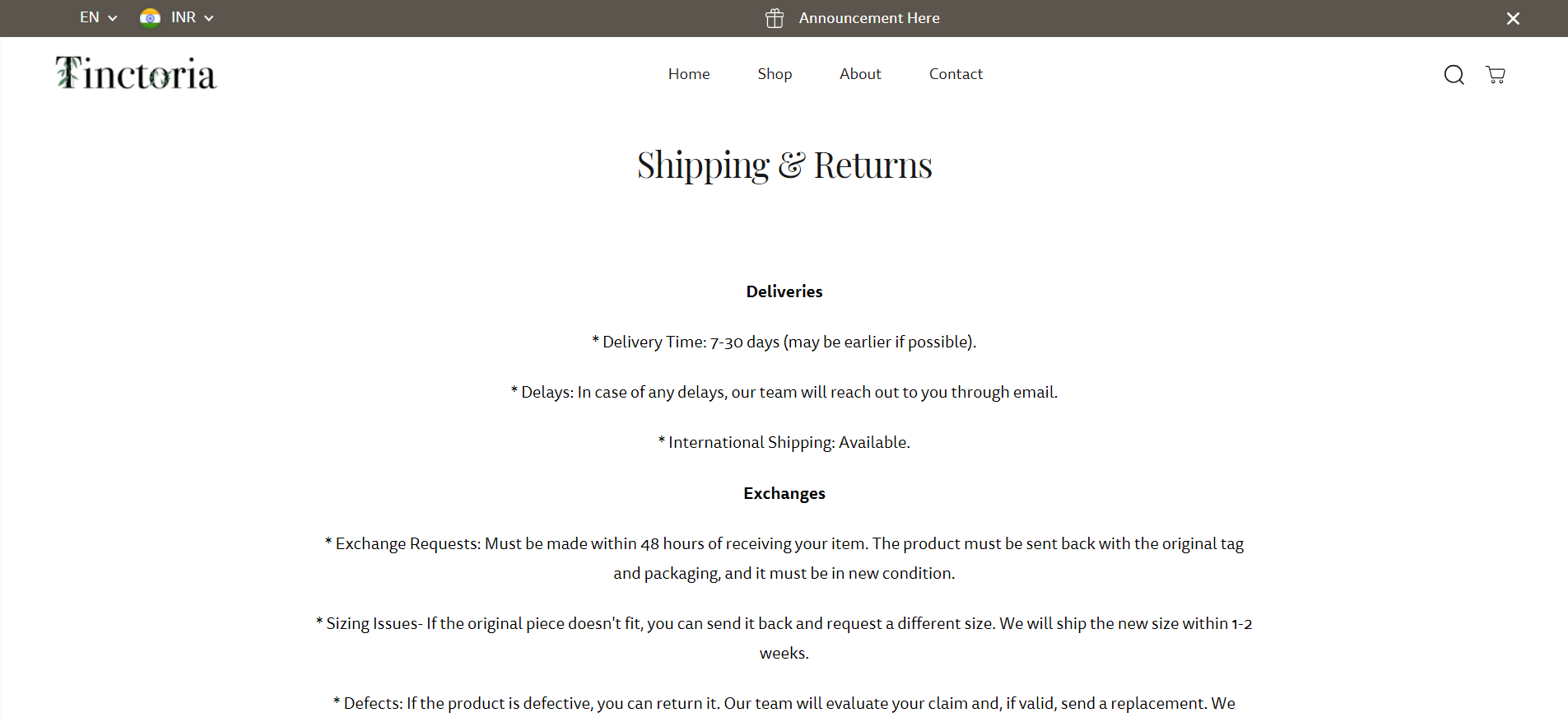
Hi I want to center align my rich text on the ‘shipping and returns’ page.
Here is the link: https://0a272e-93.myshopify.com/pages/shipping-returns
(also provide the code for left aligning the text in case i do not like how center alignment looks)
How can I do this?
Moeed
2
Hey @Tinctoria
Follow these Steps:
-
Go to Online Store
-
Edit Code
-
Find theme.liquid file
-
Add the following code in the bottom of the file above tag
RESULT:
If I managed to help you then, don’t forget to Like it and Mark it as Solution!
Best Regards,
Moeed
Hello @Tinctoria
You can add code by following these steps
-
Go to Online Store → Theme → Edit code.
-
Open your theme.liquid file
-
Paste the below code before on theme.liquid
.rich-text-section .rich-text-description p{
text-align: center !important;
}
Was my reply helpful? Click Like to let me know!
Was your question answered? Mark it as an Accepted Solution.
if you want to do left align replace center with left