How to make the product image slider so it's one swipe at a time

Topic summary

A Shopify store owner using the Dawn theme wants to modify their product image slider behavior on mobile. Currently, users can swipe through multiple images at once (e.g., jumping from image 1 directly to image 4), but they want to restrict it to one image per swipe for a more controlled browsing experience.

Solution Found:

  • Another user discovered working CSS code from a previous post
  • The fix involves adding scroll-snap-stop: always; to the .slider__slide class
  • This code should be added at the end of the custom CSS file

Status: Resolved - the CSS modification successfully enforces single-image swiping on mobile product galleries.

Summarized with AI on November 6. AI used: claude-sonnet-4-5-20250929.

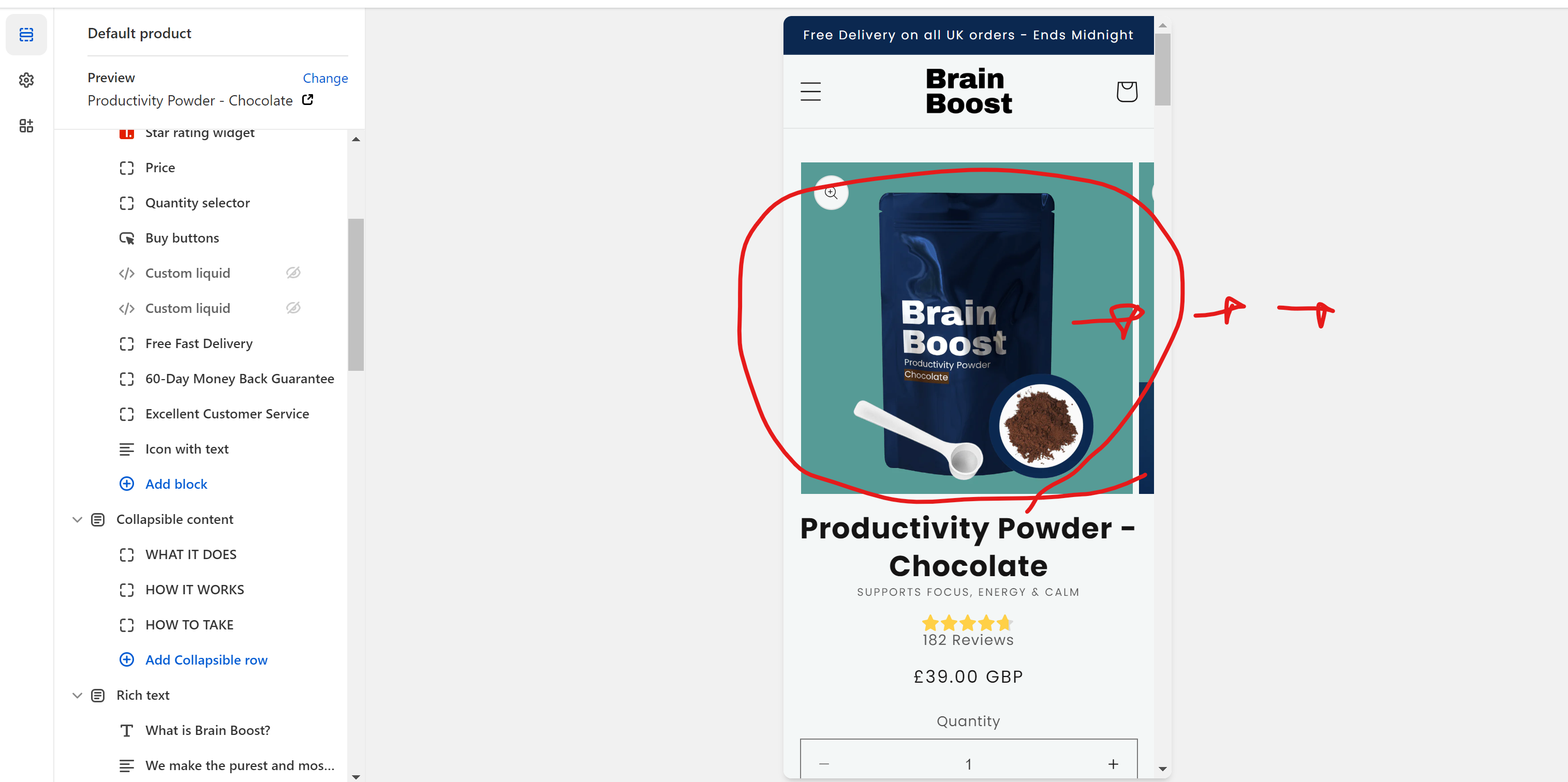
I’d like to make the product image slider so that with each swipe on mobile view, it shows the next consecutive image in the photo series (from image 1 to 2, then 2 to 3.. after each swipe), rather than being able to make just one big swipe and go straight from image 1 to image 4.

Any advice is really appreciated.

URL: https://www.brain-boost.co.uk/products/chocolate-powder

Theme: Dawn
1 Like

same question! any updates to this?

Actually I found this code on another post it solved my issue. Add it at the end of the custom CSS file:

Show More

.slider__slide { scroll-snap-stop: always; }

1 Like

You are my king