Thanks in advance!
I am looking to move the icons (Search, Cart) in my header closer together on the mobile version. How do i go about doing so? and is it possible to move one icon at a time?
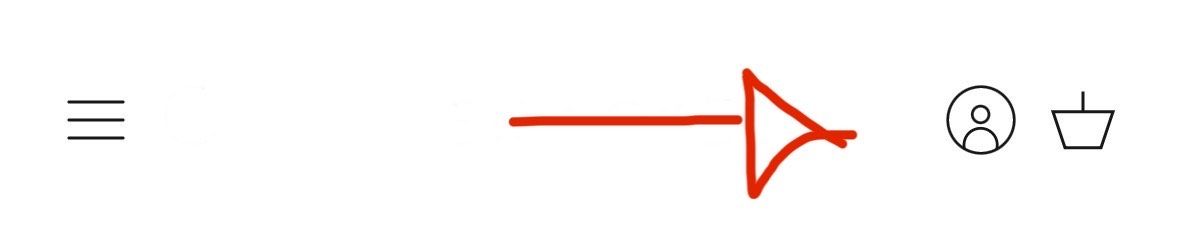
How my mobile version site looks:

How I want it to look:
Thanks in advance!
I am looking to move the icons (Search, Cart) in my header closer together on the mobile version. How do i go about doing so? and is it possible to move one icon at a time?
How my mobile version site looks:
How I want it to look:
Hello @MMast
can you share store URL?
password: dc
password is dc
password?
dc
You can add code by following these steps
Go to Online Store → Theme → Edit code.
Open your theme.liquid file
Paste the below code before on theme.liquid

Was my reply helpful? Click Like to let me know!
Was your question answered? Mark it as an Accepted Solution.
Can you give an example of what you mean when you say “before ” please.
Hey @MMast ,
Go to your theme’s “Edit Code” Option, then in the search bar type “theme.liquid”
Below the tag “” tag paste the following. Screenshot attached for reference.
Screenshot is for reference only, the correct code to paste is the one shown above.
That didn’t work 
I don’t see the code pasted in the website. Where did you do it?
Also, are you customizing another theme because the link sends me to the live theme, not the one you are customizing (if it’s a draft)
It works! Thank you, sorry I wasn’t looking at the proper area. Also, how would I adjust the positioning manually with this code? Right and left, up and down?
Up an down is not really an option in this code itself, but you can move left and right by reducing or increasing the 5px value.
Thank you!