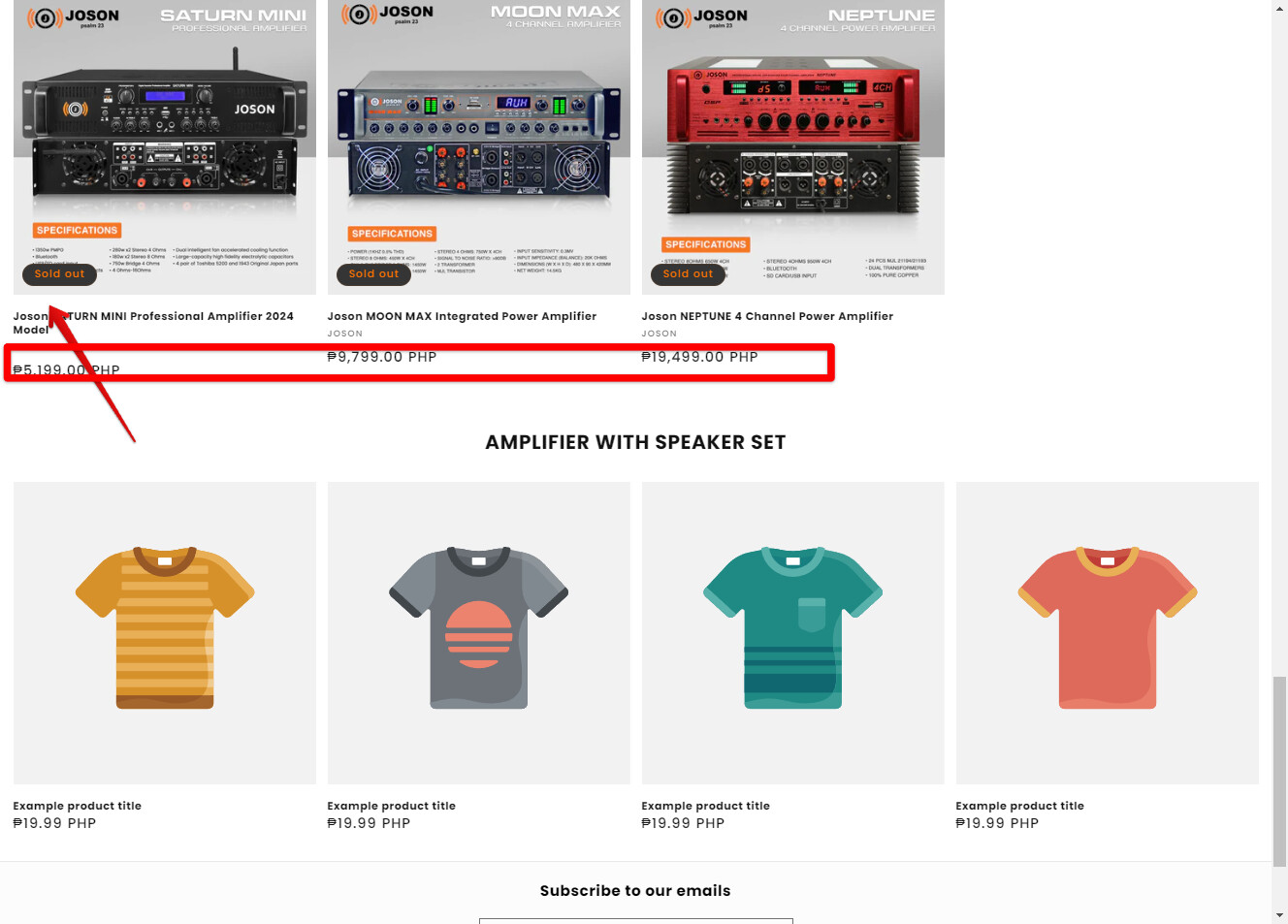
Hello guys, how to reuce this excess space in my mobile view? i already turn the bottom padding to 0, it worked on desktop view but not on mobile, pls help tnx
here is the link https://72d12c-be.myshopify.com/
Hello guys, how to reuce this excess space in my mobile view? i already turn the bottom padding to 0, it worked on desktop view but not on mobile, pls help tnx
here is the link https://72d12c-be.myshopify.com/
Hi @josoneryx1890 ,
Step 1: Go to Shopify Admin → Online Store ->Theme → Edit code
Step 2: Search file theme.liquid
Step 3: Inside head tags. You need create style tags. After insert my code inside style tag
.image-with-text__content.image-with-text__content--middle {
    padding-bottom: 0 !important;
}
Here is result:
Hope this can help you,
If our suggestions are useful, please let us know by giving it a like or marking it as a solution. Thank you 
This is Richard from PageFly - Shopify Page Builder App
Please add this code to your theme.liquid above the to get this solved
Step 1: Online Stores > Themes > More Actions > Edit code
Step 2: click on theme.liquid and paste the code above the
While investigating on the issue for you, I’ve had some suggestions for you that you can consider to make it for those parts
Is to add the product review star above the title here in the products grid part.
And also to highlight the product price, it will increase more trust for your product and make customer more easier to see and know the pricing
Hope this can help you solve the issue
Best regards,
Richard | PageFly