How to show featured product card in full width

Topic summary

Goal: make the Featured Product cards span full width with no gap. The request later shifts to adding a small, consistent gap instead.

Actions taken:

  • A helper advised adding a custom code snippet in theme.liquid (above ) and enabling a related setting in the theme editor. The full-width layout worked.
  • When text (product name/price) was too close to the screen edge, the user asked for spacing adjustments.
  • The helper then provided a replacement code snippet to create a tiny gap, with spacing values (5px and 20px) adjustable. The user confirmed it worked.

Latest request: apply the same tiny-gap spacing to product cards on the Catalog (product listing) page. No solution posted yet; discussion remains open.

Notes and context:

  • theme.liquid is the main Shopify theme template; the theme editor controls layout settings.
  • โ€œCatalogโ€ refers to the product grid/listing page.
  • Shared screenshots and code snippets are central to understanding the spacing changes, but the exact code content is not shown here.
Summarized with AI on January 3. AI used: gpt-5.

hi,

i want the cards on featured product to be on full widgth of te page with no gap

1 Like

Hi @slv1997

Would you mind to share your store URL? Thanks!

Hi @slv1997

This is Richard from PageFly - Shopify Page Builder App

Please add this code to your theme.liquid above the to get this solved

Step 1: Online Stores > Themes > More Actions > Edit code

Step 2: click on theme.liquid and paste the code above the


And enable this in theme editor to make it have the same structures

Hope this can help you solve the issue

Best regards,

Richard | PageFly

1 Like

hi tnx it worked.

but now the text of the card that in the left (the price and the name of the product) is too close to the limit of the screen, can you tell me how to fix it?

I added a picture for illustration.

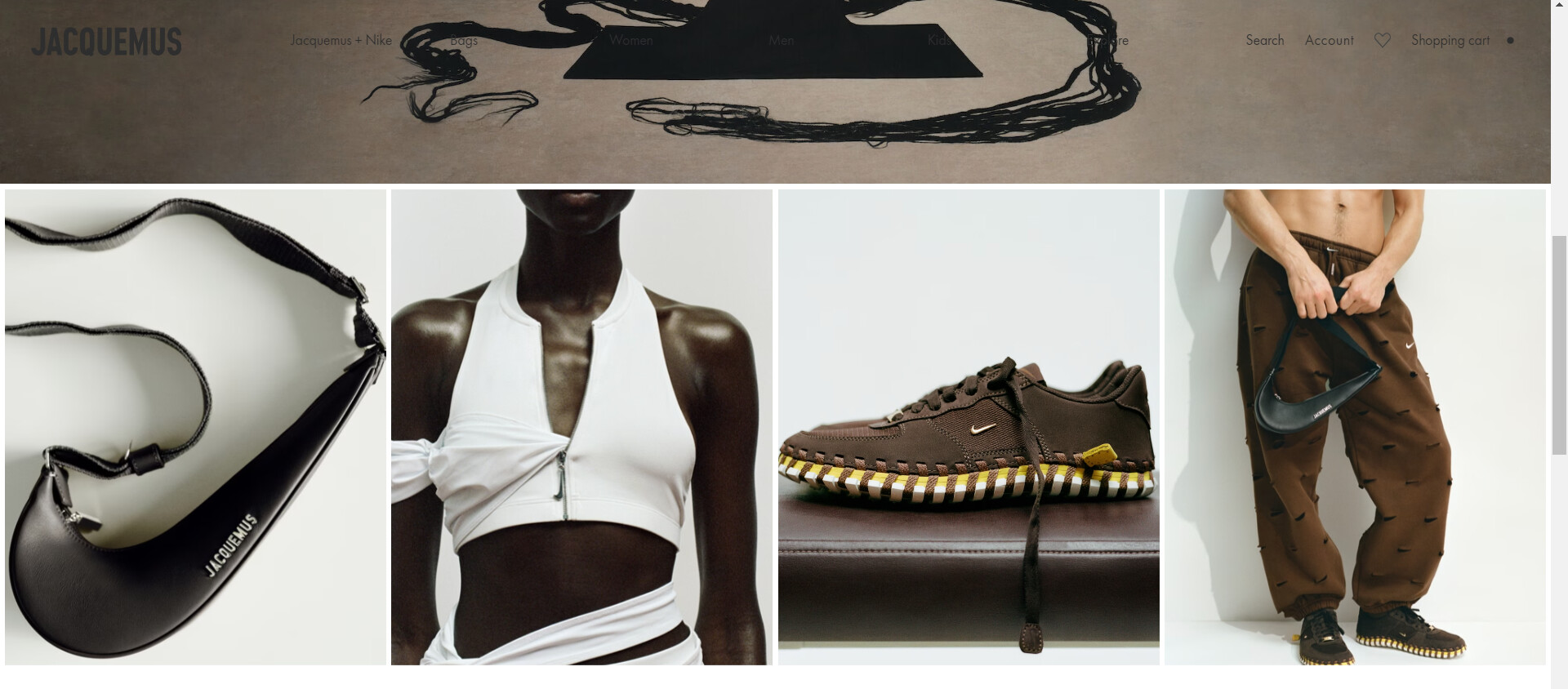
anf if i want to change it not to full not to fullwidgth but to tiny gap like this photo: (see the photo in full size)

Hi in case you want a tiny gap instead of full-width, so you can replace the code you added with this new one


Note, you can change value of 5px and 20px to adjust the spacing

1 Like

wow amaizing it worked! one last thing can you help me do the same tiny gap with the product cards in the โ€œcatalogโ€? (open the photo so you can see the photo in full size)

wow amaizing it worked! one last thing can you help me do the same tiny gap with the product cards in the โ€œcatalogโ€? (open the photo so you can see the photo in full size)