Image Banner in Dawn

Topic summary

A user is trying to modify the Dawn theme’s image banner to prevent it from stretching full-width across the page. They want to replicate the centered, narrower banner style from their previous Debut theme.

Current Issue:

  • The Dawn theme’s default banner extends edge-to-edge
  • User prefers a constrained width with matching background colors on the sides

Attempted Solution:
They found CSS code that limits the banner width:

.banner.banner--small {
  max-width: 1270px !important;
  margin: 0 auto !important;
}

However, this creates a new problem: the outer edges don’t match the site’s color theme, leaving visible gaps or mismatched backgrounds.

The conversation appears incomplete, with another user beginning to respond but the message cutting off. The issue remains unresolved regarding how to properly style the banner edges to blend with the theme.

Summarized with AI on November 8. AI used: claude-sonnet-4-5-20250929.

Is there a way to adjust the size (width) of the image banner in Dawn theme. I don’t want it to stretch from side to side. 2nd Image is an image is from my live store using debut showing what I would like to do to my Dawn theme store.
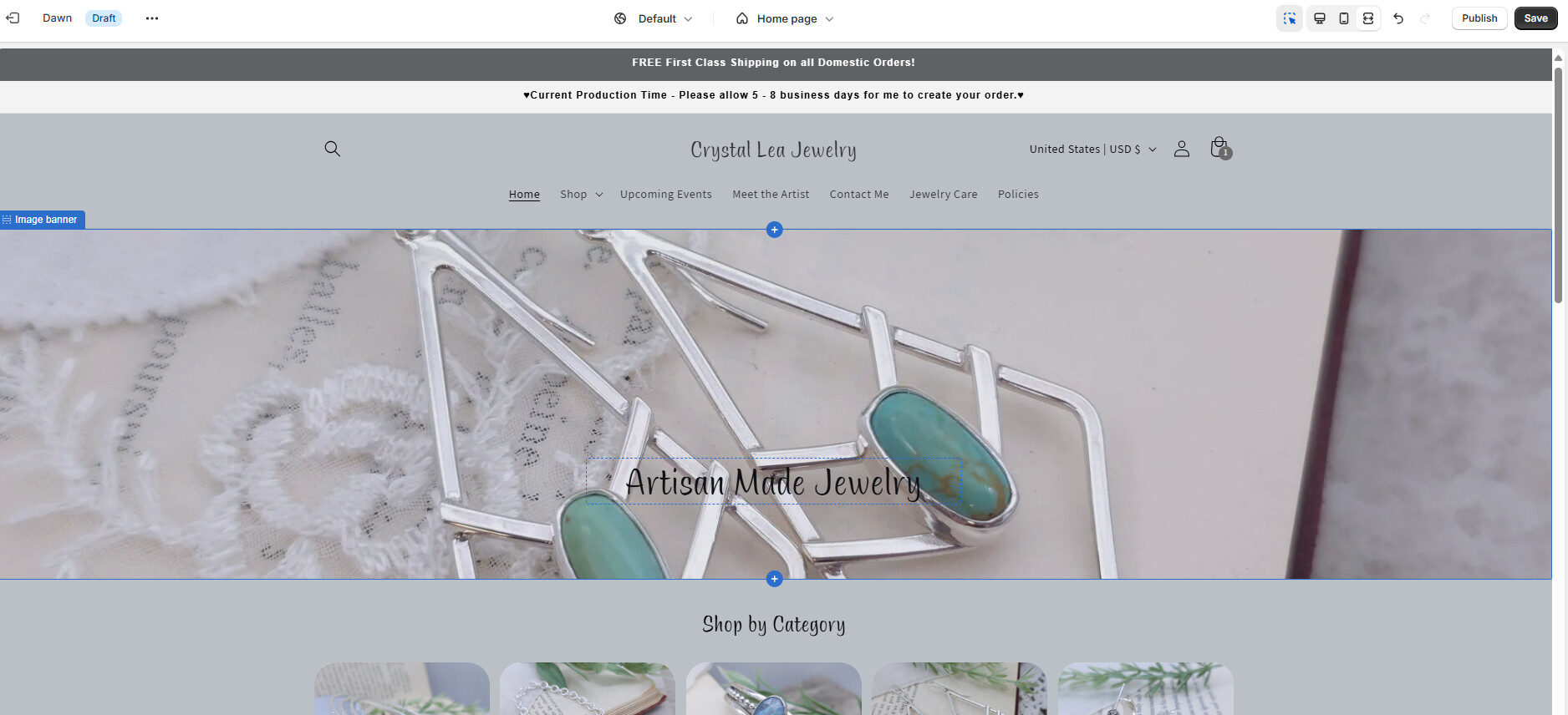
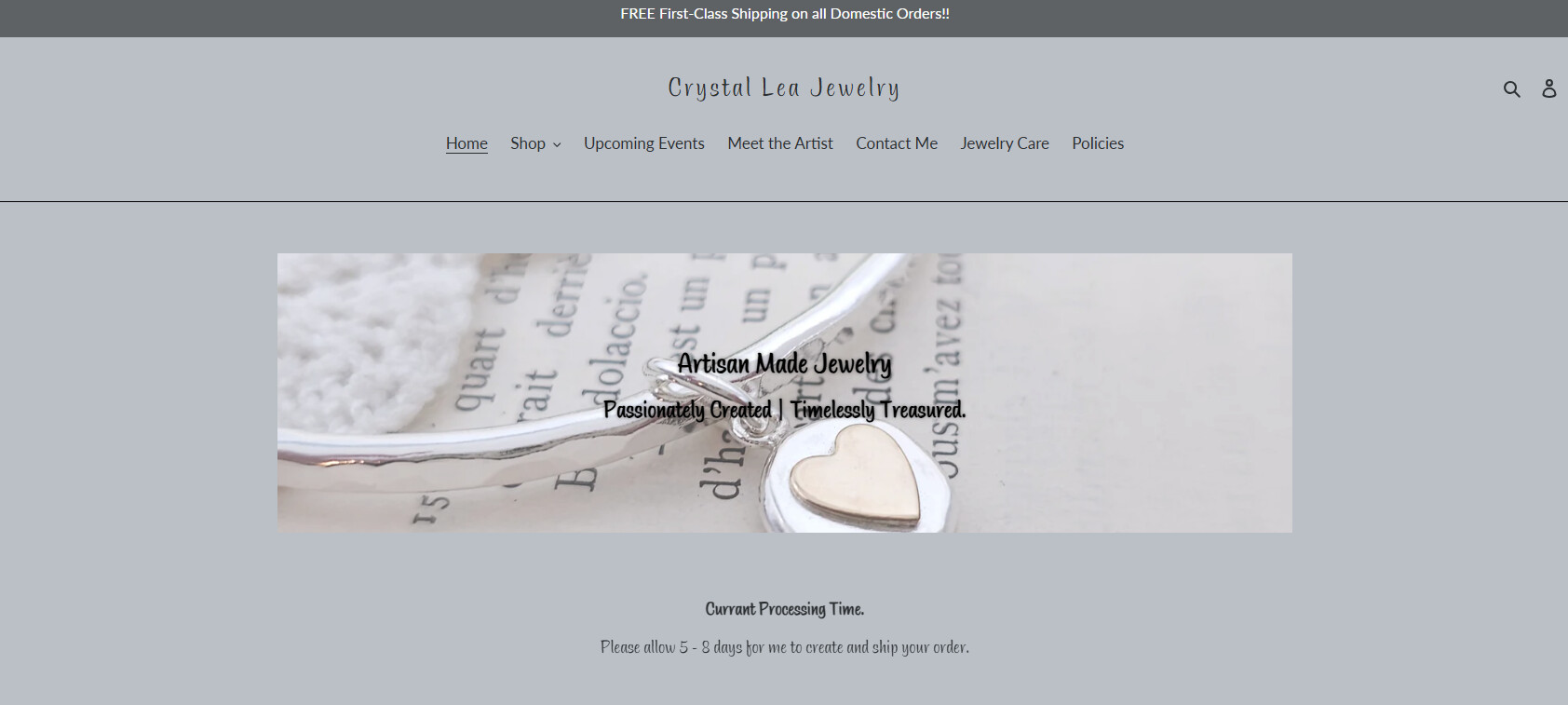
The one I am working on is not live. Is that the one you need?

How do I share it with you?

I found this code and it did size it however the outer edges dont match color theme.

.banner.banner–small { max-width: 1270px !important; margin: 0 auto !important; }

@cvette don’t worry