Hi,
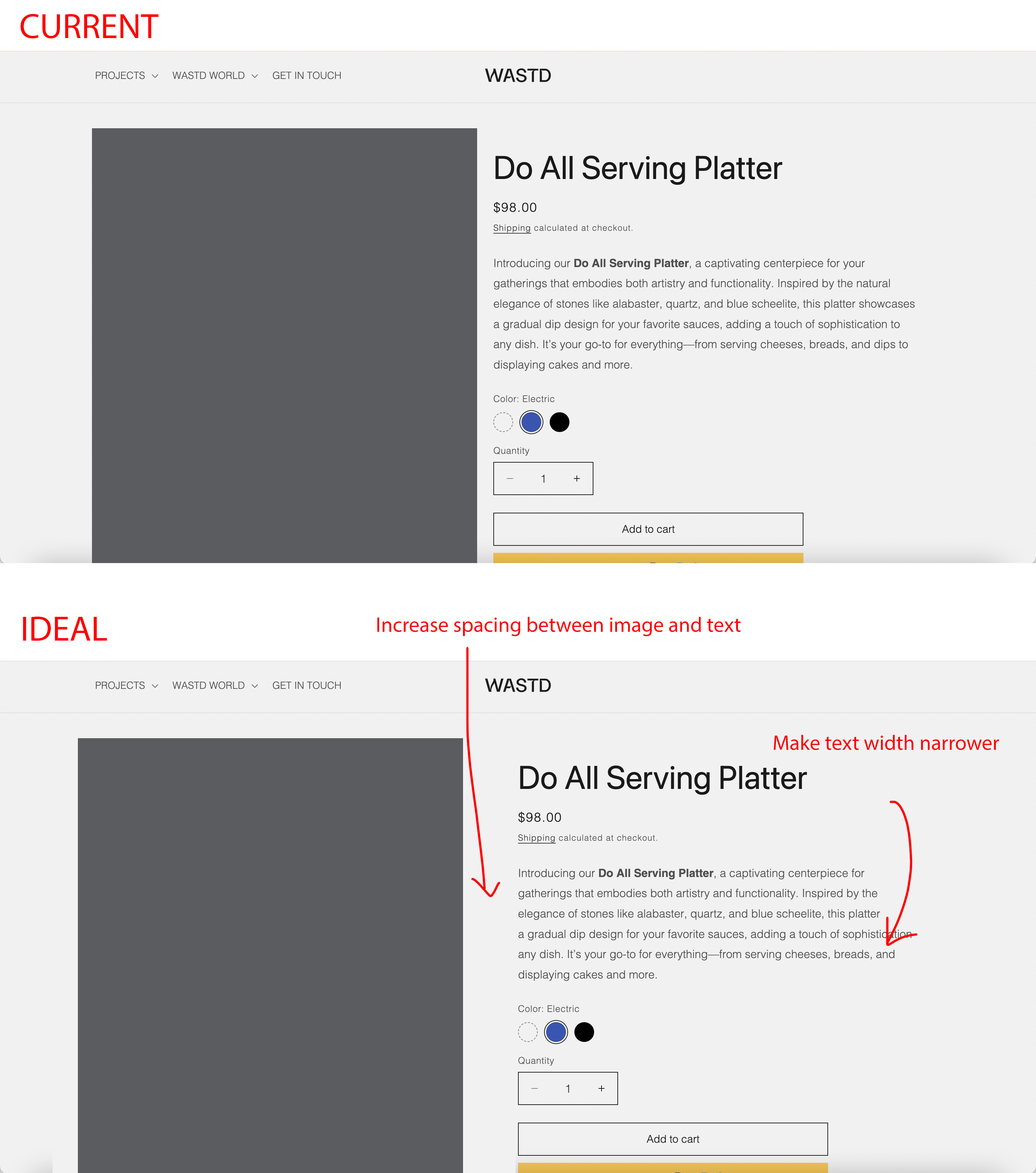
How can I increase the spacing between my product image and text, as well as make the text portion narrower?
Attached photo of current and ideal
page here: https://www.wastd.world/products/multi-purpose-serving-platter
Hi,
How can I increase the spacing between my product image and text, as well as make the text portion narrower?
Attached photo of current and ideal
page here: https://www.wastd.world/products/multi-purpose-serving-platter
Hey @letsgetwasted
Follow these Steps:
Go to Online Store
Edit Code
Find theme.liquid file
Add the following code in the bottom of the file above tag
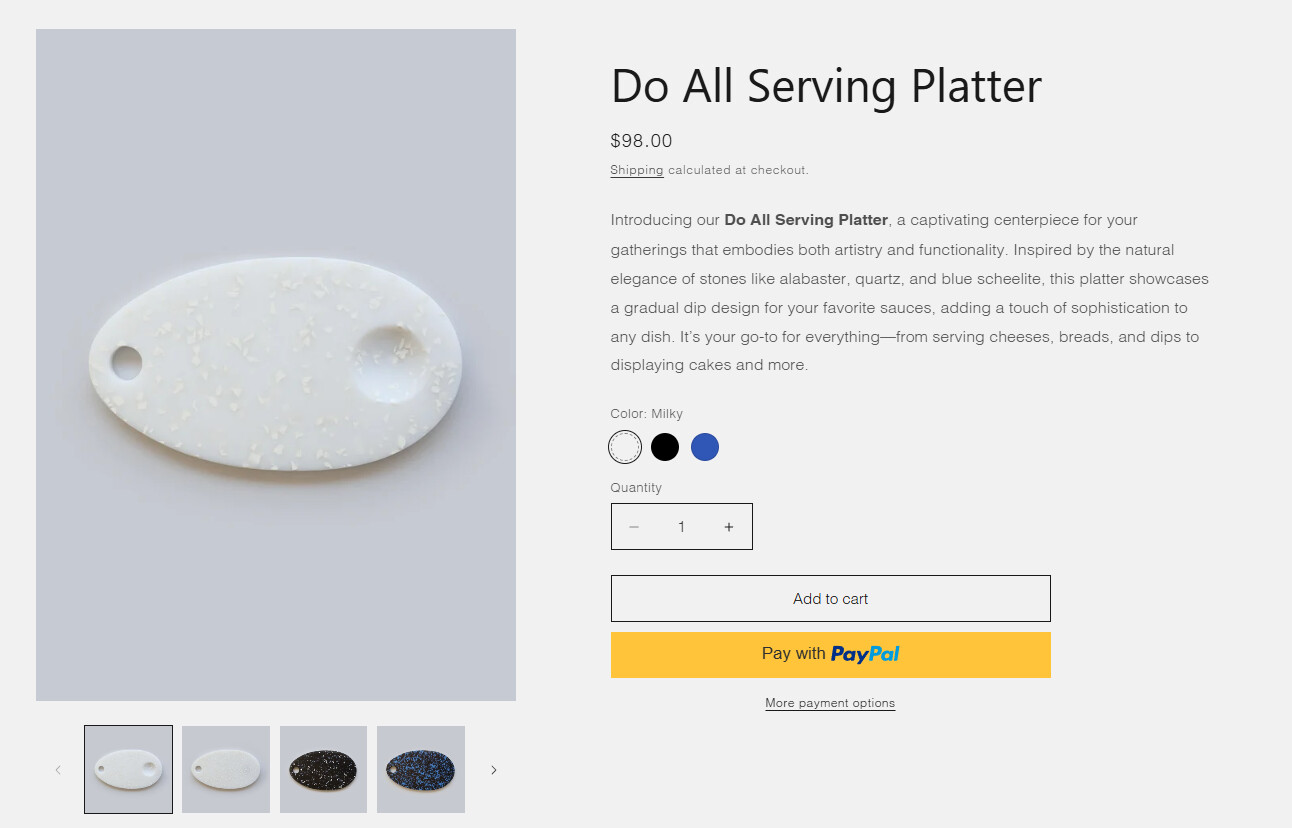
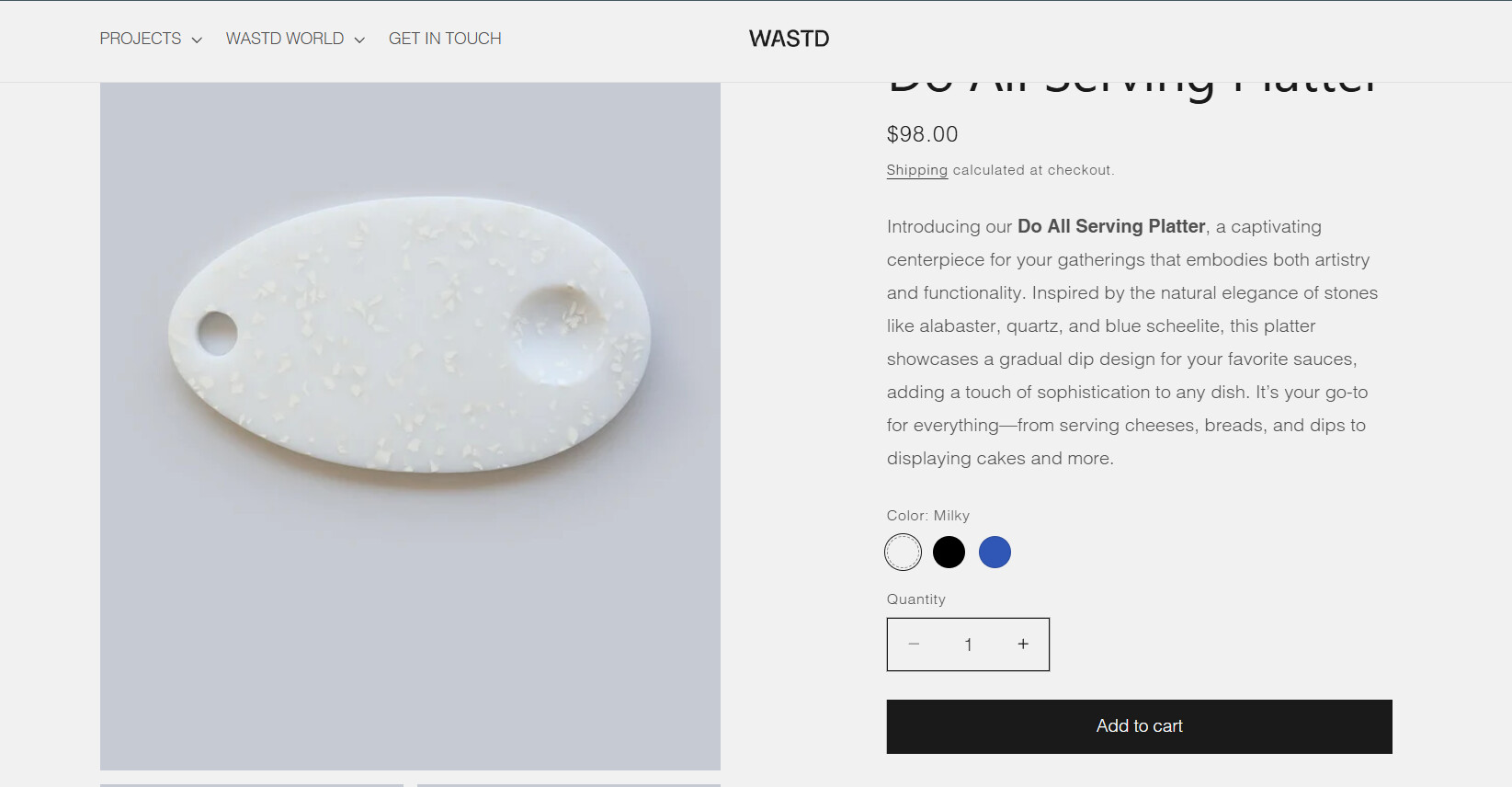
RESULT:
If I managed to help you then, don’t forget to Like it and Mark it as Solution!
Best Regards,
Moeed
I hope you are well. You can follow our instructions below:
Step 1: Shopify admin > Online store > Customize: https://prnt.sc/XQ6IDB99kUCd
Step 2: From the left menu > Theme settings > Open Custom CSS: https://prnt.sc/iDxwa8zBQ4Z-
Step 3: Copy the code below and paste it there
Here is the code for Step 3:
@media screen and (min-width: 768px) {
    body .product.grid {
       gap: 10% !important;
    }
body .product__info-wrapper.grid__item.scroll-trigger.animate--slide-in {
    width: 40% !important;
    }
}
.product__description {
    max-width: 44rem;
}
Please let me know if it works. Thank you!
Best,
Daisy - Avada Support Team.