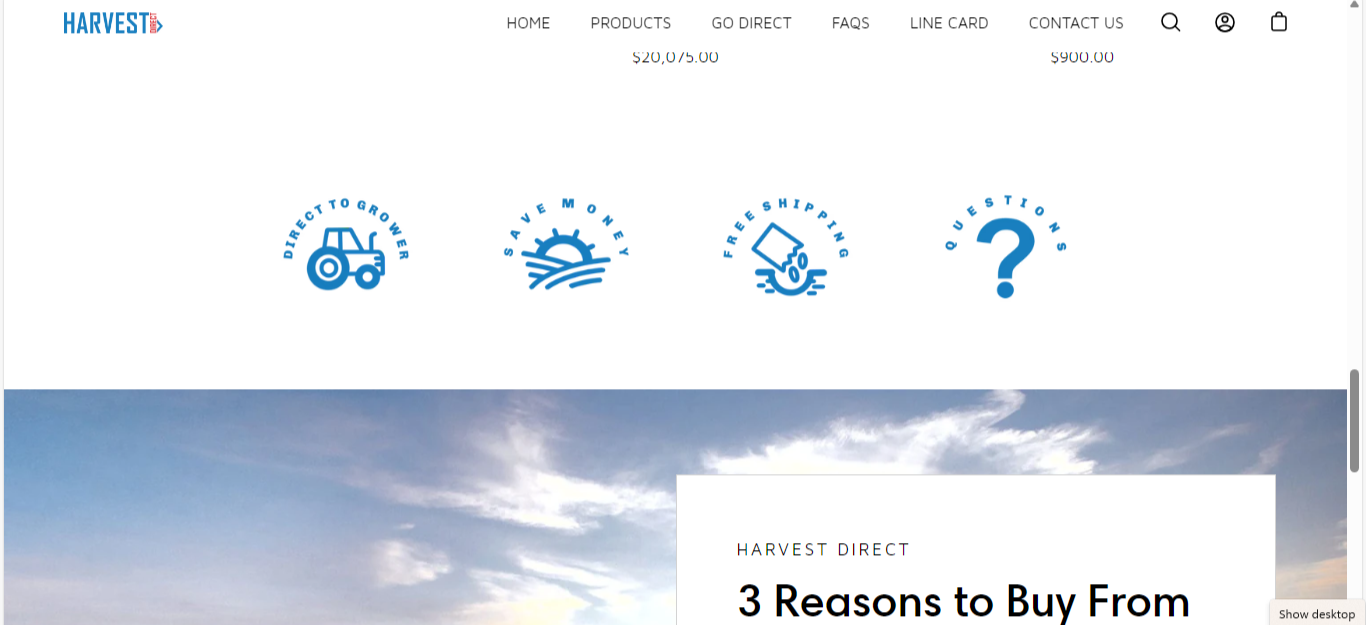
I’m using refresh theme and I can’t figure out how to add these small clickable icons that will be link to a page.
Here’s my preview link:
I’m using refresh theme and I can’t figure out how to add these small clickable icons that will be link to a page.
Here’s my preview link:
Yes, You can add clickable icons that will be link to a page. check if your theme has an option to add custom css if yes add that section and paste this code there.
Make sure to replace the links with the actual links
thank you for taking the time to reply on my question. I tried the code but there’s a prompt saying it can’t be published. The theme I used has a custom css option.
I finally figured it out and the code you provided did work. I would like to ask how do I get the html code of the page that I would like to link on the icon? Thanks a lot
First look if your theme has a section named “Custom HTML” if yes add that section to your home page
and paste my code there and if your theme does not have section of named “Custom HTML” than allow me collaborator access and I will create a new sew section in your theme so that so you can add clickable icons
