I want to know how I can hide the 2nd image on my product page. I’m only using it for the “Show second image on hover” and don’t want it visible on my Default Product view.
Topic summary
A user wants to hide the second product image from their default product page view while keeping it functional for the “Show second image on hover” feature.
Current situation:
- The store URL is witnessskate.com
- Second image is visible on the product page but should only appear on hover
- User also wants to hide navigation arrows/buttons on the product media slider
Solutions provided:
CSS code to hide images beyond the first:
.product__media-item.grid__item.slider__slide:nth-child(n+2) {
display: none !important;
}
CSS to remove slider navigation buttons:
.product__media-wrapper .slider-buttons {
display: none;
}
Open question:
The user asks if this customization can also be applied to their Shop app store, which remains unanswered.
@Witness hello can you share the store URL so i can check?
Cant see any other images than one
try this css in base.css
.product__media-item.grid__item.slider__slide:nth-child(n+2) {
display: none !important;
}
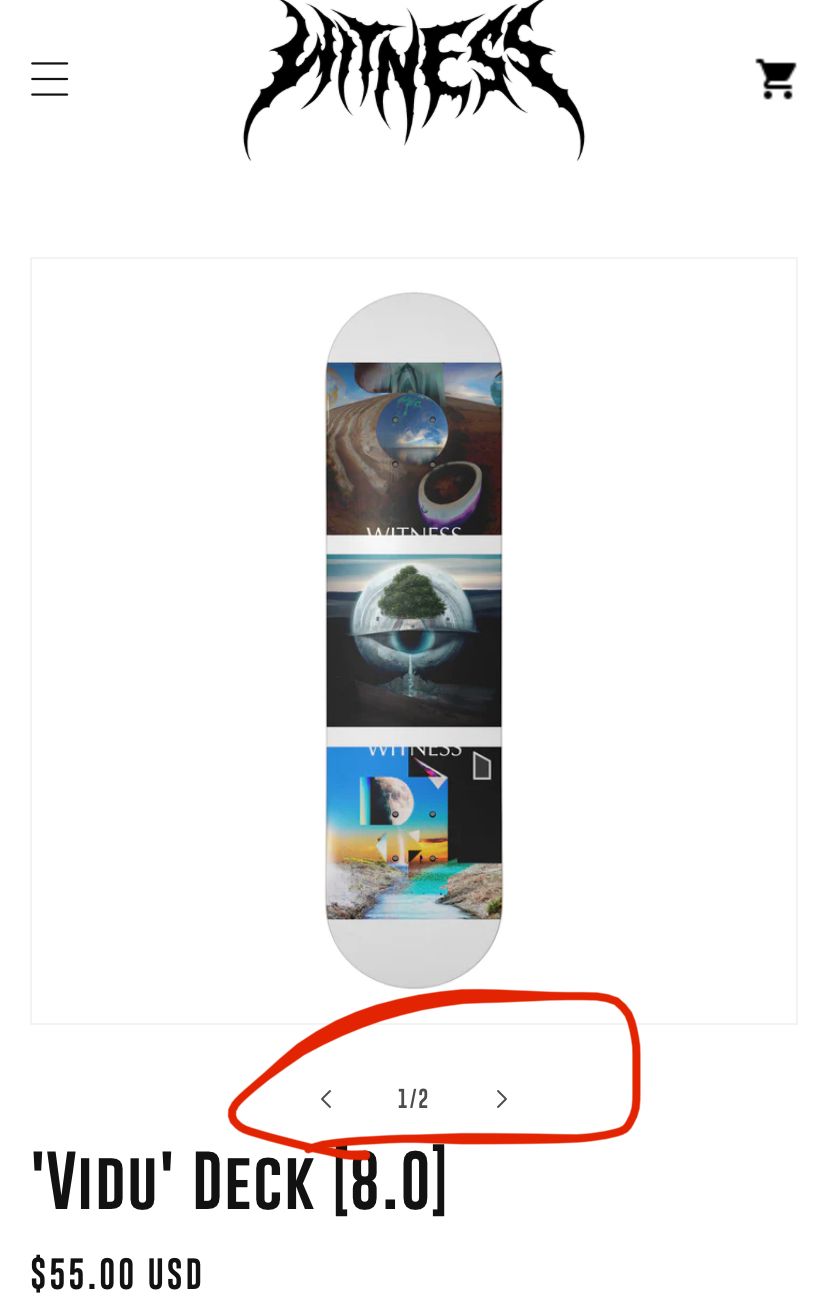
.product__media-wrapper .slider-buttons {
display: none;
}


