Hello,
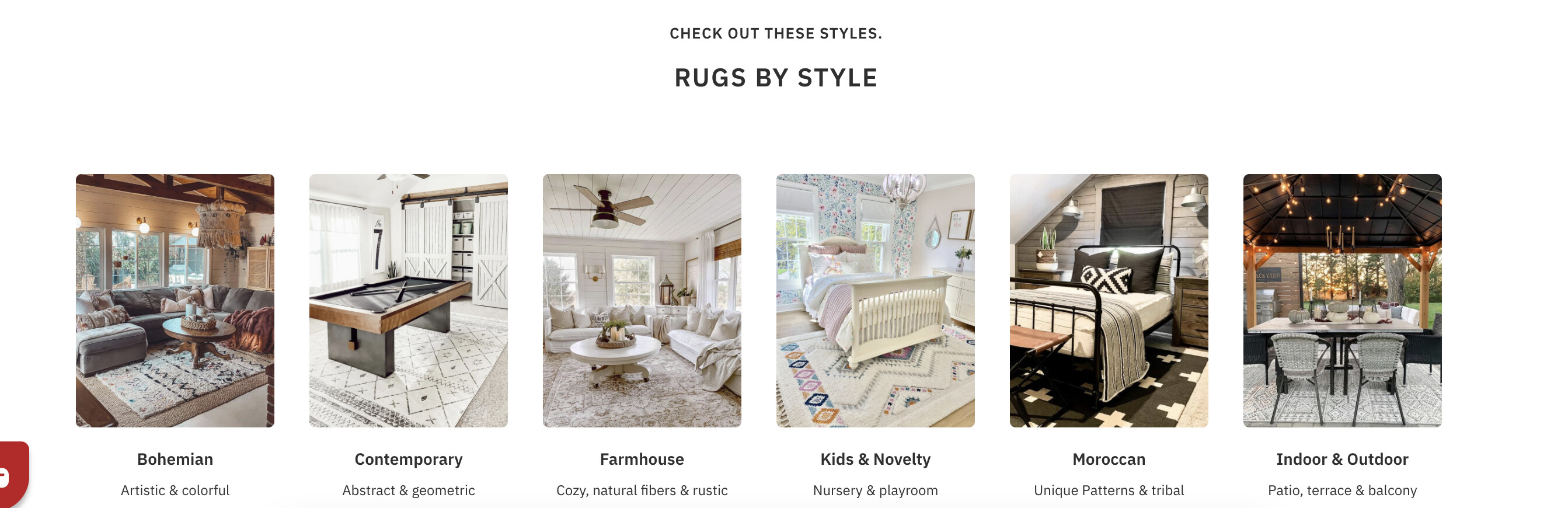
I have the collection images on my home page. They are all showing as two rows, is it possible to make them all one row with smaller images? This is how it appears now. The other image is how I would like for it to look. TIA! 
How my website looks ^
How I would like for it to look ^
@kamoroso Welcome to the Shopify family.
Share your store URL so that I can check.
@kamoroso Add this code into the base.css file.
You find base.css in your theme file. Just insert the following code.
@media screen and (min-width: 750px)
.collection-list.grid--3-col-tablet .grid__item {
    max-width: 100% !important;
    width: 100% !important;}

.collection-list--6-items{display: grid !important;
    grid-template-columns: repeat(6,1fr) !important;}
}
Let me know is it working or not.
Thank you!
Is there any particular place to put this in the base.css file or just at the bottom??
so I copied and pasted into the bottom section and this is how it appears now