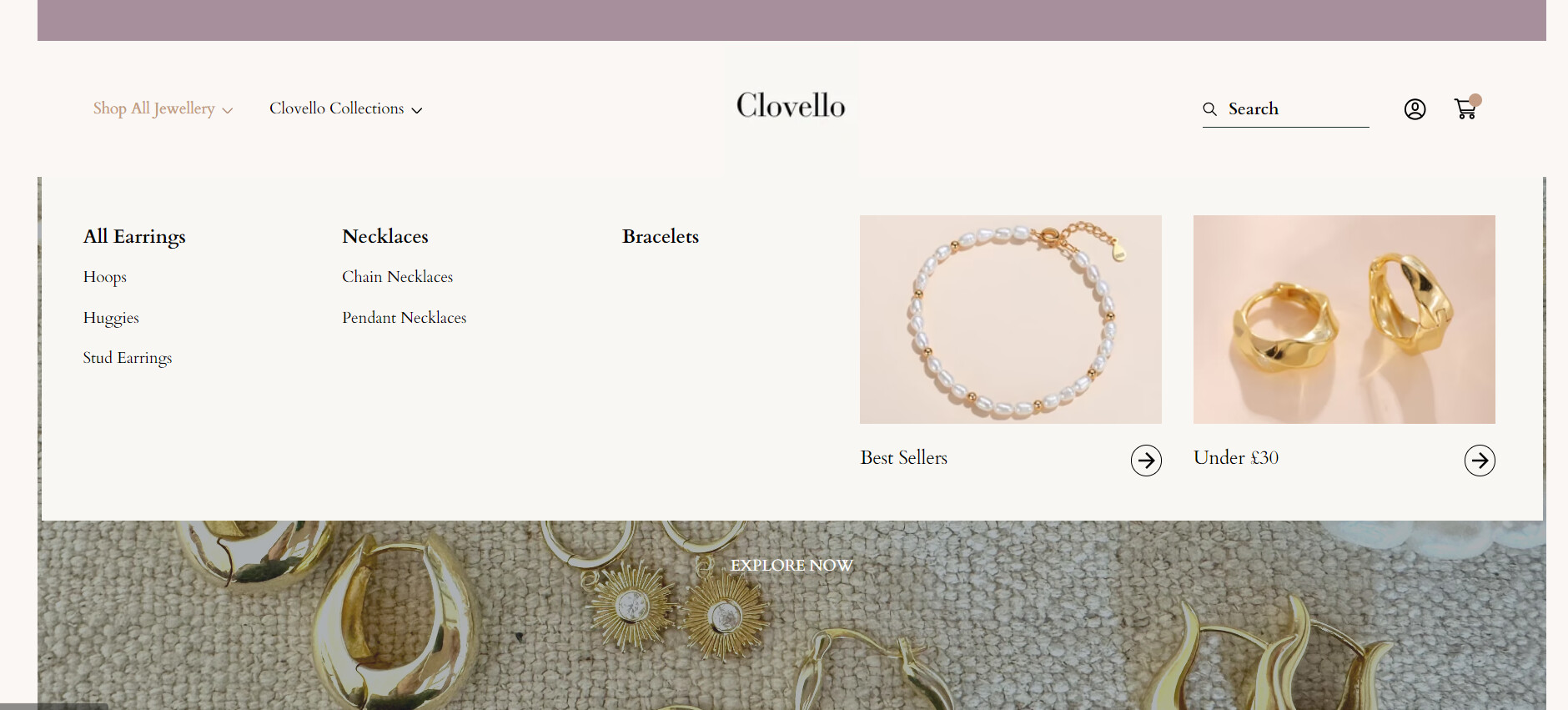
I am trying to make the second level menu options in my megamenu bold (All Earrings, Necklaces and Bracelets). I also want to move ‘Bracelets’ up a little to be in-line with the other 2 sub-headings as it seem to be lower.
Welcome to Shopify Community! Can you share your Store URL so I can have a look on it? Also, if you have password enabled then please share the password as well. Your cooperation would be greatly appreciated.
Hello @charliesidwell
Go to online store ----> themes ----> actions ----> edit code ----> assets ----> component-list.menu.css
add this code at the end of the file.
Thank you, could you also confirm how I would arrange the 4 links on the collections menu dropdown to be in one aligned column instead of spreading across 3 columns?