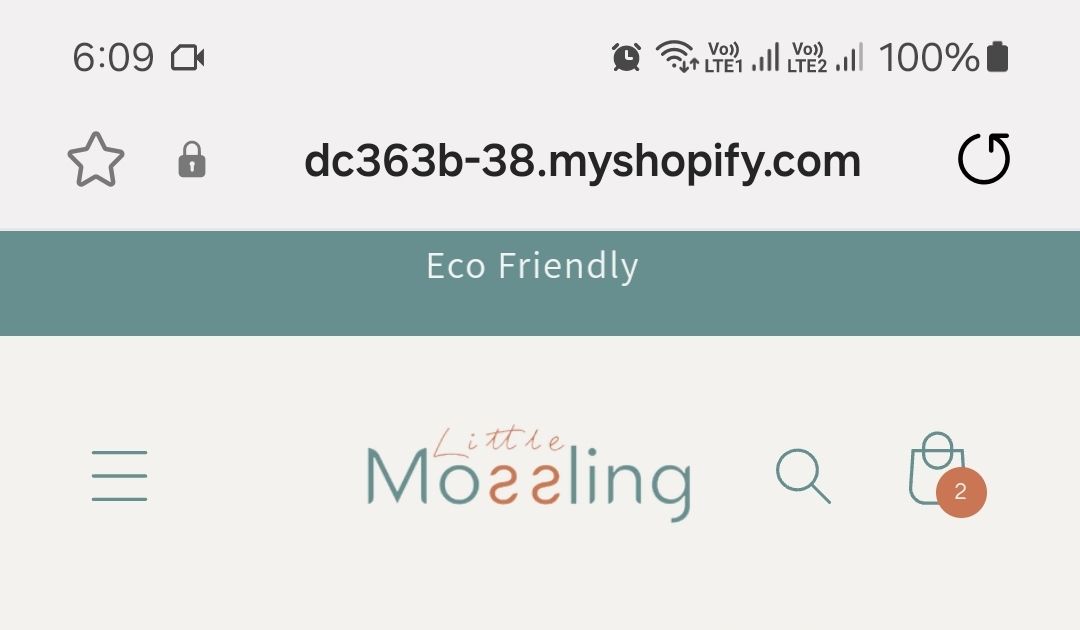
Hi. I want to have lots of space between each word in my top marquee. how can i do that?
https://dc363b-38.myshopify.com/
Pass: Sarah
Hi. I want to have lots of space between each word in my top marquee. how can i do that?
https://dc363b-38.myshopify.com/
Pass: Sarah
Hello @stitchesdxb
You can add code by following these steps
Go to Online Store → Theme → Edit code.
Open your theme.liquid file
Paste the below code before on theme.liquid
Was my reply helpful? Click Like to let me know!
Was your question answered? Mark it as an Accepted Solution.
Hey @stitchesdxb
Follow these Steps:
Go to Online Store
Edit Code
Find theme.liquid file
Add the following code in the bottom of the file above tag
RESULT:
If I managed to help you then, don’t forget to Like it and Mark it as Solution!
Best Regards,
Moeed
check my reply on my main post please.
no, im using a custom code i got from a youtube video not the shopify built in one
    {%- if section.settings.text != blank -%}
      {%- if section.settings.link != blank -%}

      {%- endif -%}


            {{ section.settings.text | escape }}
            {{ section.settings.text | escape }}
            {{ section.settings.text | escape }}
            {{ section.settings.text | escape }}
            {{ section.settings.text | escape }}
            {{ section.settings.text | escape }}
            {{ section.settings.text | escape }}
            {{ section.settings.text | escape }}
            {{ section.settings.text | escape }}
            {{ section.settings.text | escape }}
            {%- if section.settings.link != blank -%}
              {% render 'icon-arrow' %}
            {%- endif -%}


          {%- if section.settings.link != blank -%}

      {%- endif -%}
    {%- endif -%}
Yes that looks great!
Thank u soooo much for your help. It worked. Needs a bit of tweaking (the words are not centered in height in the box)
I bought u a coffee thanks for your help!
Do u think u can see how to have the text centered in “height” in the marquee box
Do i change the whole code to this code?
its ok on desktop. but on mobile still the same.
i have changed the size of font and box
{{id}} .marquee {
    position: relative;
    width: 100vw;
    max-width: 100%;
    height: 40px;
   background-color: #5d9090;
    overflow-x: hidden;
  }
 {{id}} .marquee-content {
      display: flex;
      gap: 25rem;
   font-size: 18px;
    background-color: #5d9090;
align-items: center;
    line-height: 2;
  }