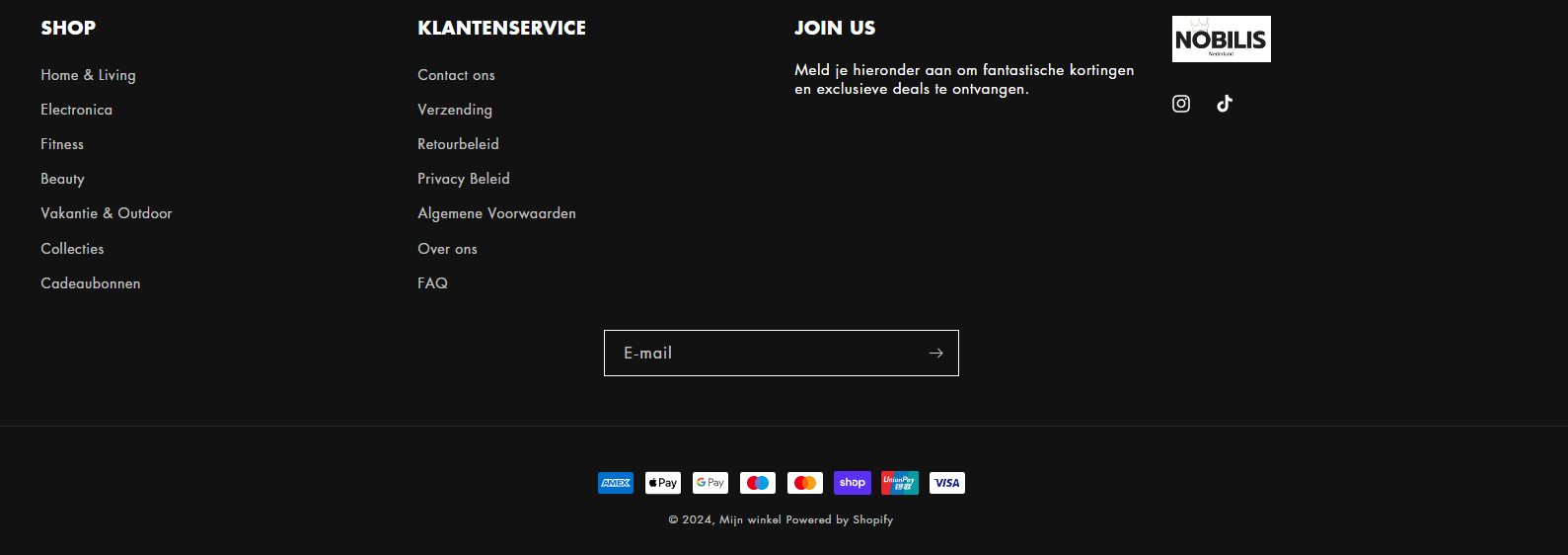
In the top and bottom menu of my store, the menu options are highlighted and are underlined when navigating.
How can i turn this off?
I do not want the menu options highlighted / change color and underlined when navigating.
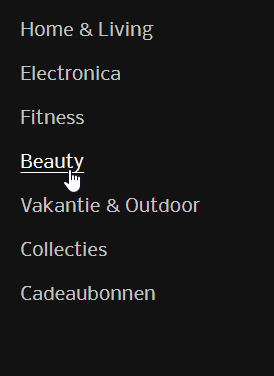

In the top and bottom menu of my store, the menu options are highlighted and are underlined when navigating.
How can i turn this off?
I do not want the menu options highlighted / change color and underlined when navigating.
Hey @Nielsdijkshoorn
Welcome to Shopify Community! Can you share your Store URL so I can have a look on it? Also, if you have password enabled then please share the password as well. Your cooperation would be greatly appreciated.
Best Regards,
Moeed
i managed to get the top menu clear of underlining bij removing ; underline as text-decoration in the base.css.
But the sub menu under shop still has the problem, same as the menu on the footer
and i also want the top menu centered
Hey @Nielsdijkshoorn
Follow these Steps:
Go to Online Store
Edit Code
Find theme.liquid file
Add the following code in the bottom of the file above tag
RESULT:
If I managed to help you then, don’t forget to Like it and Mark it as Solution!
Best Regards,
Moeed
ik worked but the color is still gray and not white like the headers
and in this submenu underlining is still on
Hey @Nielsdijkshoorn
I’ve updated the code, add this updated code and it should be good to go then!
If I managed to help you then, don’t forget to Like it and Mark it as Solution!
Best Regards,
Moeed