Motion theme product page customization page width - urgent

Topic summary

A user seeks to add extra padding and increase the width to 1300px for the product image and content section on their Motion theme product pages, but only on desktop view. They provided reference images showing the current narrow layout versus the desired wider design.

Multiple solutions proposed:

  • Initial suggestions targeted .page-width globally, which affected the entire site including header, footer, and review sections
  • More refined solutions use .template-product .product-section .page-width to target only the product section
  • Implementation methods include adding CSS to base.css, theme.css, or Custom CSS in theme settings

Current status:
The discussion appears to have reached a working solution. The most recent code targets specifically .product-section .page-width with max-width: 1300px !important, which should affect only the product image and content area without impacting other page elements like headers, footers, or review sections.

Summarized with AI on October 29. AI used: claude-sonnet-4-5-20250929.

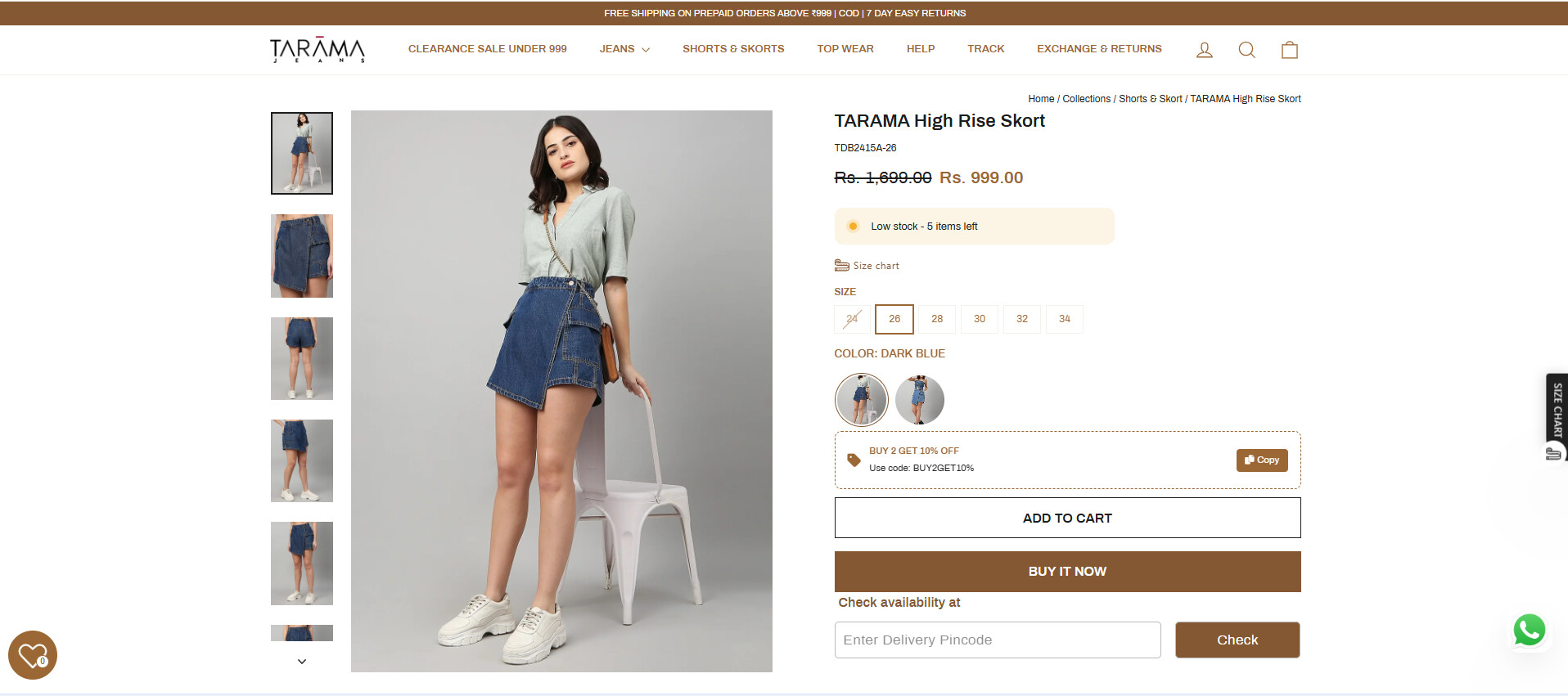
For my Motion theme website, I’d like to customize the product page to add extra padding to the product image and its contents, but only for desktop view. I’ve attached a reference image showing the desired design.

website: https://www.taramajeans.com/

Reference Image:

Now it is like this:

2 Likes

Hello @Sivadarshan ,

Here are the steps to apply the necessary changes in your Shopify store:

  1. In your Shopify Admin, navigate to Online Store > Themes > Actions > Edit Code.
  2. Locate Asset > base.css and paste the following code at the bottom of the file:
.page-width {
    max-width: 1300px !important;
}

Let me know if you need further assistance!

@Sivadarshan

Please add the following code to your assets/theme.css file at the bottom of the file.

.template-product .page-width {
    width: 100% !important;
    max-width: 1300px !important;
    padding: 0 20px;
}

Thanks!

@ZestardTech Thanks for the code, but I Need to make like that only in product page

@vm-web Sorry the code is not working

Please add this code to Custom CSS in Online Store > Themes > Customize > Theme settings.

.template-product .page-width { max-width: 1300px !important; }

Hi @Sivadarshan ,

Here are the steps to apply the necessary changes in your Shopify store:

  1. In your Shopify Admin, navigate to Online Store > Themes > Actions > Edit Code.
  2. Locate theme. liquid and paste the following code at the bottom of the tag:
{% if template == 'product' %}

{% endif %}

Change the template name according to your product page template.

@Dan-From-Ryviu It’s working but the entire page like header, reviews, recently bought together etc… is gone to 1300px, but I want only the product image and content to 1300px

1 Like

Please update the code.

.template-product .product-section .page-width { max-width: 1300px !important; }

@ZestardTech I’ve used this but the entire page is going to 1300px including header, review section, footer and recently bought section, But I want to customize only the product image and product content.
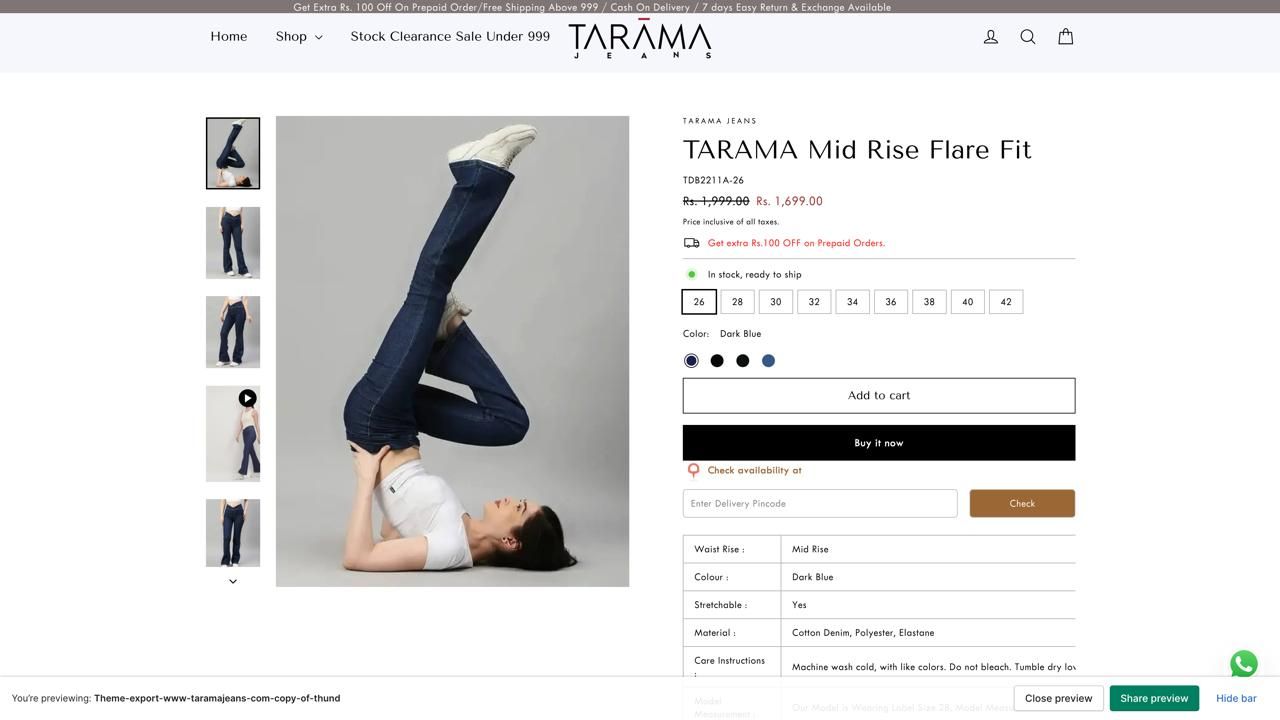
You can Add below given code inside the style tag in above given solution, It will work for sure.

.product-section .page-width {
max-width: 1300px !important;
}