Hello there,
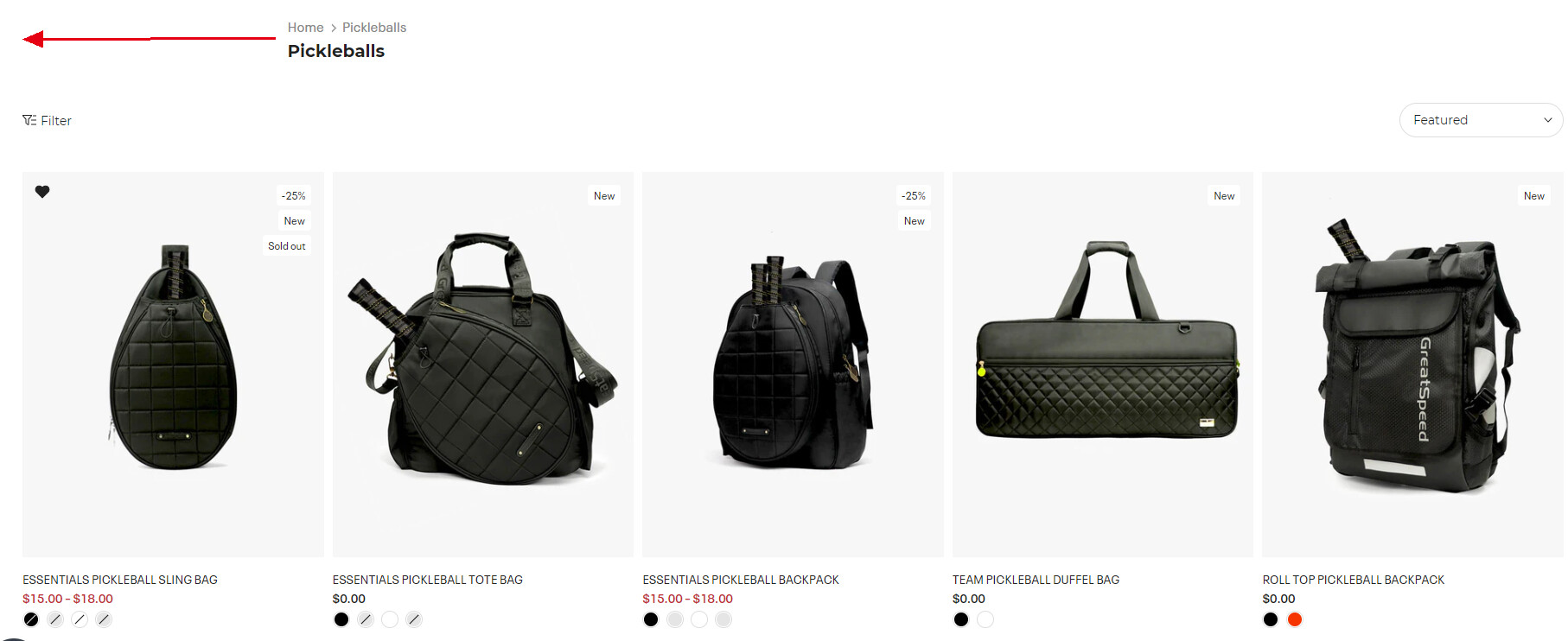
I want to move the page heading to the left on the wishlist page and collection page on desktop.
website: https://greatspeedsports.myshopify.com/
password: 123456
A user seeks to left-align page headings on wishlist and collection pages (desktop view) for their Shopify store using the Kalles theme.
Attempted Solution:
A responder provided CSS code to add to the theme’s base.css file:
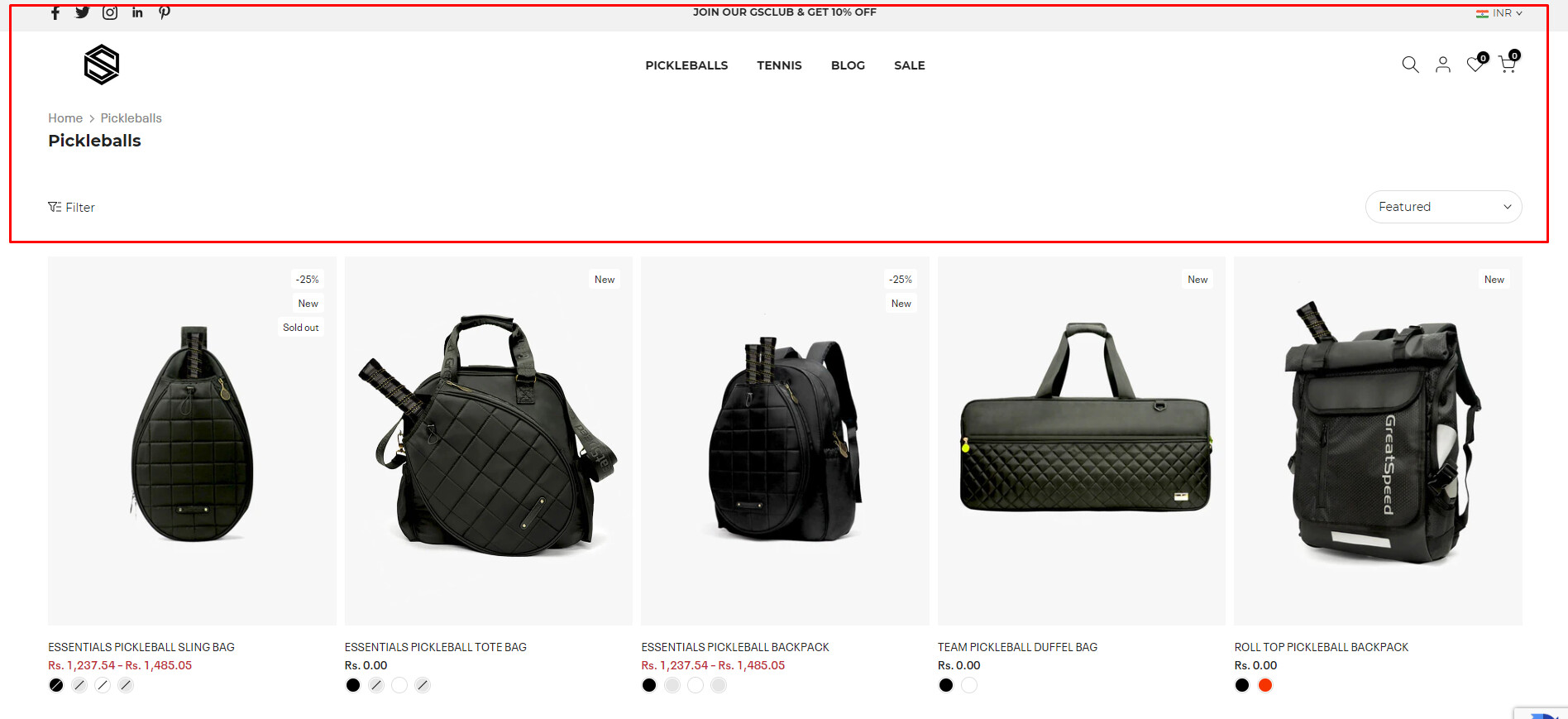
.t4s-container with max-width: 100% and padding: 0 60pxIssue Encountered:
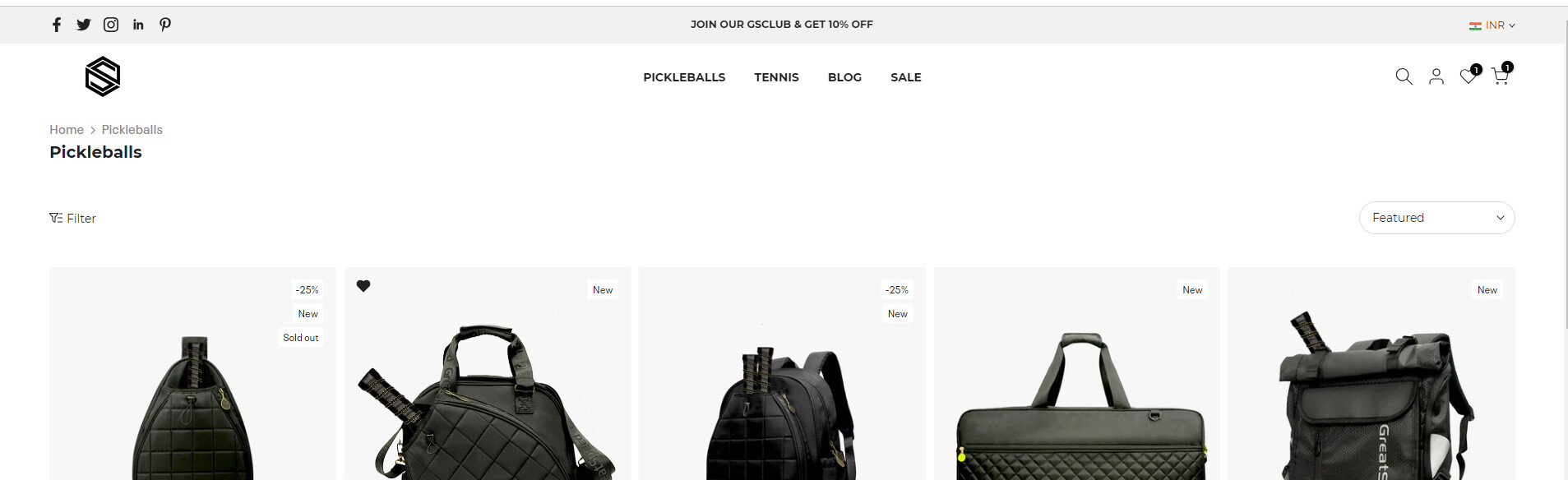
After implementing the code, the user reports an unintended side effect: the top bar and header shifted to the right instead of achieving the desired left alignment of page headings.
Current Status:
The problem remains unresolved. The initial CSS solution caused layout issues elsewhere on the site, requiring further troubleshooting or an alternative approach.
Hello there,
I want to move the page heading to the left on the wishlist page and collection page on desktop.
website: https://greatspeedsports.myshopify.com/
password: 123456
Hi @Bethchan56
Its SideNode! We will be happy to help you today.
Could you please verify and double-check your stored password? It appears to be incorrect or mismatched.
Let me know if need further assistance
Regards,
SideNode
Hello There,
.t4s-container {
    max-width: 100%;
    padding: 0 60px;
}